


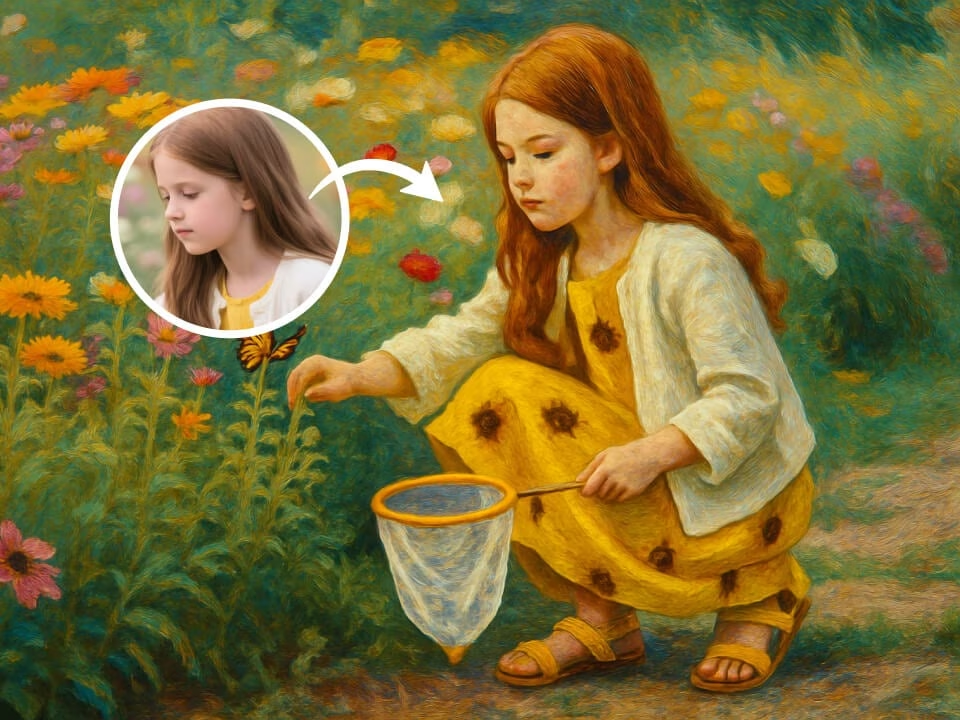
Example 1
AI photo to painting result generated from a photo
Upload a photo and turn it into a painting-style artwork with visible brushwork, richer color, and an art-gallery finish.

Strict identity preservation rule: The generated image MUST keep the original person's face shape, facial features, expression, hairstyle, pose, body proportions, and clothing exactly as in the uploaded photo. Do NOT change the person's identity, alter their expression, modify their pose, or add/remove clothing. Only apply the requested artistic style transformation while maintaining perfect character consistency. Transform the uploaded photo into a classical oil painting portrait. Preserve the subject's likeness perfectly. Apply rich impasto brushwork, deep color saturation, Renaissance or Impressionist painting techniques, subtle canvas weave texture, masterful chiaroscuro lighting, museum-quality fine art rendering, timeless painterly quality.
Gallery
AI photo to painting result generated from a photo
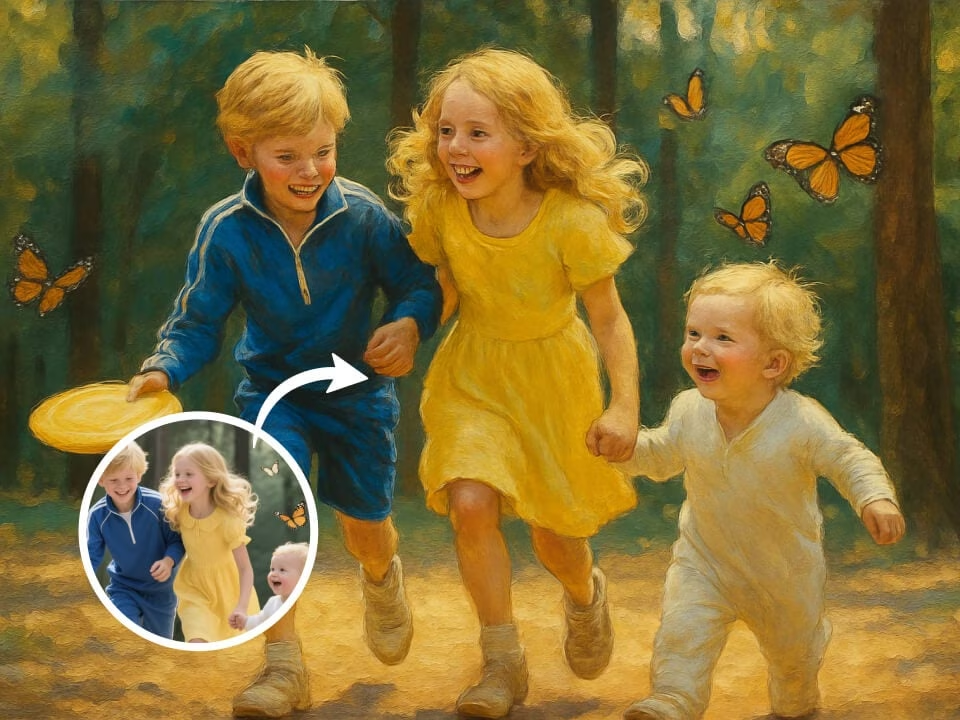
AI photo to painting result generated from a photo
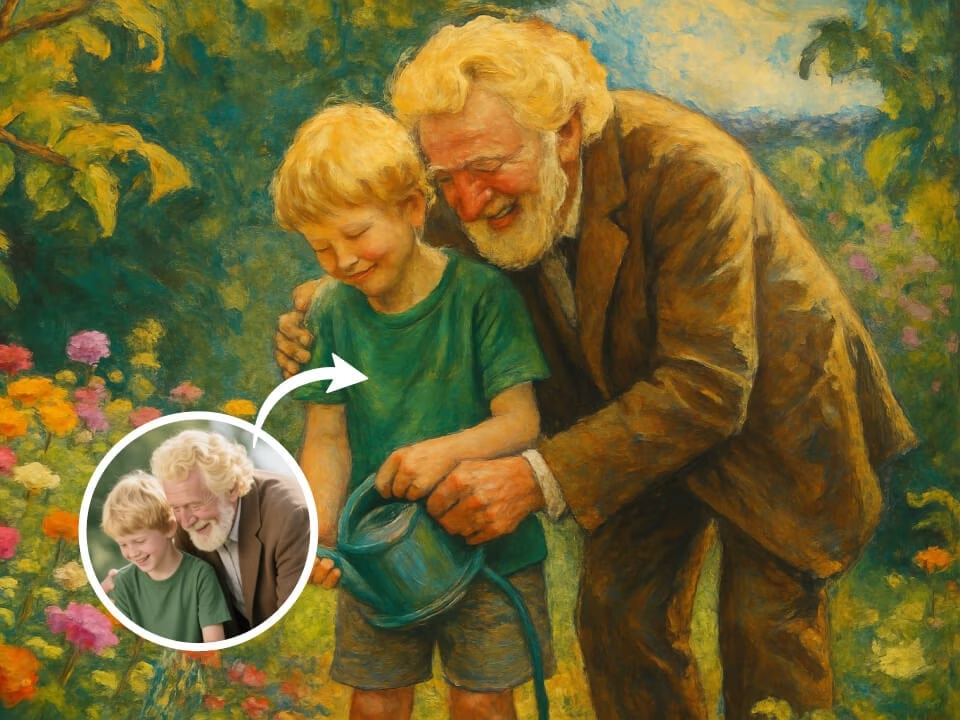
AI photo to painting result generated from a photo
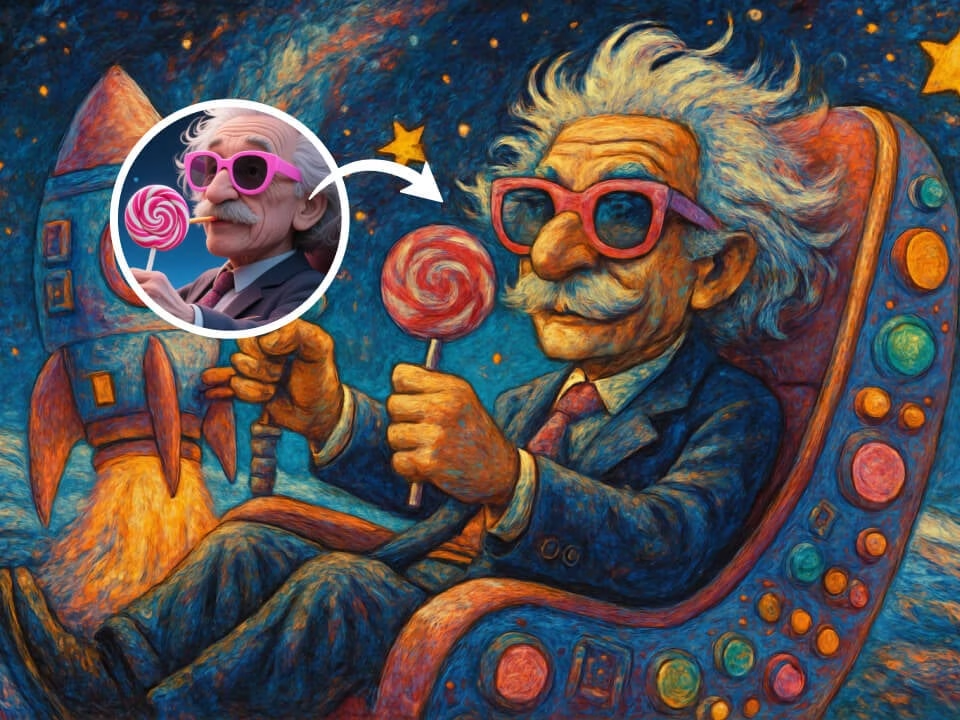
AI photo to painting result generated from a photo
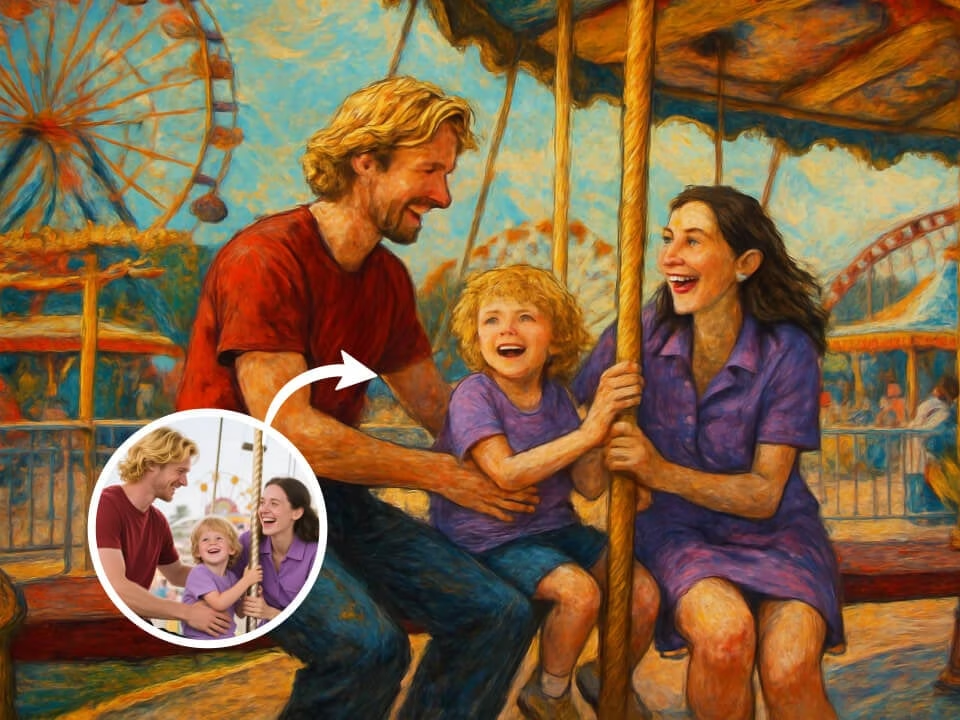
AI photo to painting result generated from a photo
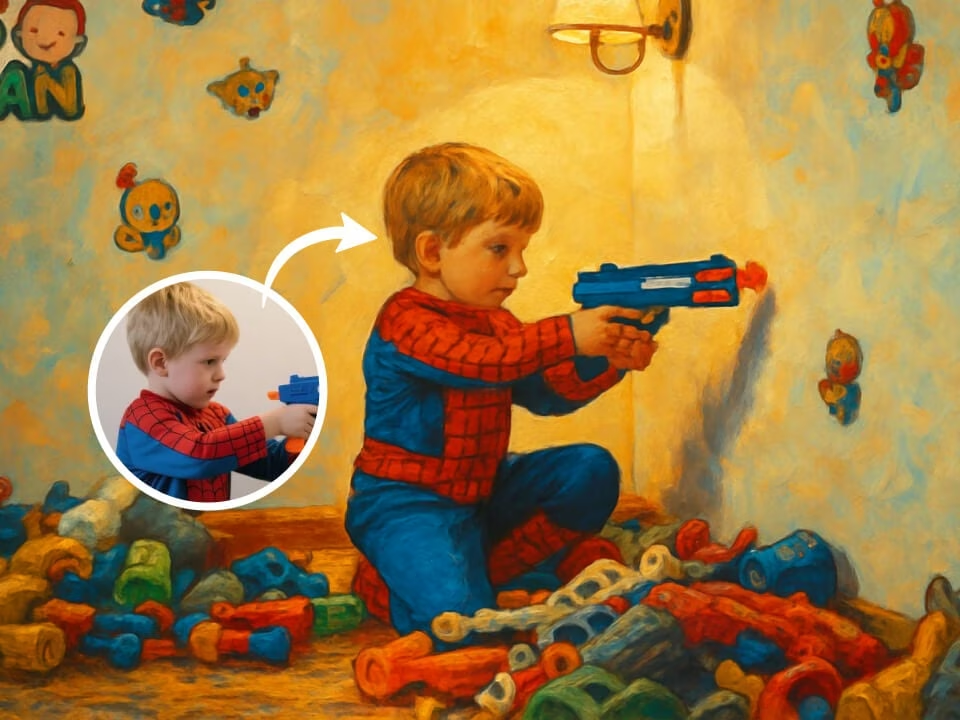
AI photo to painting result generated from a photo
Everything you need to create clear painting-style artwork from your photos.
Try the Photo to Painting Converter with free daily credits. No credit card required.
Generate polished painting-style artwork with clean details and a recognizable subject.
Create a finished result in seconds without a complicated editing workflow.
Upload your image, choose the effect, and let AI handle the visual conversion.
Download generated images without watermarks for sharing, profiles, or creative projects.
Your uploaded photos are processed securely and handled with privacy in mind.
Use this template when you need Photo to Painting Converter, photo to painting AI template, photo to painting prompt. Each example combines a visual style, a prompt pattern, and a practical output goal.
Upload or describe the source image, then generate a polished first version for Photo to Painting Converter without starting from a blank canvas.
Adjust the subject, mood, background, text space, and composition so the result works for photo to painting AI template.
Keep the best prompt structure and swap the subject, product, or persona to create more assets for photo to painting prompt.
Create a painting-style artwork in three simple steps.
Choose a clear JPG, PNG, or WebP image from your device.
The AI applies the painting style while preserving the key subject details.
Preview the finished image, then download and share it freely.
Common questions about the Photo to Painting Converter.
Use FreeGPTImg to make painting-style artwork from your photo in seconds. Start with free credits and download your finished image.