


Example 1
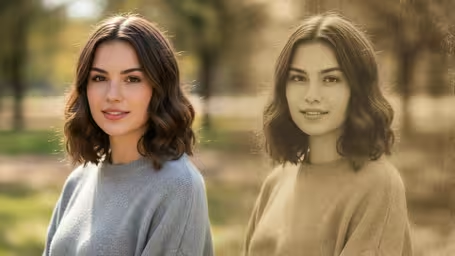
Vintage photo filter generated with retro film tones
Upload a photo and give it a vintage film look with soft grain, faded tones, retro color, and natural nostalgic texture.
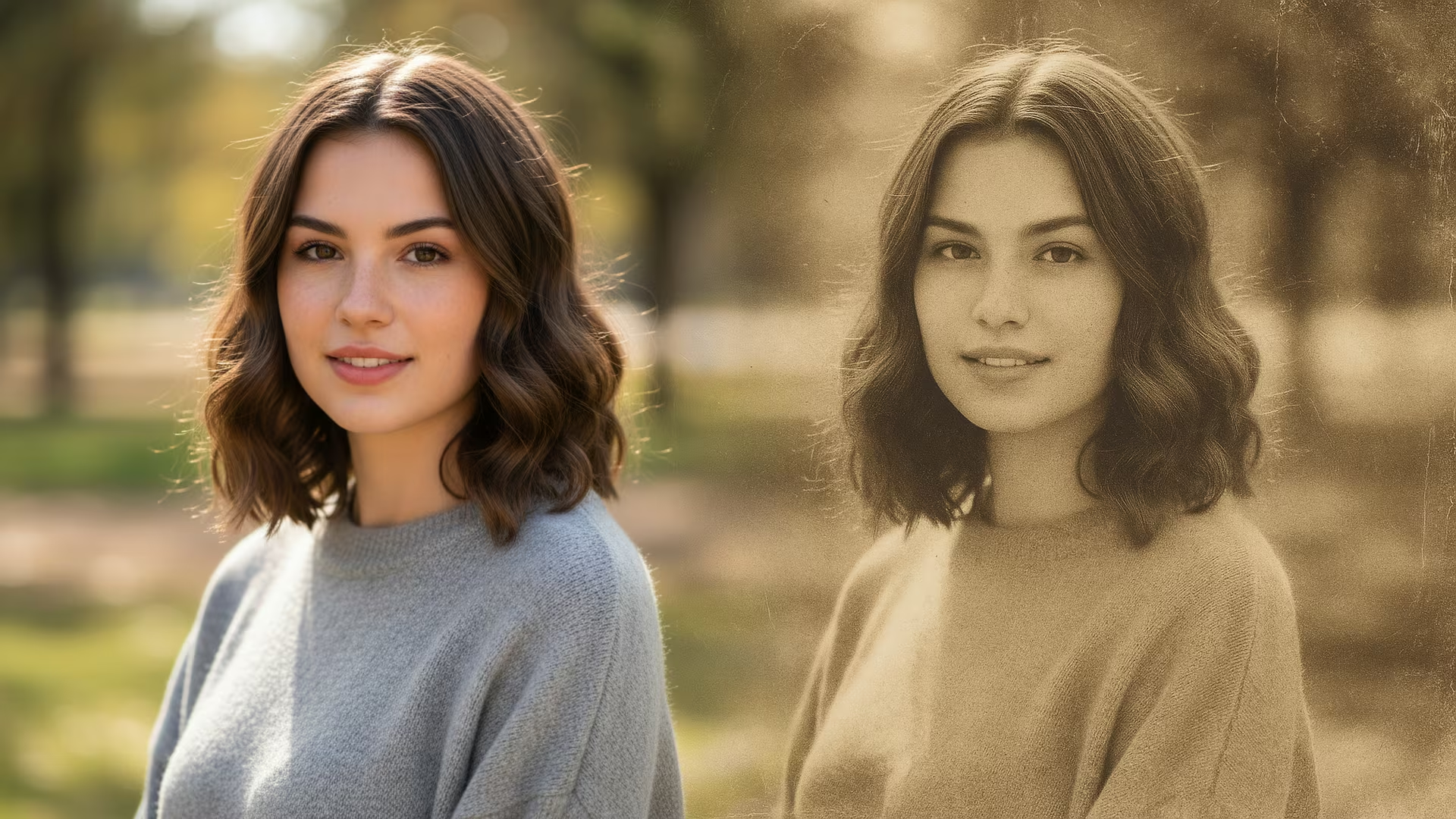
Strict identity preservation rule: The generated image MUST keep the original person's face shape, facial features, expression, hairstyle, pose, body proportions, and clothing exactly as in the uploaded photo. Do NOT change the person's identity, alter their expression, modify their pose, or add/remove clothing. Only apply the requested artistic style transformation while maintaining perfect character consistency. Transform the uploaded photo with a beautiful vintage film photography filter. Preserve the subject's likeness. Apply warm sepia or faded color tones, subtle film grain, soft vignette, slight light leaks, classic Kodak or Fujifilm color grading, nostalgic 1970s-80s aesthetic, timeless romantic mood, analog photography imperfections.
Gallery
Vintage photo filter generated with retro film tones
Vintage photo filter generated with retro film tones
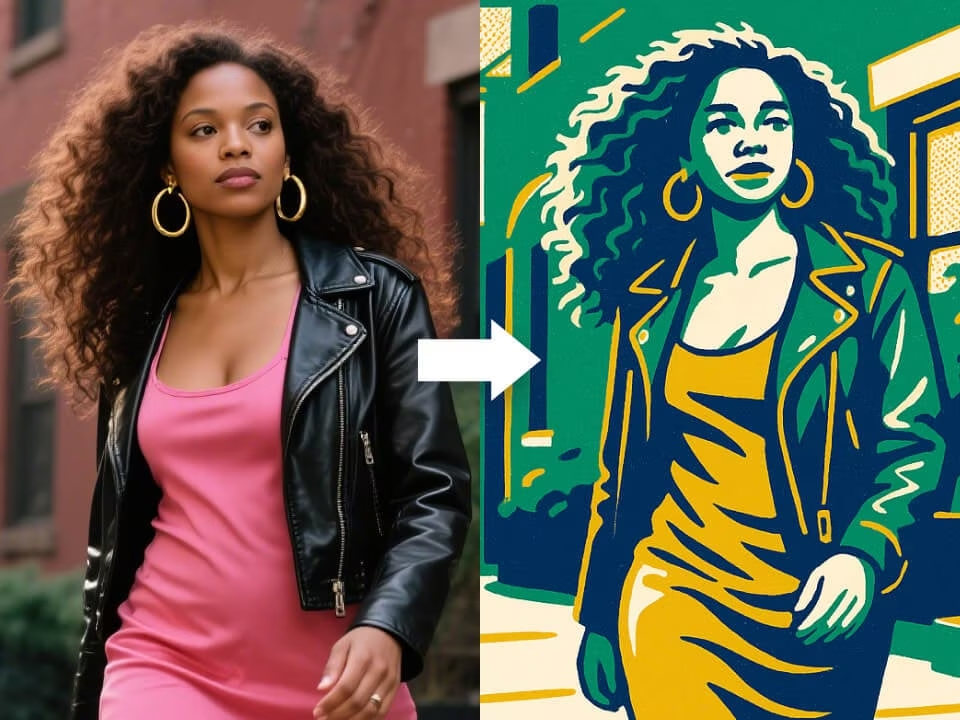
Vintage photo filter generated with retro film tones
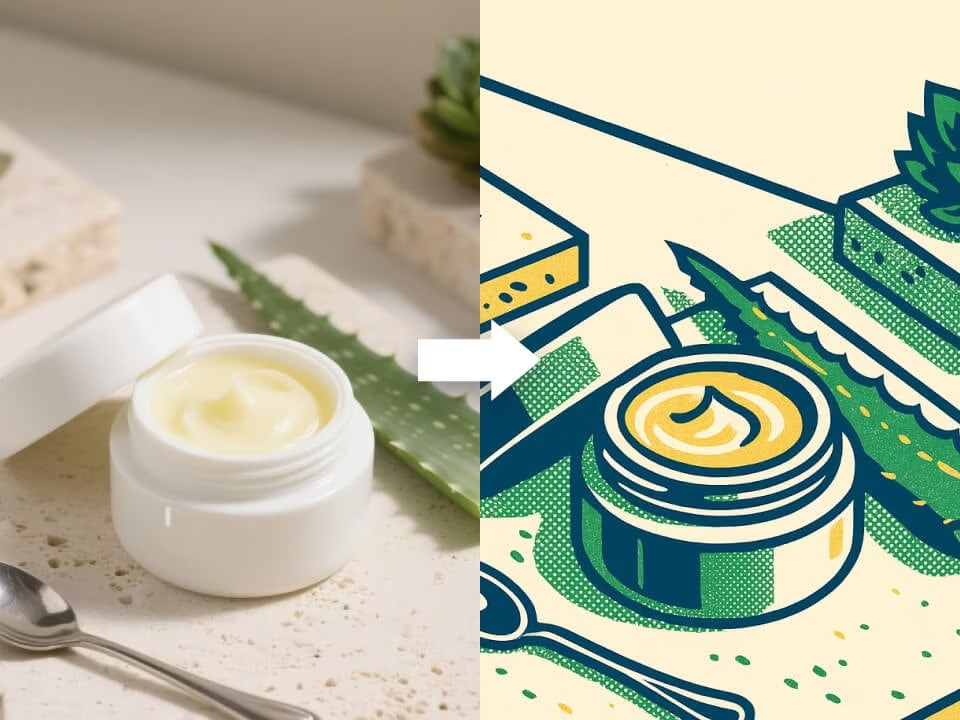
Vintage photo filter generated with retro film tones
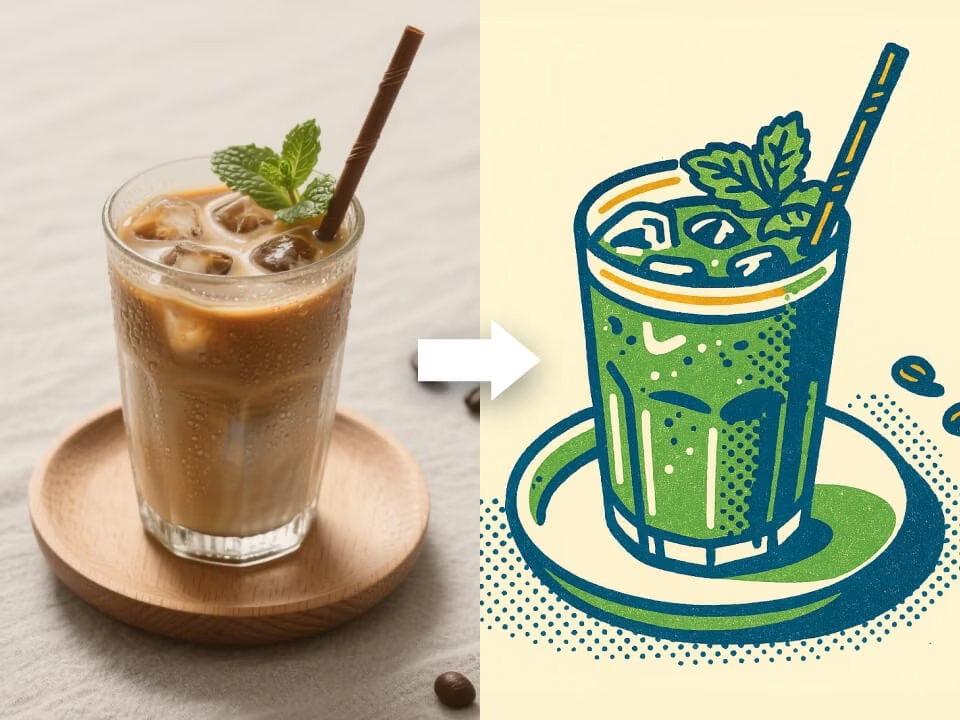
Vintage photo filter generated with retro film tones
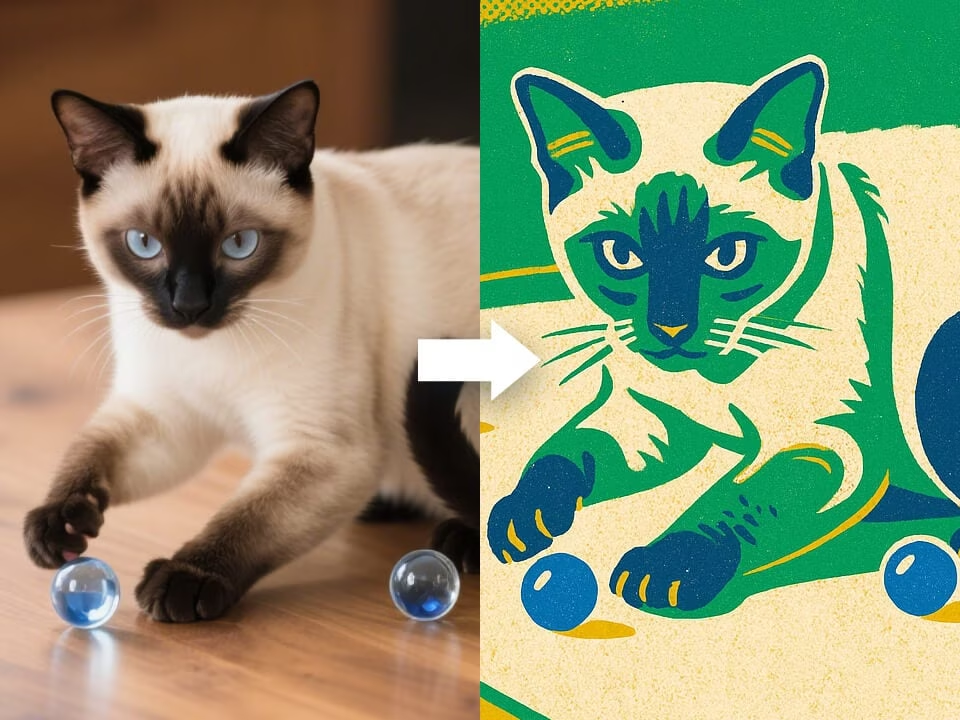
Vintage photo filter generated with retro film tones
Tools for creating vintage film looks while keeping the photo natural.
Use AI Vintage Filter with free daily credits. No credit card required.
AI Vintage Filter is tuned for this specific visual outcome, not a generic photo effect.
Get your result in seconds without a complicated editing workflow.
Upload a photo or describe the result you want. No design skills needed.
Download clean generated images without watermarks.
Uploaded photos are processed securely and handled with privacy in mind.
Create a vintage photo look in three quick steps.
Choose a JPG, PNG, or WebP image from your device.
The AI applies vintage color, film grain, faded contrast, and retro texture while preserving the subject and composition.
Download the finished high-resolution image and share it anywhere.
Common questions about AI vintage photo effects.
Give your photo a nostalgic film look with grain, faded tones, and retro color.