


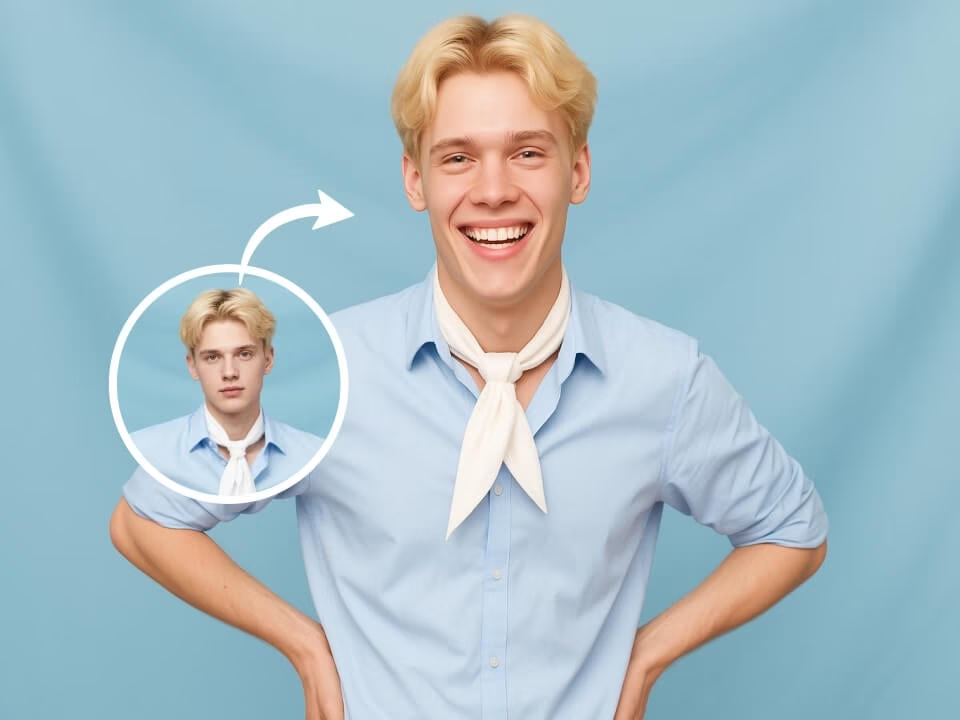
Example 1
natural smile photo edit example
Add a natural-looking smile to a portrait while keeping the same person, facial features, lighting, and photo style.

Strict identity preservation rule: The generated image MUST keep the original person's core identity markers — face shape, eye color, hair color, and distinctive facial features — exactly as in the uploaded photo. Do NOT change the person's identity into someone else. Only apply the requested specific modification (age/expression) while ensuring the person remains immediately recognizable. Transform the person in the uploaded photo to show a genuine warm smile. Preserve all other facial features and identity. Adjust expression to show natural teeth, smiling eyes with crow's feet, lifted cheeks, joyful authentic happiness. Maintain original pose, clothing, lighting, and background. Photorealistic expression change.
Gallery
natural smile photo edit example
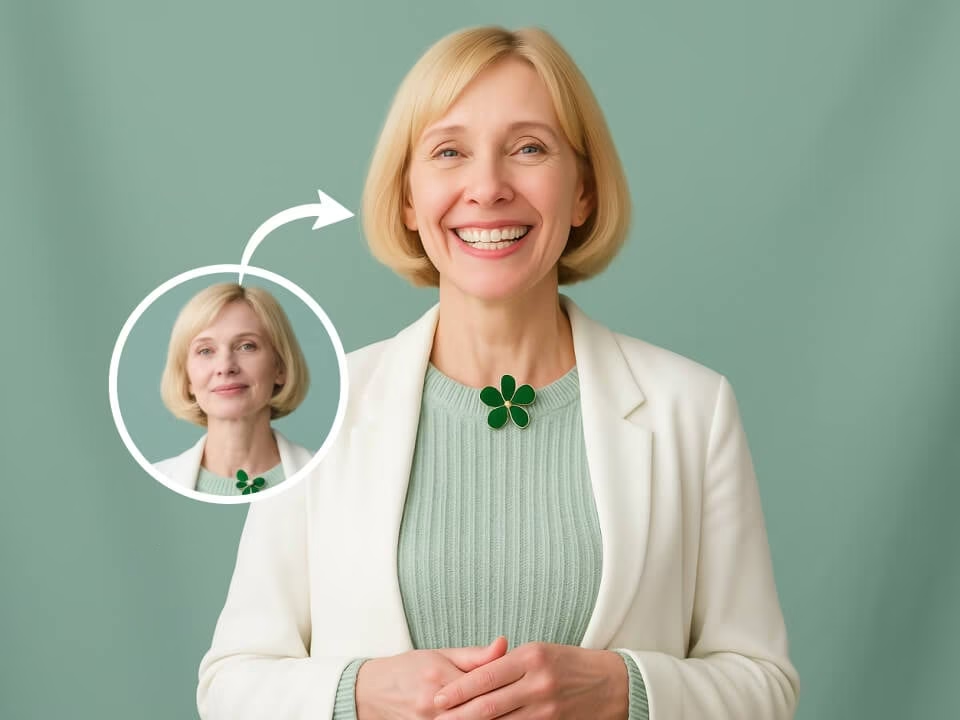
natural smile photo edit example
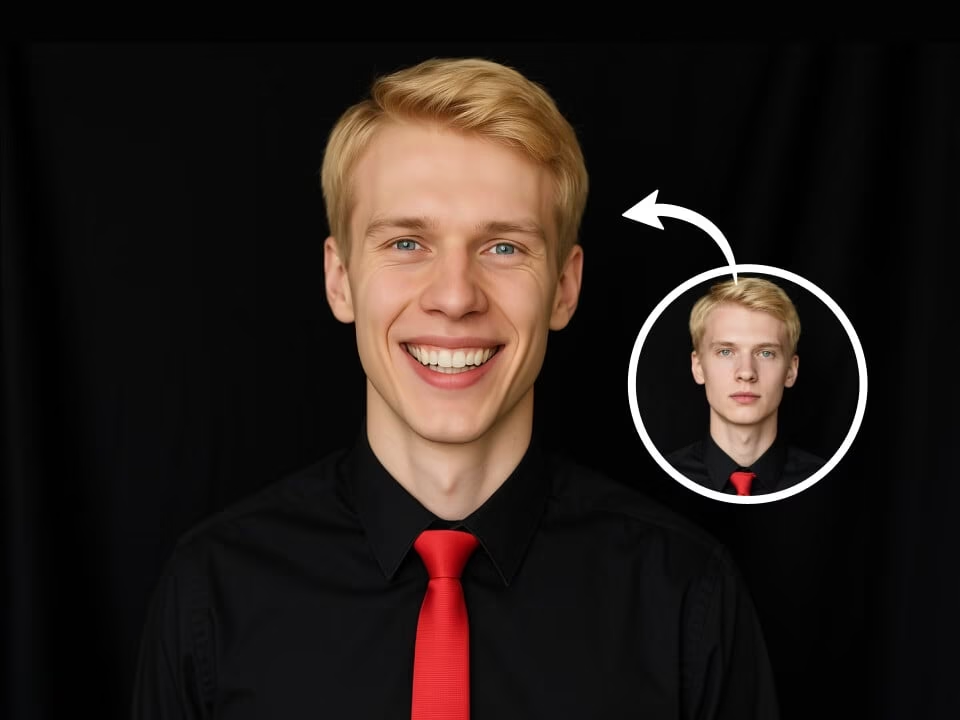
natural smile photo edit example
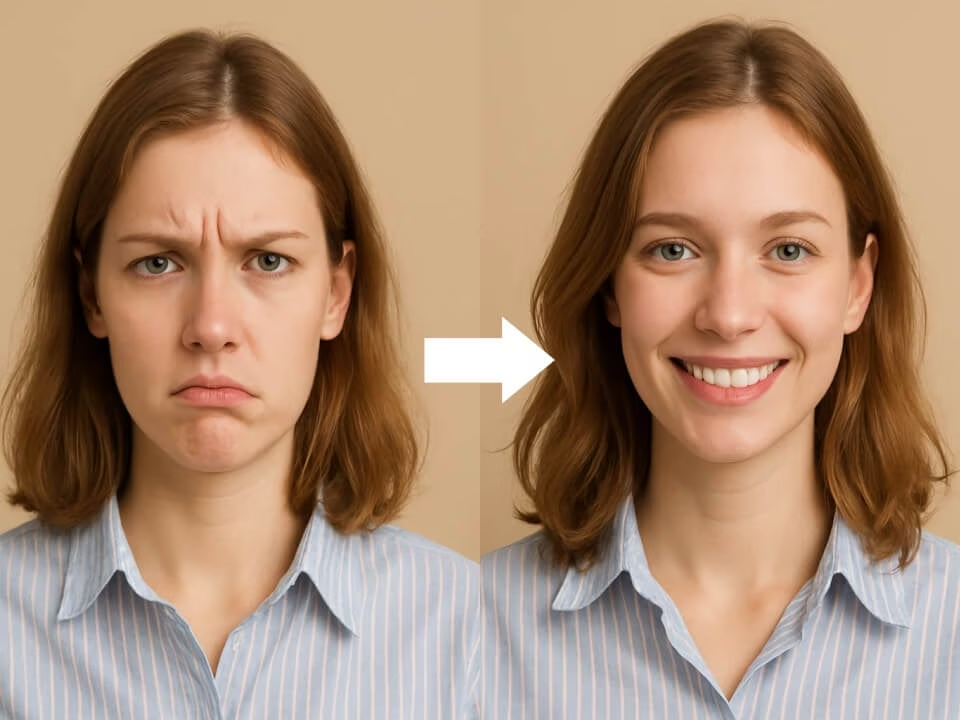
natural smile photo edit example
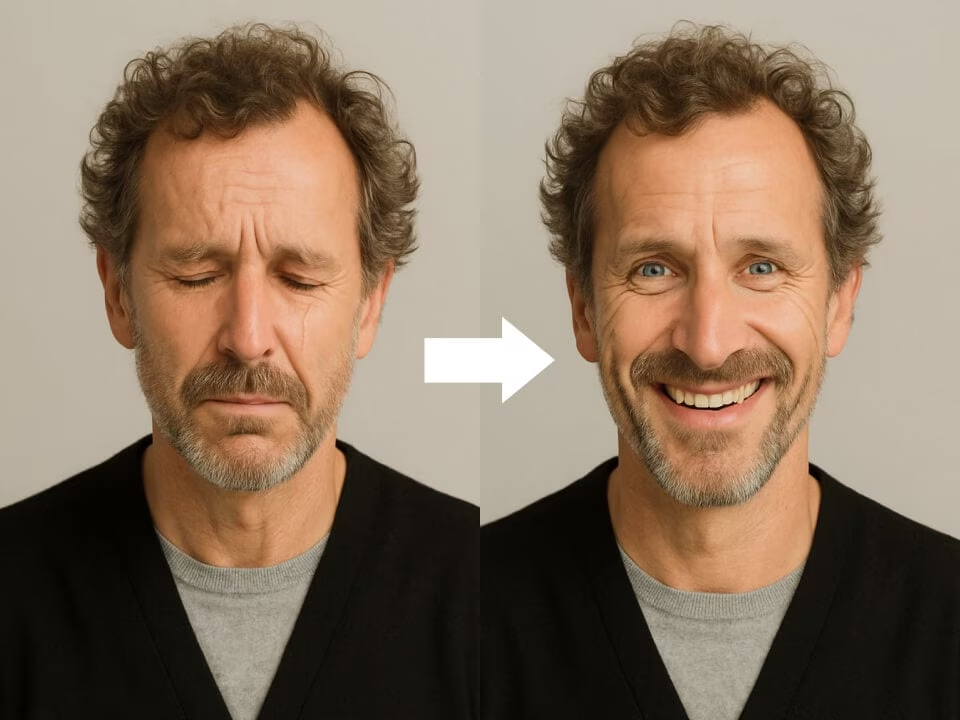
natural smile photo edit example
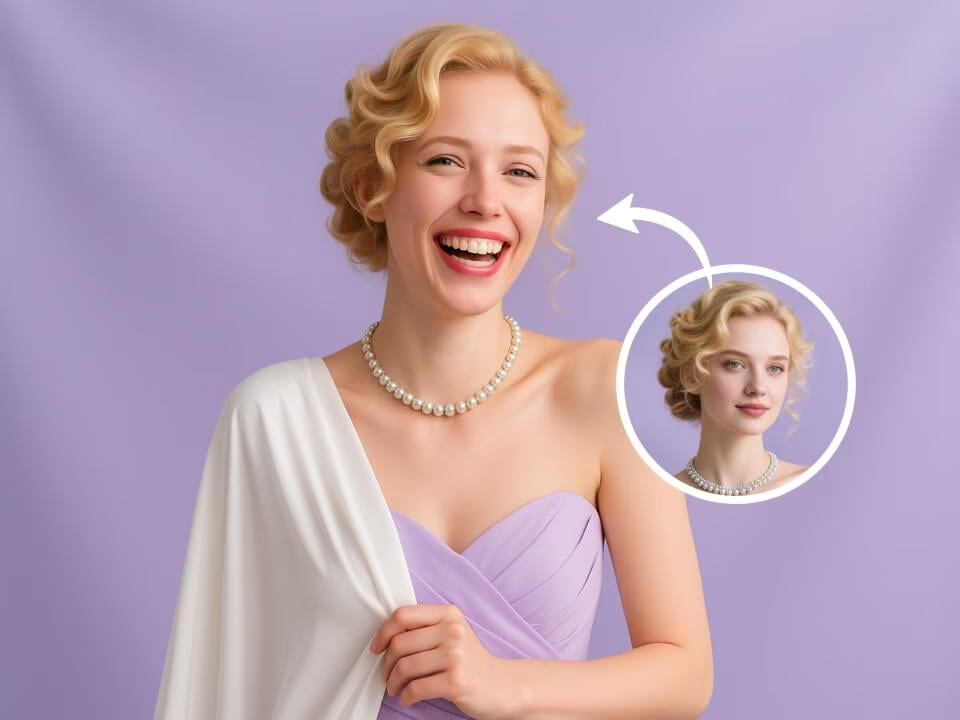
natural smile photo edit example
Create warmer portrait expressions without changing identity.
Start with free daily credits. No credit card required.
Add a friendly smile while preserving face shape, features, skin texture, and lighting.
Get a polished result in seconds without complex editing steps.
Upload your image, choose the template, and generate the result in one flow.
Download clean images without watermarks.
Uploaded photos are processed securely and handled with respect for your privacy.
Upload a portrait and generate a natural smile edit.
Choose a clear JPG, PNG, or WebP image from your device.
Our AI adjusts the expression into a natural smile while keeping identity and photo style intact.
Save the finished image in high resolution and use it where you need it.
Answers about adding smiles to photos with AI.
Upload a portrait and create a natural smiling version that still looks like the original person.