


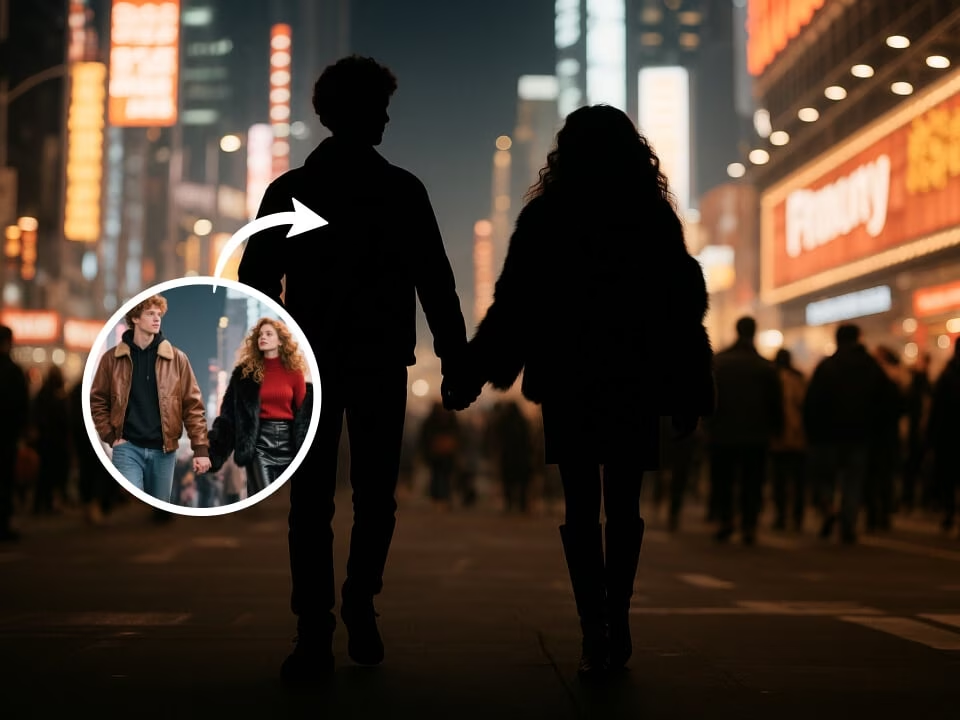
Example 1
clean silhouette image example with bold cutout silhouette styling
Convert your photo into a clean silhouette with strong edges, balanced contrast, and a simple graphic look for profiles or artwork.

Strict identity preservation rule: The generated image MUST keep the original person's face shape, facial features, expression, hairstyle, pose, body proportions, and clothing exactly as in the uploaded photo. Do NOT change the person's identity, alter their expression, modify their pose, or add/remove clothing. Only apply the requested artistic style transformation while maintaining perfect character consistency. Transform the uploaded photo into a clean artistic silhouette. Preserve the subject's distinctive pose and profile perfectly. Render as pure black silhouette against a dramatic gradient or solid background, crisp clean edges, elegant minimal composition, subtle inner glow or rim light option, timeless portrait silhouette style.
Gallery
clean silhouette image example with bold cutout silhouette styling
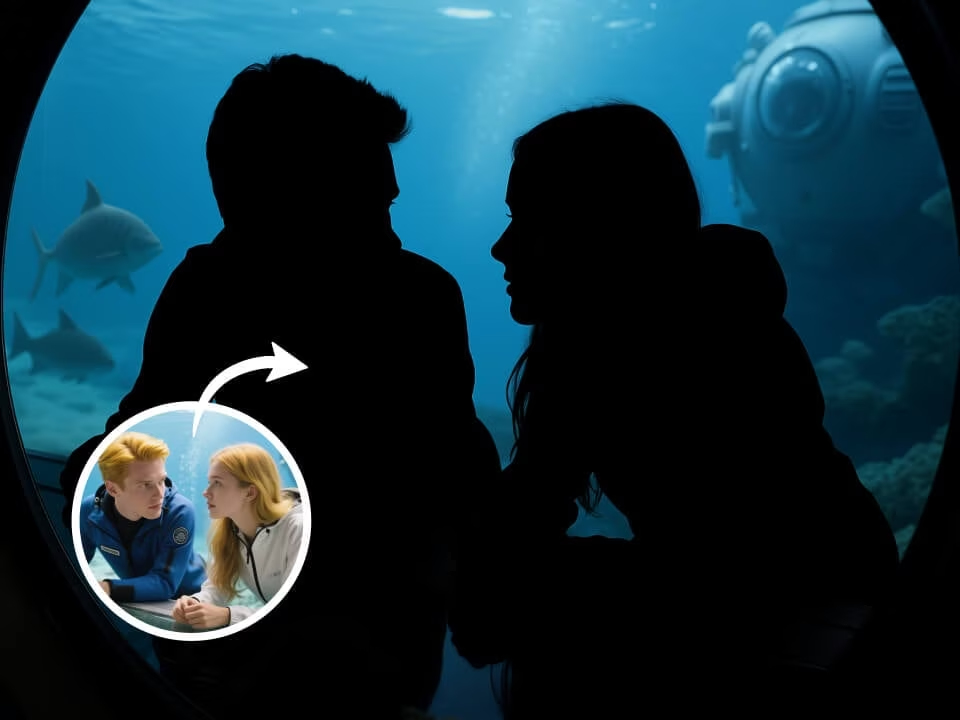
clean silhouette image example with bold cutout silhouette styling
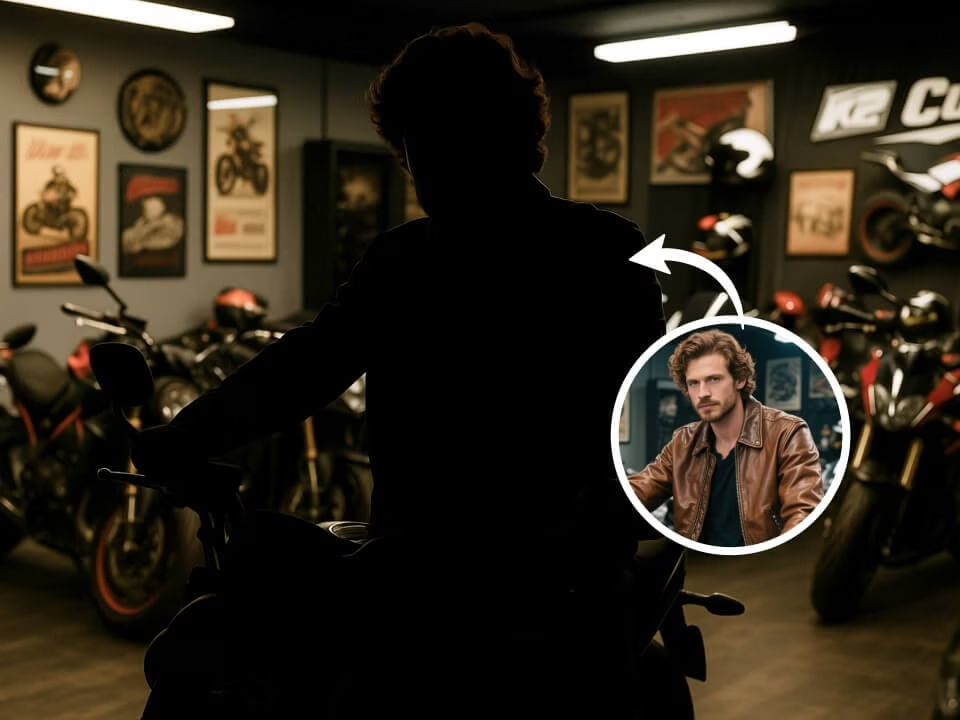
clean silhouette image example with bold cutout silhouette styling
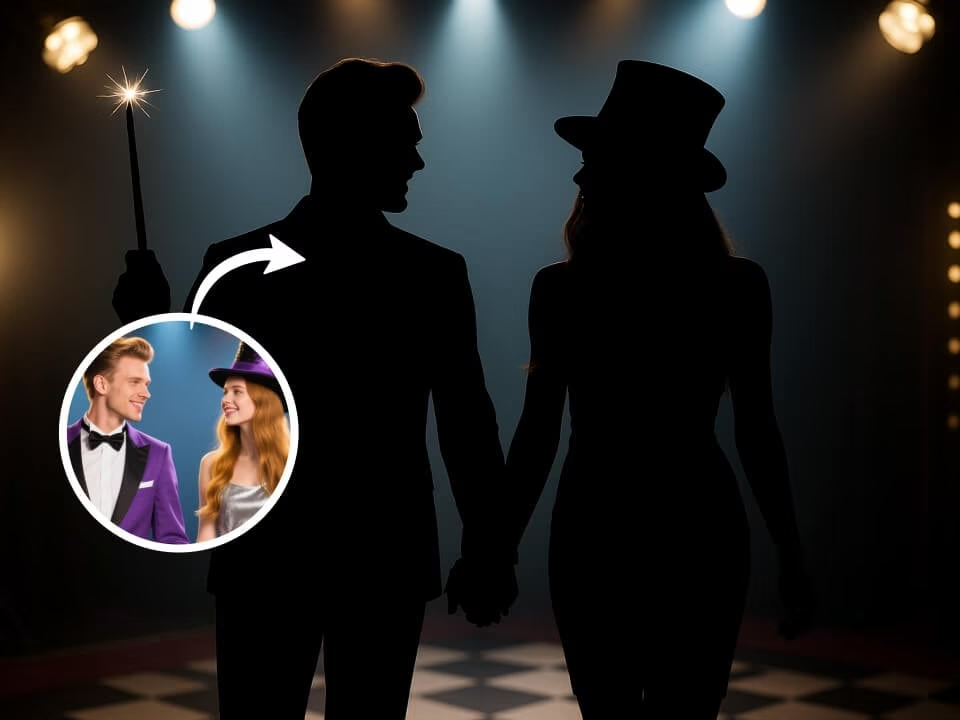
clean silhouette image example with bold cutout silhouette styling
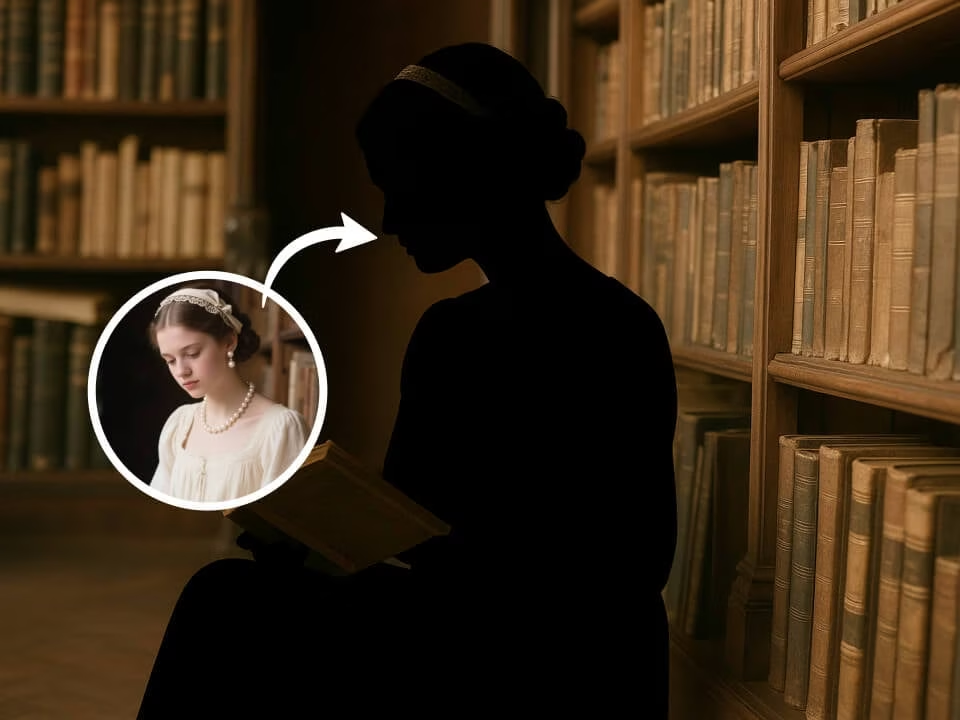
clean silhouette image example with bold cutout silhouette styling
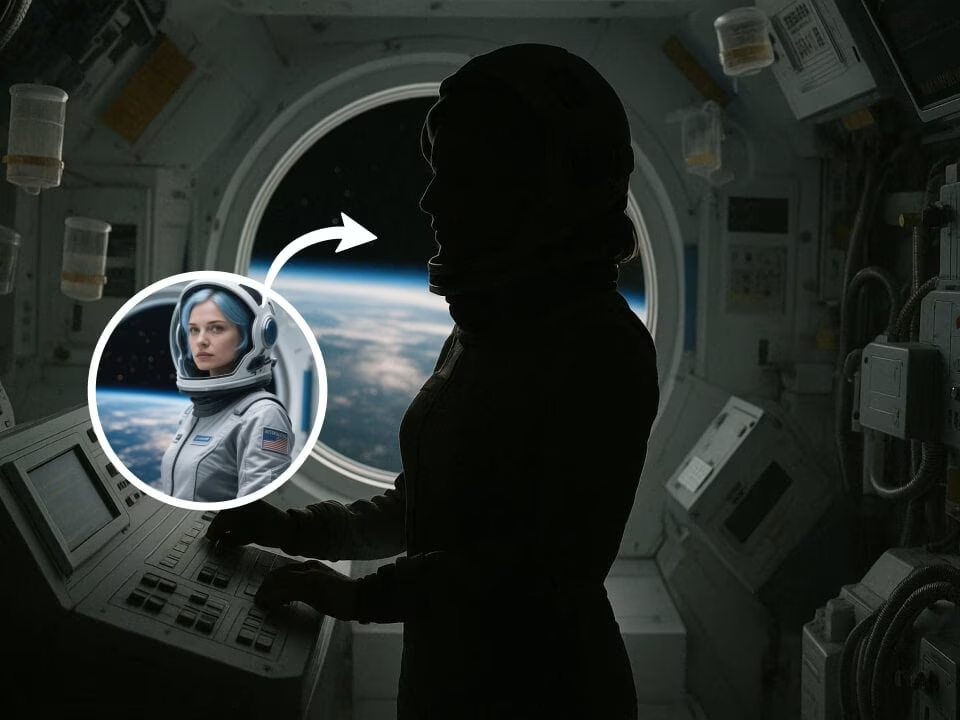
clean silhouette image example with bold cutout silhouette styling
Tools for creating clean silhouette image without generic photo effects.
Start creating clean silhouette image with free daily credits and no credit card.
Apply bold cutout silhouette styling while keeping the subject recognizable and usable.
Generate a polished silhouette maker result in seconds for quick previews.
Upload a photo, pick the effect, and let the AI handle the visual treatment.
Download your clean silhouette image cleanly, without a watermark on the image.
Uploaded photos are processed securely and handled with privacy in mind.
Create clean silhouette image in three simple steps.
Choose a clear portrait or image from your device. JPG, PNG, and WebP are supported.
The AI applies bold cutout silhouette styling and balances the result for the page intent.
Save the finished silhouette maker image and use it for profiles, posts, or creative projects.
Common questions about creating clean silhouette image.
Use AI Silhouette Maker to generate a focused silhouette maker result from your photo. Start free on FreeGPTImg.