


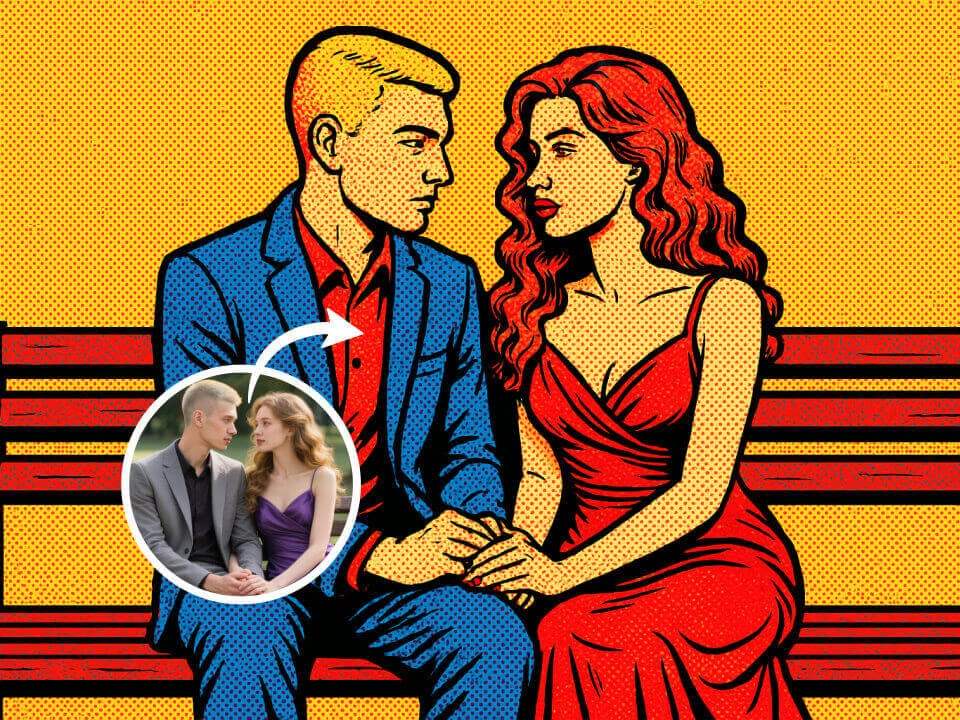
Example 1
AI Pop Art Filter generated example
Upload a photo to turn portraits into bold Warhol-style pop art with bright color blocks. AI Pop Art Filter keeps the subject recognizable while creating a polished, share-ready result.

Strict identity preservation rule: The generated image MUST keep the original person's face shape, facial features, expression, hairstyle, pose, body proportions, and clothing exactly as in the uploaded photo. Do NOT change the person's identity, alter their expression, modify their pose, or add/remove clothing. Only apply the requested artistic style transformation while maintaining perfect character consistency. Transform the uploaded photo into a vibrant Andy Warhol-style pop art piece. Preserve the subject's likeness. Apply bold flat colors, Ben-Day dot patterns, thick black outlines, bright contrasting color blocks, repeated panel composition, 1960s commercial art aesthetic, silkscreen print texture, iconic pop art color palette.
Gallery
AI Pop Art Filter generated example
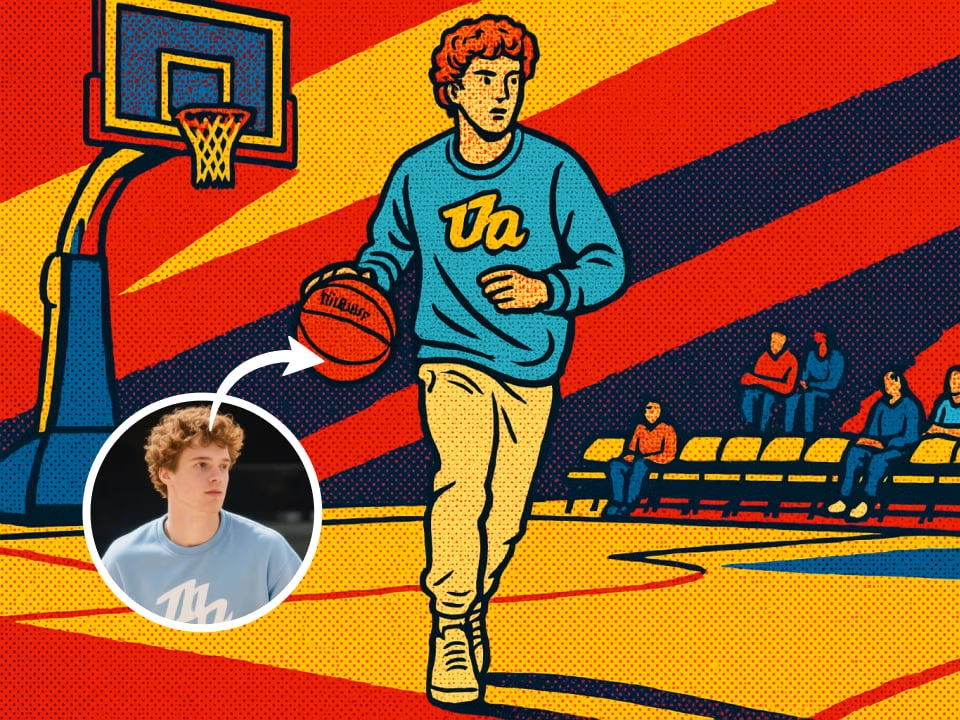
AI Pop Art Filter generated example
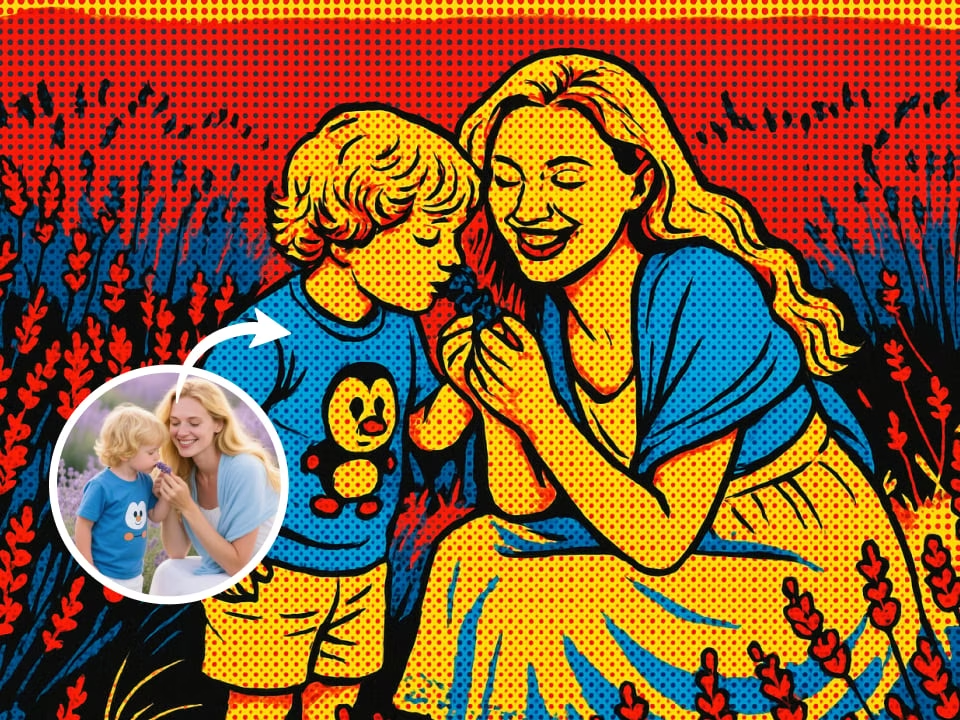
AI Pop Art Filter generated example
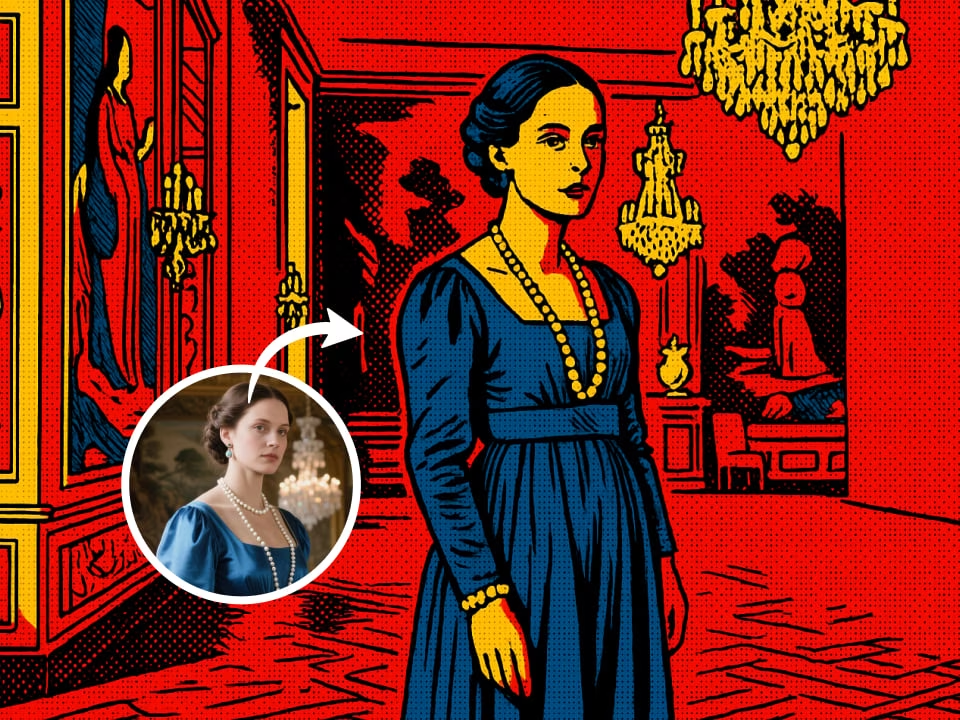
AI Pop Art Filter generated example
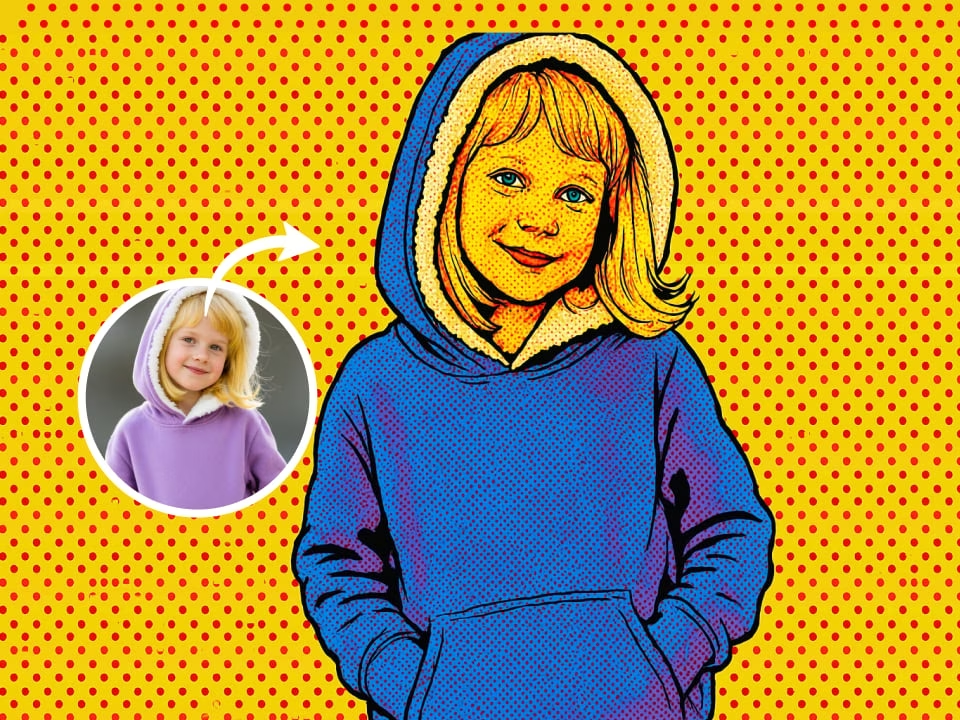
AI Pop Art Filter generated example
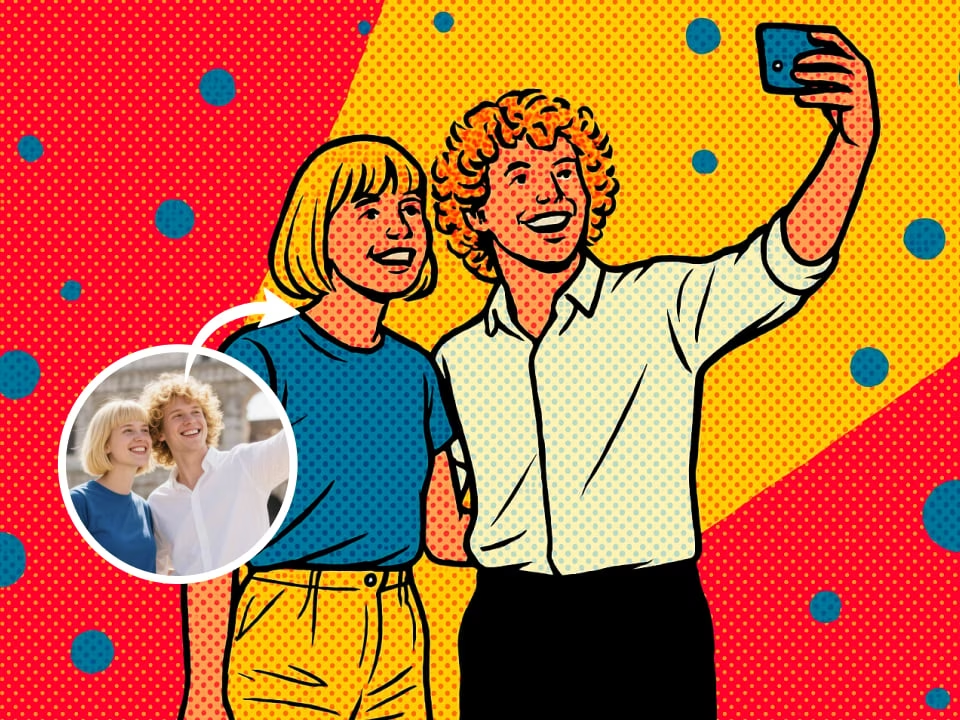
AI Pop Art Filter generated example
Everything you need to create bold pop art portraits and poster-style edits.
Use AI Pop Art Filter with free daily credits. No credit card required.
Generate detailed bold pop art portraits and poster-style edits with clean edges, realistic styling, and high-resolution output.
Get your results in seconds. No waiting, no queue.
Upload your photo and get instant results. No technical skills needed.
Download your generated images without any watermarks. Full resolution, completely yours.
Your uploaded photos are processed securely and deleted after generation. We respect your privacy.
Create a bold pop art portrait effect in three quick steps.
Choose any photo from your device. Supported formats: JPG, PNG, WebP.
Our AI applies a bold pop art portrait effect while preserving the important details of your photo.
Get your high-quality result in seconds. Download and share freely.
Common questions about creating bold pop art portraits and poster-style edits.
Start with your own photo and generate bold pop art portraits and poster-style edits on FreeGPTImg without a credit card.