


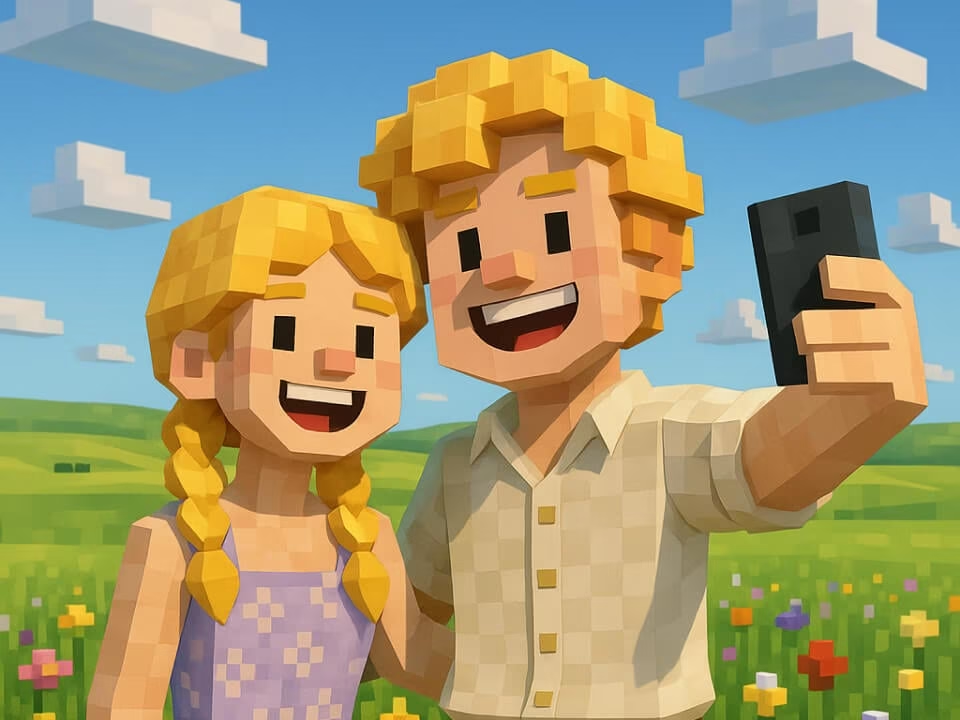
Example 1
Blocky voxel-style AI image result
Transform a photo into a blocky voxel-style character or scene with square textures, pixel detail, and playful Minecraft-inspired composition.

Strict identity preservation rule: The generated image MUST keep the original person's face shape, facial features, expression, hairstyle, pose, body proportions, and clothing exactly as in the uploaded photo. Do NOT change the person's identity, alter their expression, modify their pose, or add/remove clothing. Only apply the requested artistic style transformation while maintaining perfect character consistency. Transform the person in the uploaded photo into a Minecraft character or scene. Preserve the subject's recognizable features in blocky voxel form. Render with iconic 16x16 pixel texture style, cubic proportions, bright saturated colors, Minecraft world background with blocks, grass, and sky, authentic game aesthetic, clean crisp edges.
Gallery
Blocky voxel-style AI image result
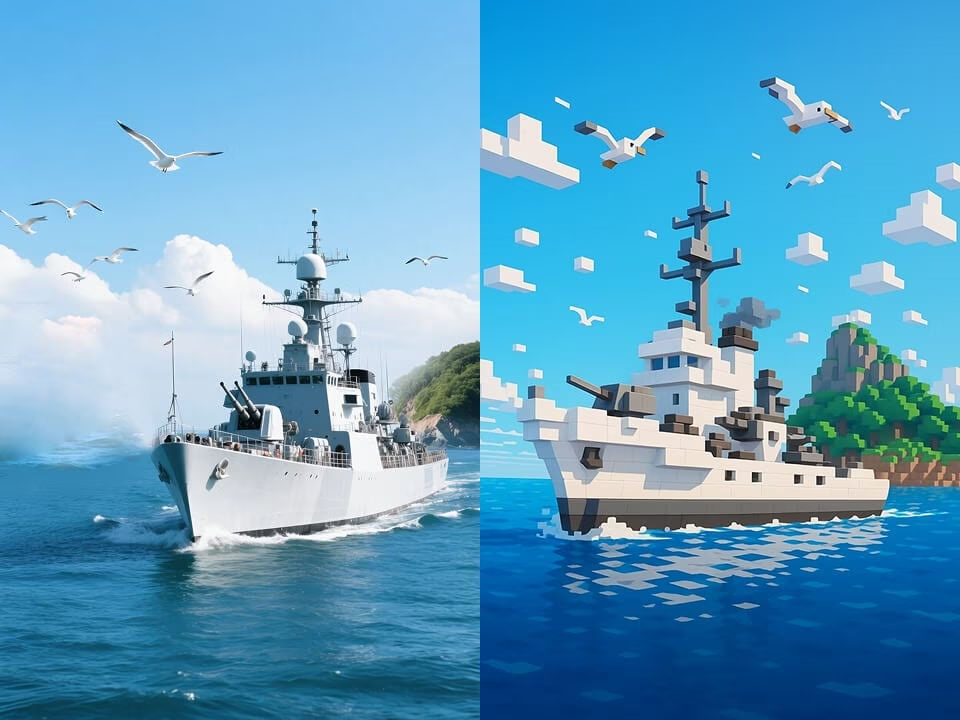
Blocky voxel-style AI image result
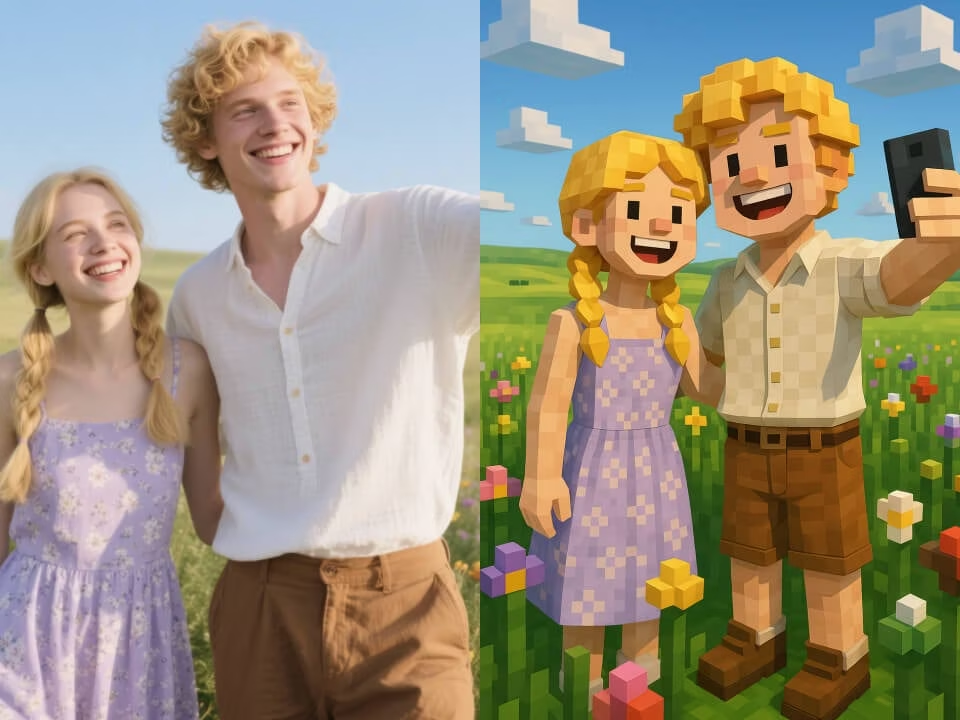
Blocky voxel-style AI image result
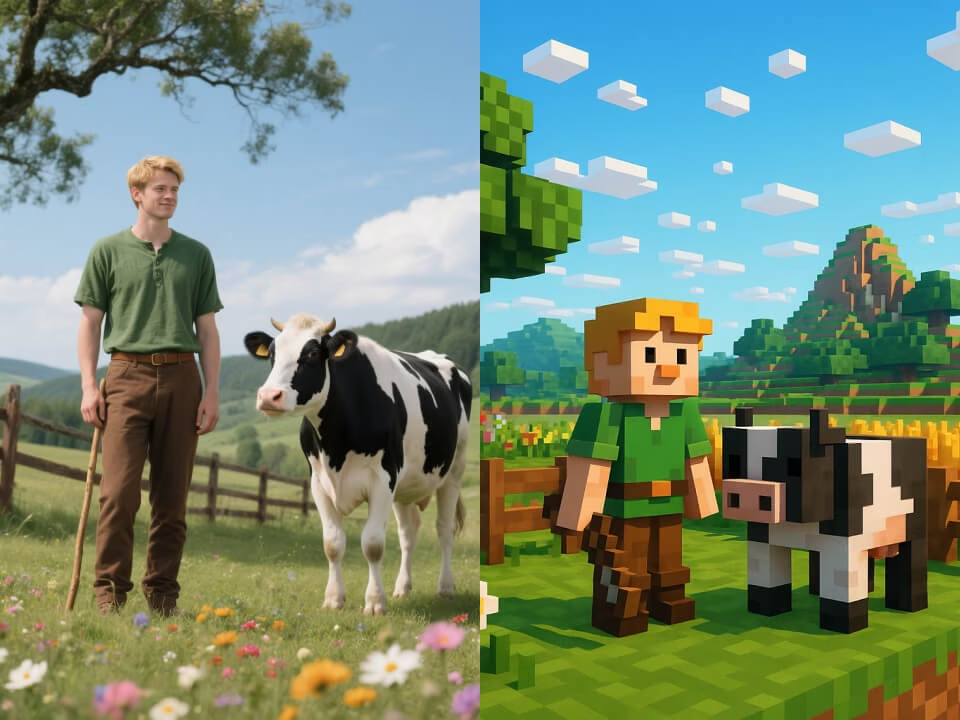
Blocky voxel-style AI image result
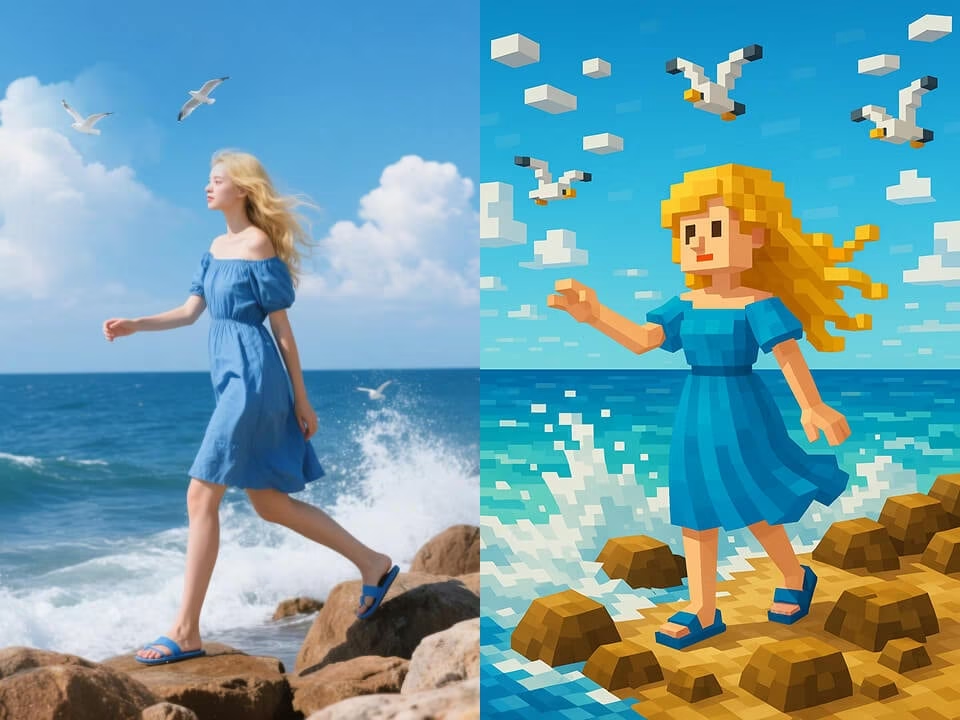
Blocky voxel-style AI image result
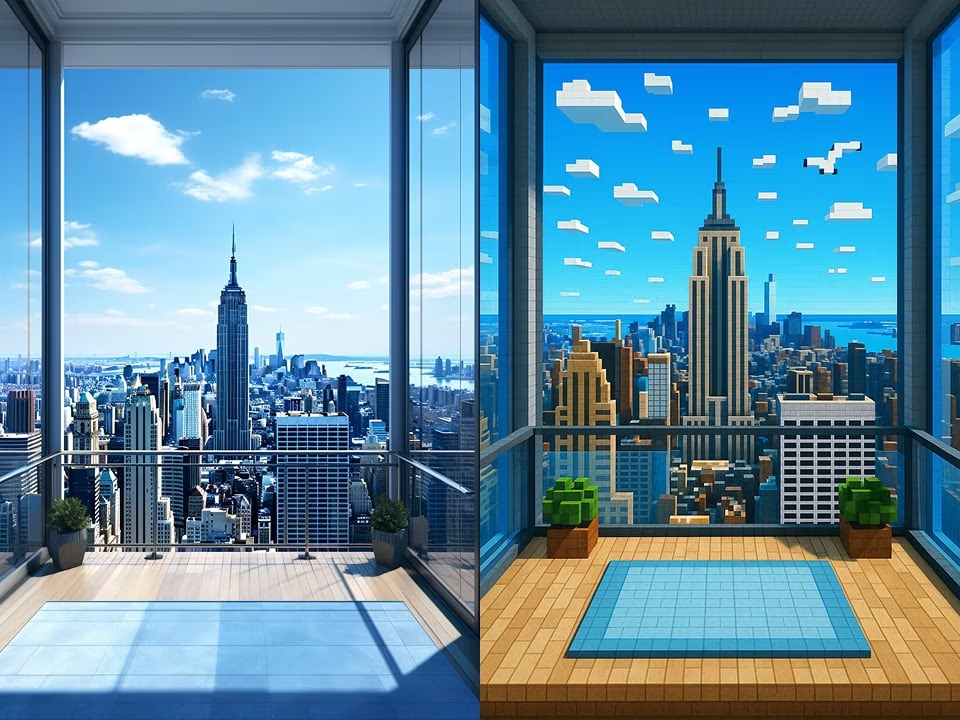
Blocky voxel-style AI image result
Create playful voxel-style images with recognizable subjects and crisp block detail.
Start with free daily credits. No credit card required.
Turn portraits or prompts into blocky voxel art with square textures, pixel detail, and Minecraft-inspired scenery.
Generate a polished result in seconds with no queue.
Upload a photo, choose the effect, and download the finished image.
Download clean, high-resolution images without watermarks.
Your uploads are processed securely and removed after generation.
Make a Minecraft-style image from a photo or prompt in three steps.
Choose a clear photo from your device. JPG, PNG, and WebP are supported.
The AI rebuilds your image as voxel-style art with block textures, pixel-like edges, and playful game-world lighting.
Save the finished high-resolution image and use it wherever you need.
Common questions about creating voxel-style AI images.
Upload a photo or enter a prompt and generate a blocky voxel-style image with AI.