


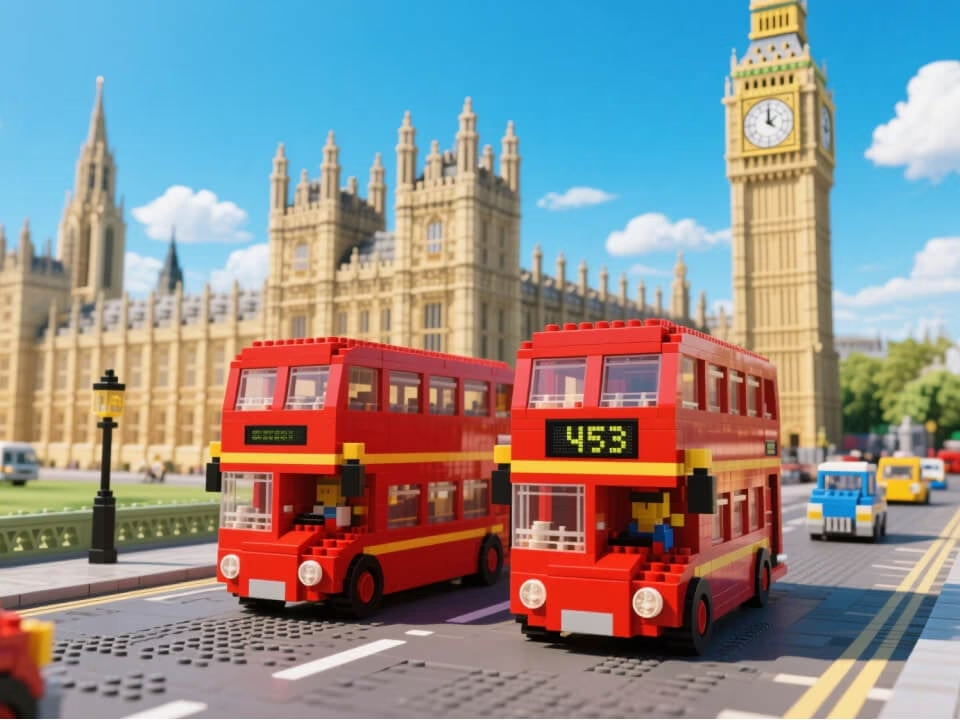
Example 1
Brick-style portraits and scenes generated from photos.
Convert portraits, pets, and scenes into playful brick-style images with toy-block geometry, glossy plastic color, and collectible minifigure charm.

Strict identity preservation rule: The generated image MUST keep the original person's recognizable facial features, expression, hairstyle, and pose exactly as in the uploaded photo. Do NOT change the person's identity or alter their core appearance. Only transform the material/texture into the requested object style while maintaining perfect character consistency. Transform the person in the uploaded photo into a LEGO minifigure version. Preserve the subject's recognizable features, hairstyle, and clothing colors. Render with iconic LEGO cylindrical head, blocky body proportions, visible stud connections, shiny ABS plastic material, authentic LEGO minifigure aesthetic, simple expressive face, clean background.
Gallery
Brick-style portraits and scenes generated from photos.
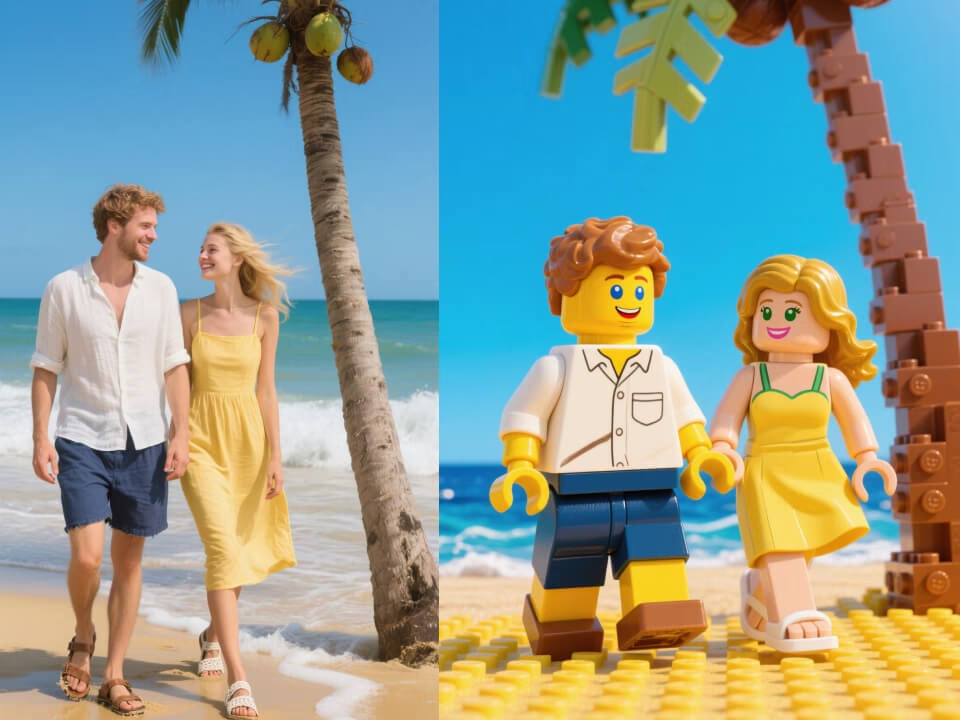
Brick-style portraits and scenes generated from photos.
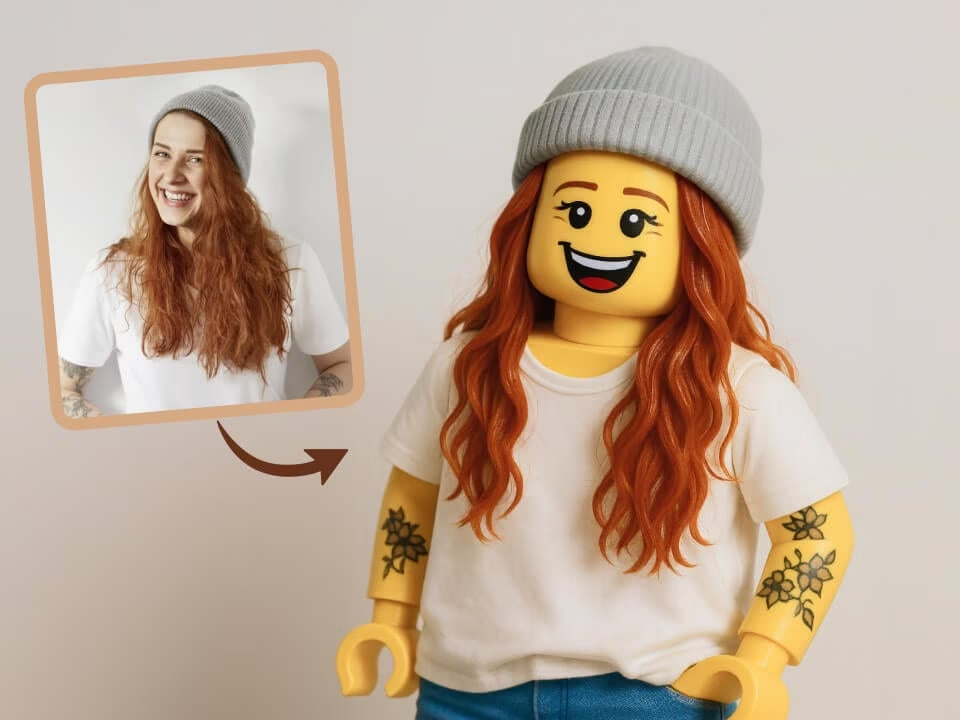
Brick-style portraits and scenes generated from photos.
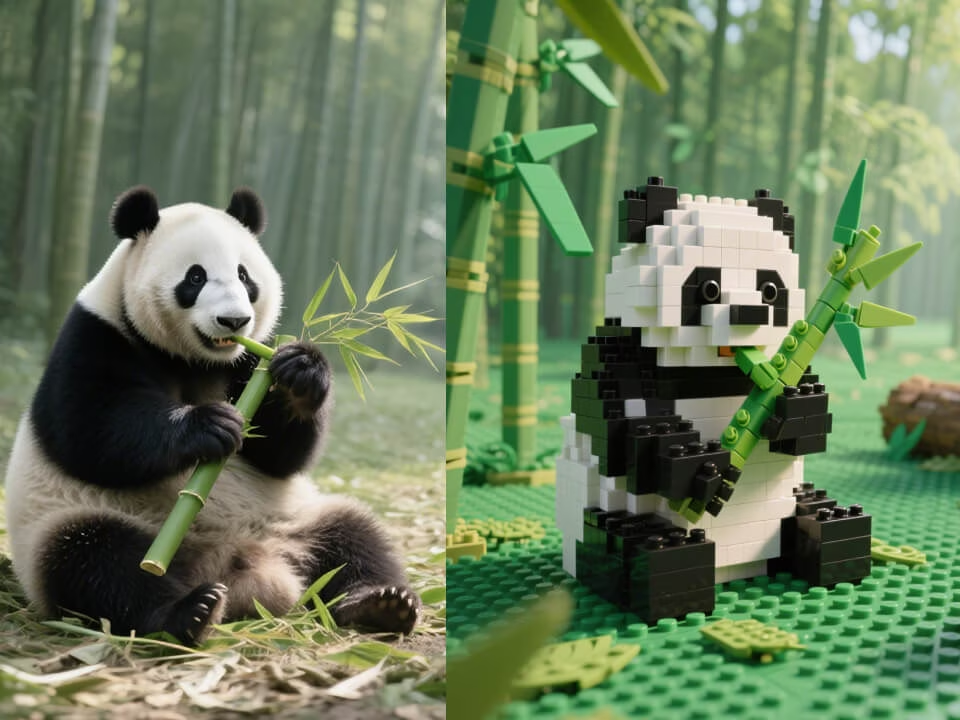
Brick-style portraits and scenes generated from photos.
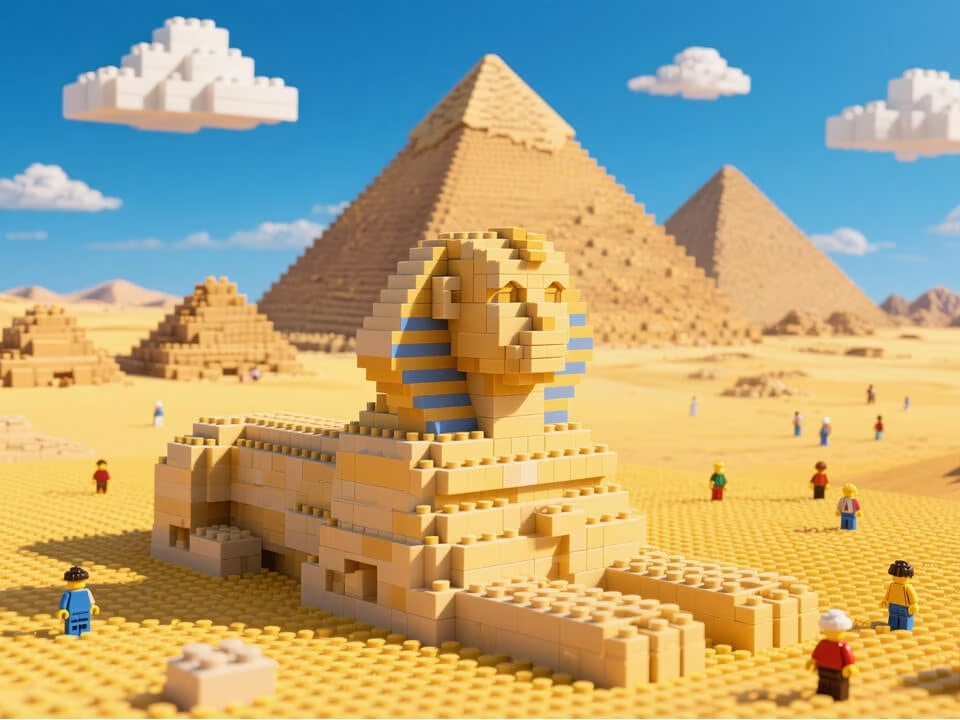
Brick-style portraits and scenes generated from photos.
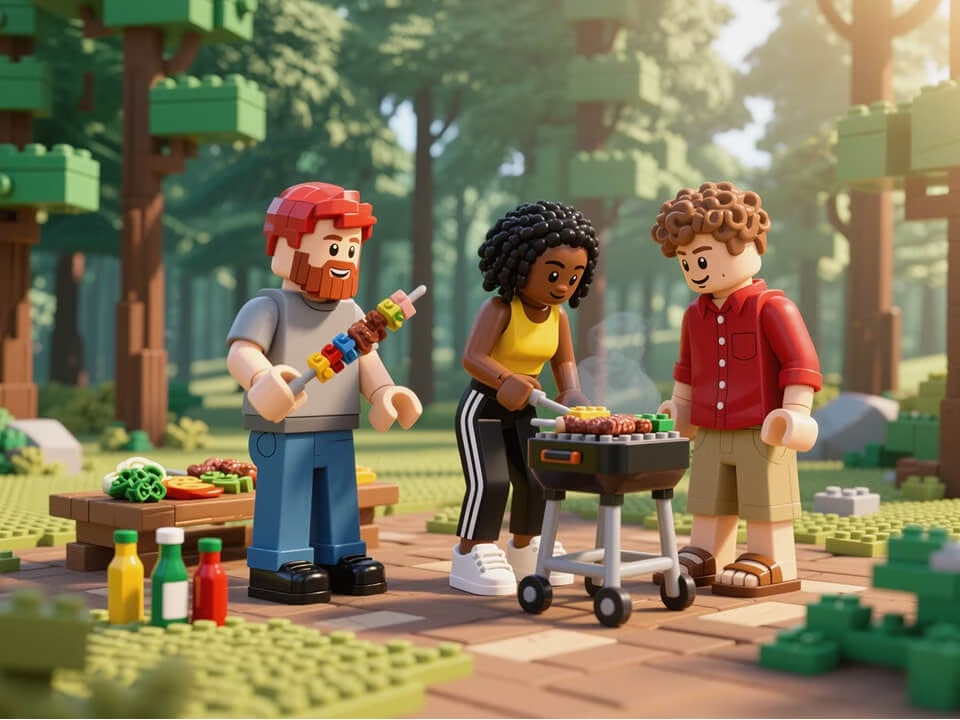
Brick-style portraits and scenes generated from photos.
Create playful toy-block images while keeping the subject recognizable.
Turn faces, outfits, and scenes into recognizable toy-block forms.
Add molded plastic texture, bright colors, and collectible figure lighting.
Works with selfies, pets, family photos, products, and simple backgrounds.
Guide the output toward minifigure portraits, brick worlds, or playful diorama scenes.
Download high-quality brick-style images without watermarks.
Your uploaded photos are processed securely and handled with privacy in mind.
Generate a LEGO-style photo in three steps.
Choose a photo from your device. JPG, PNG, and WebP are supported.
The AI converts your subject into colorful brick shapes, plastic textures, and toy-scene lighting.
Download your high-quality result and share it freely.
Answers about using the AI LEGO filter for brick-style photos.
Upload a photo and generate a brick-style portrait, pet image, or toy scene for sharing and creative projects.