


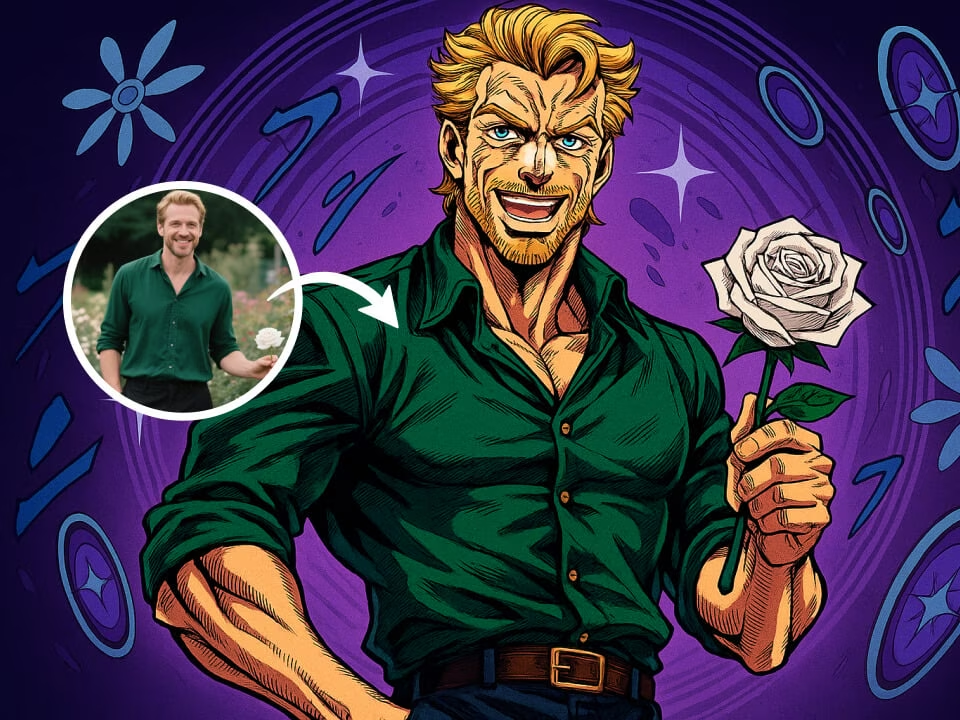
Example 1
Anime portraits with bold poses, inked faces, and dramatic color.
Recreate your photo as a high-drama anime portrait with sharp ink lines, sculpted shadows, stylized fashion, and expressive manga energy.

Strict identity preservation rule: The generated image MUST keep the original person's face shape, facial features, expression, hairstyle, pose, body proportions, and clothing exactly as in the uploaded photo. Do NOT change the person's identity, alter their expression, modify their pose, or add/remove clothing. Only apply the requested artistic style transformation while maintaining perfect character consistency. Transform the person in the uploaded photo into JoJo's Bizarre Adventure anime style. Preserve the subject's recognizable features. Apply Araki's distinctive art style: dramatic dynamic posing, heavy shading, bold angular features, fabulous fashion-forward clothing, intense expression, muscular defined anatomy, manga screentone effects, iconic JoJo aesthetic.
Gallery
Anime portraits with bold poses, inked faces, and dramatic color.
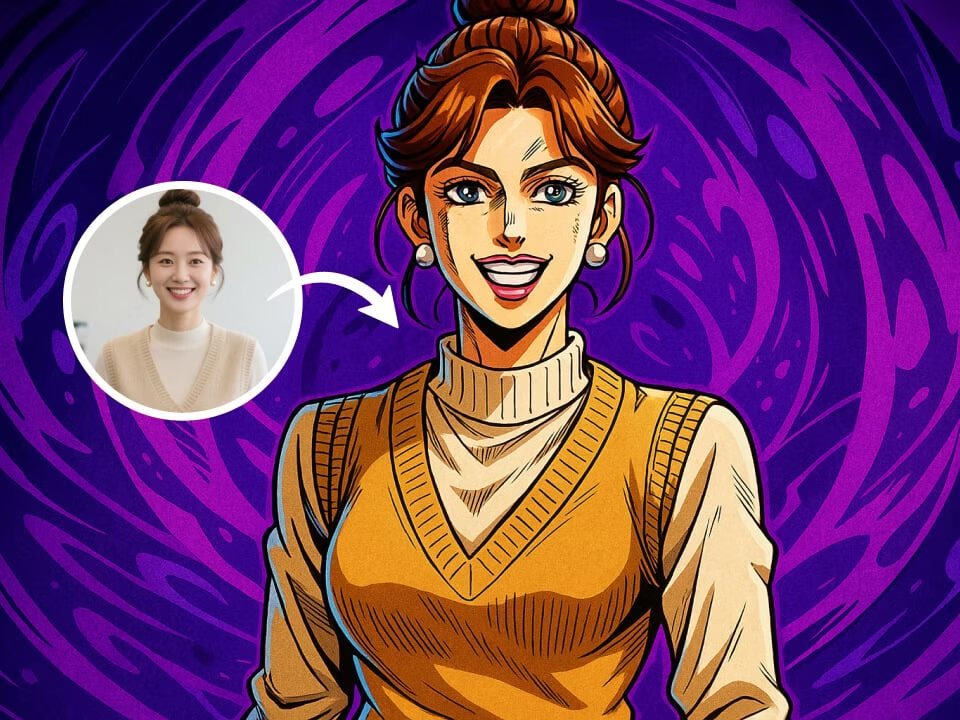
Anime portraits with bold poses, inked faces, and dramatic color.
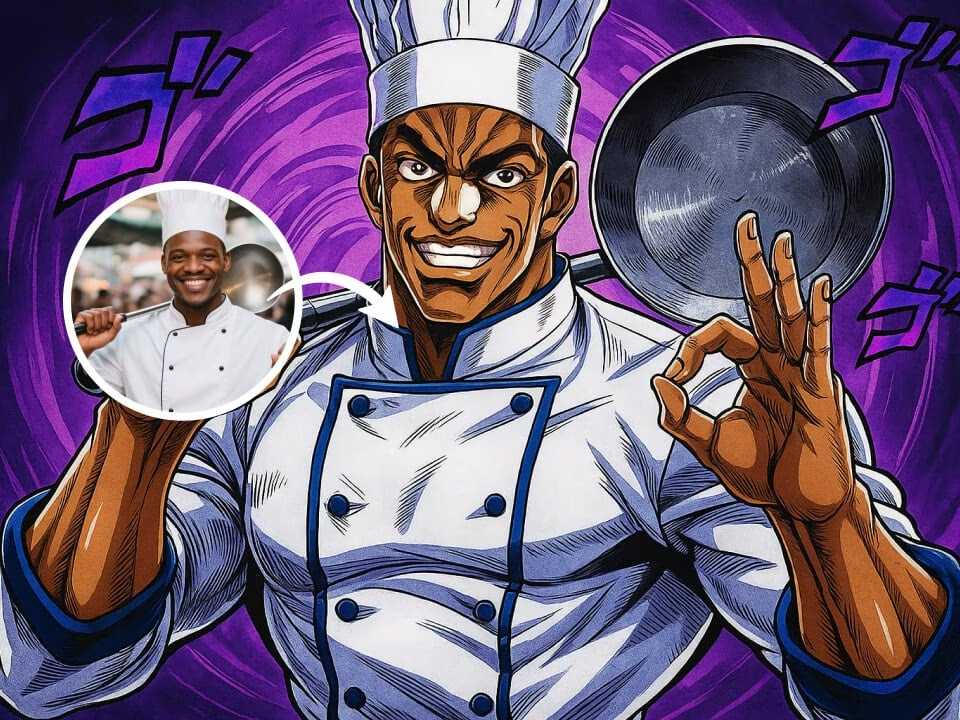
Anime portraits with bold poses, inked faces, and dramatic color.
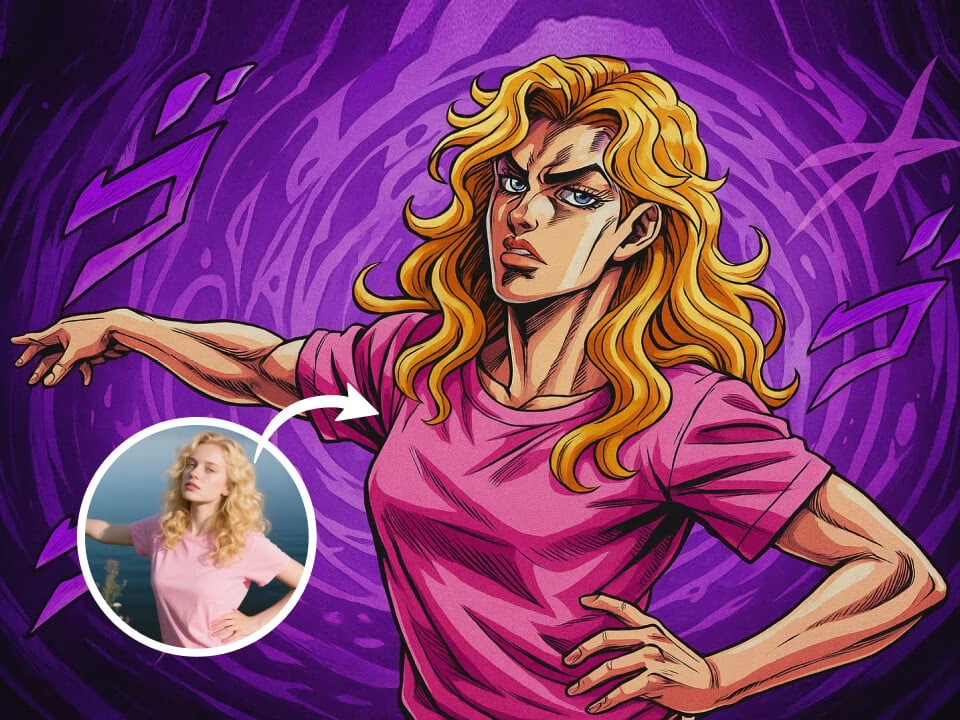
Anime portraits with bold poses, inked faces, and dramatic color.
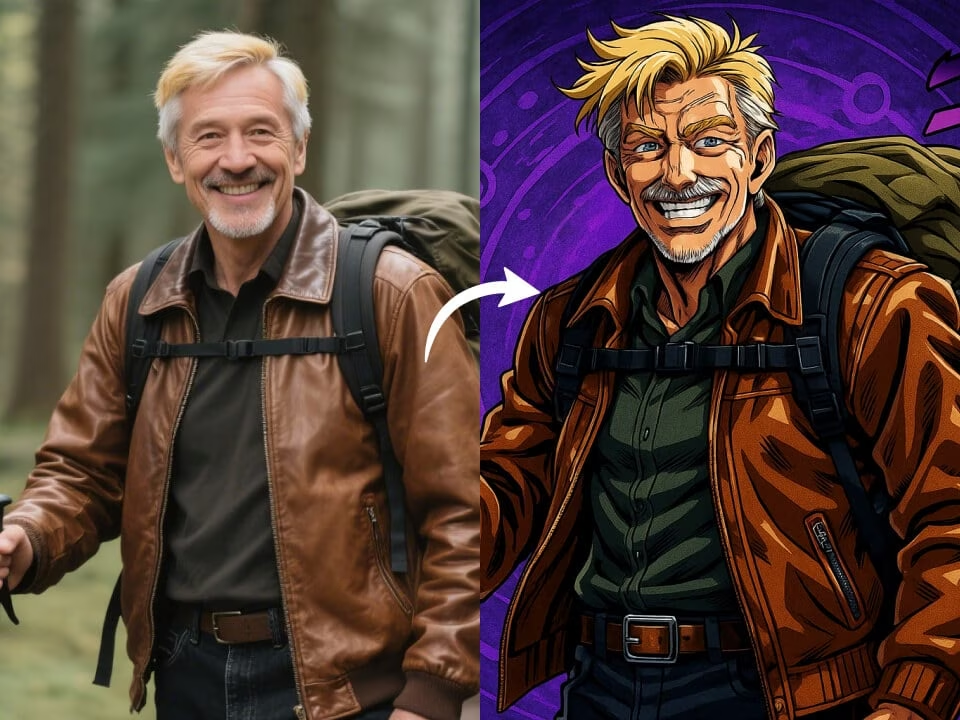
Anime portraits with bold poses, inked faces, and dramatic color.
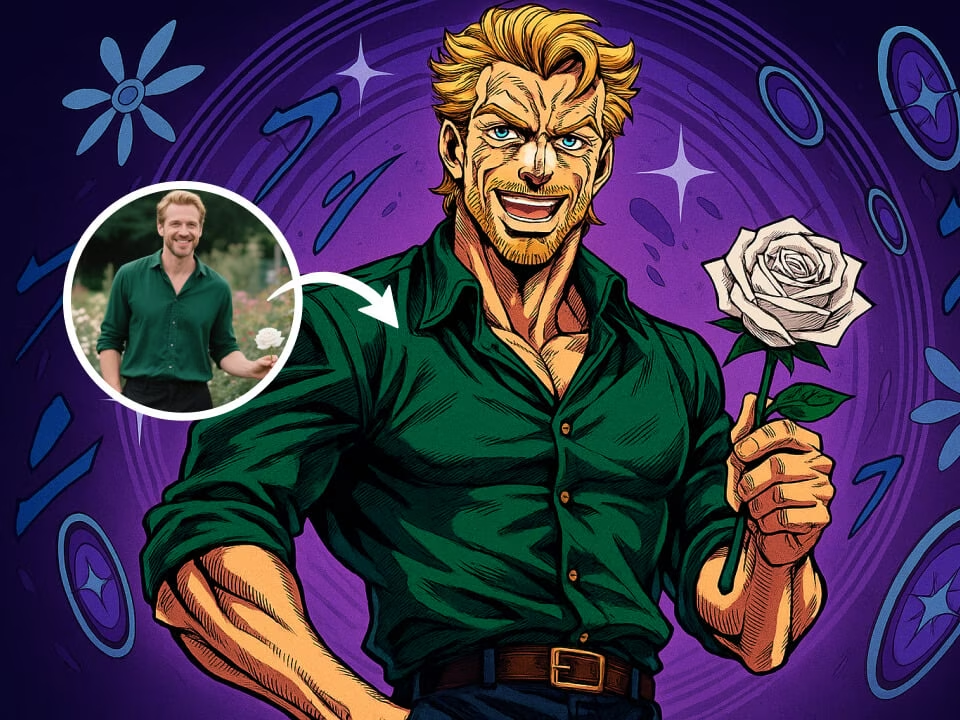
Anime portraits with bold poses, inked faces, and dramatic color.
Generate stylized manga portraits while preserving the person in your photo.
Apply sharp ink work, strong cheekbones, vivid color, and manga-inspired drama.
Keep key facial features recognizable while transforming the overall illustration style.
Works with selfies, waist-up portraits, and fashion shots for expressive anime results.
Guide the mood with details like heroic lighting, comic panels, or intense color palettes.
Export high-quality anime portraits without watermarks.
Your uploaded photos are processed securely and handled with privacy in mind.
Create a JoJo-inspired anime portrait from your photo in three steps.
Choose a photo from your device. JPG, PNG, and WebP are supported.
The AI preserves identity cues while applying bold manga lines, dramatic shading, and fashion-forward anime styling.
Download your high-quality result and share it freely.
Answers about using the AI JoJo filter for anime portraits.
Upload a photo and generate a dramatic anime-style portrait for avatars, fan edits, and social posts.