


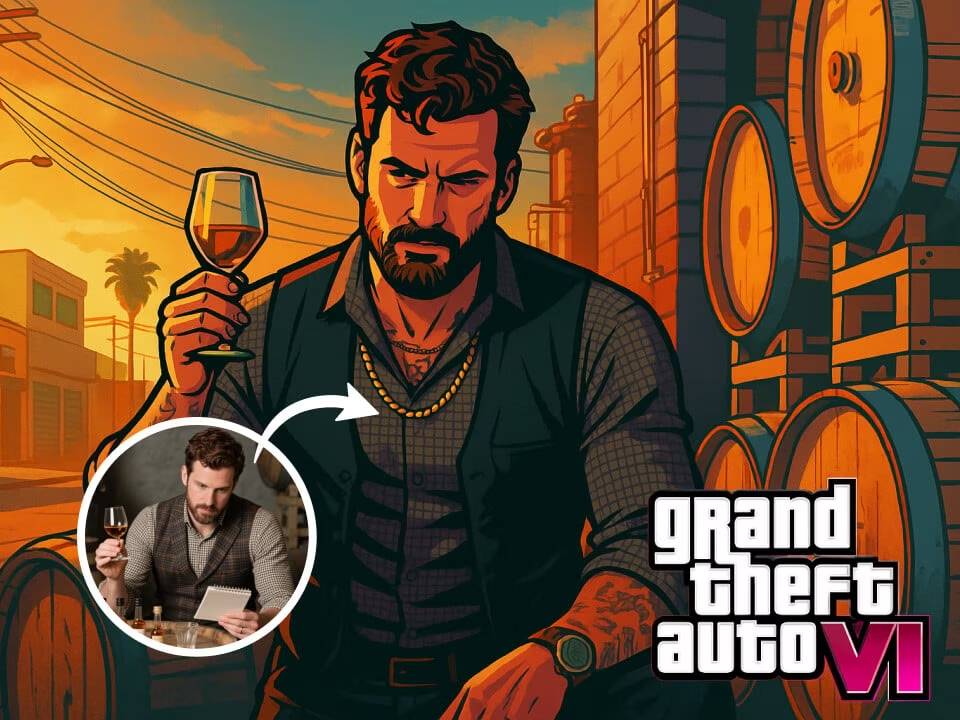
Example 1
GTA-style character portrait generated with AI GTA filter
Create a GTA-inspired character portrait from your photo with graphic outlines, saturated color, dramatic lighting, and game-poster attitude.

Strict identity preservation rule: The generated image MUST keep the original person's face shape, facial features, expression, hairstyle, pose, body proportions, and clothing exactly as in the uploaded photo. Do NOT change the person's identity, alter their expression, modify their pose, or add/remove clothing. Only apply the requested artistic style transformation while maintaining perfect character consistency. Transform the uploaded photo into Grand Theft Auto video game art style. Preserve the subject's likeness and pose. Render with bold saturated colors, strong cel-shaded comic outlines, dramatic sunset lighting, gritty urban atmosphere, posterized shading, Rockstar Games signature aesthetic, cinematic widescreen composition, stylized but recognizable.
Gallery
GTA-style character portrait generated with AI GTA filter
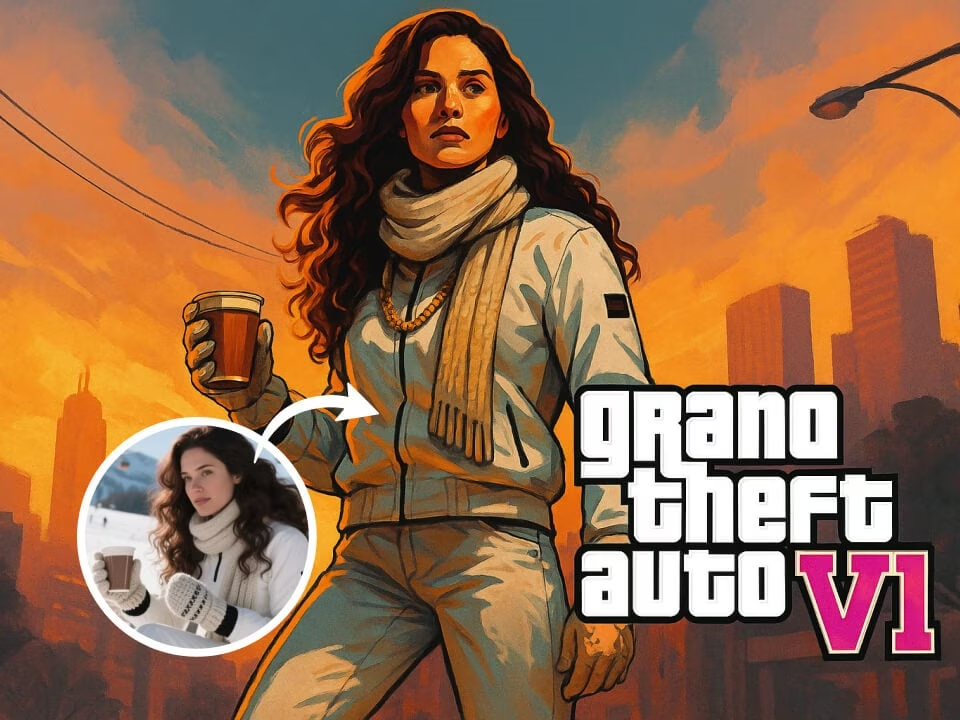
GTA-style character portrait generated with AI GTA filter
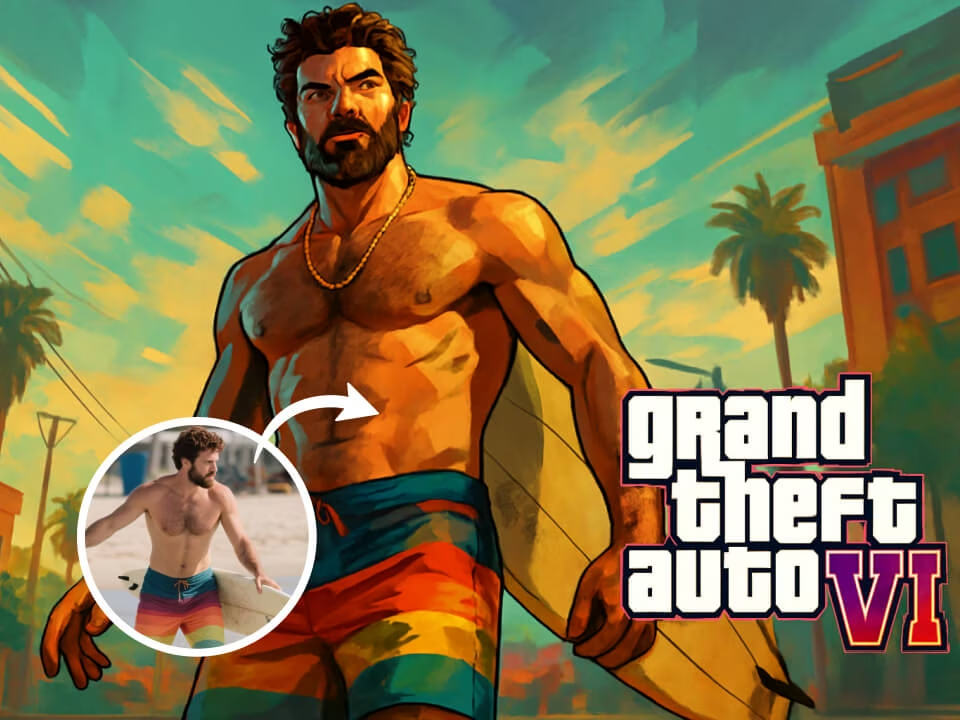
GTA-style character portrait generated with AI GTA filter
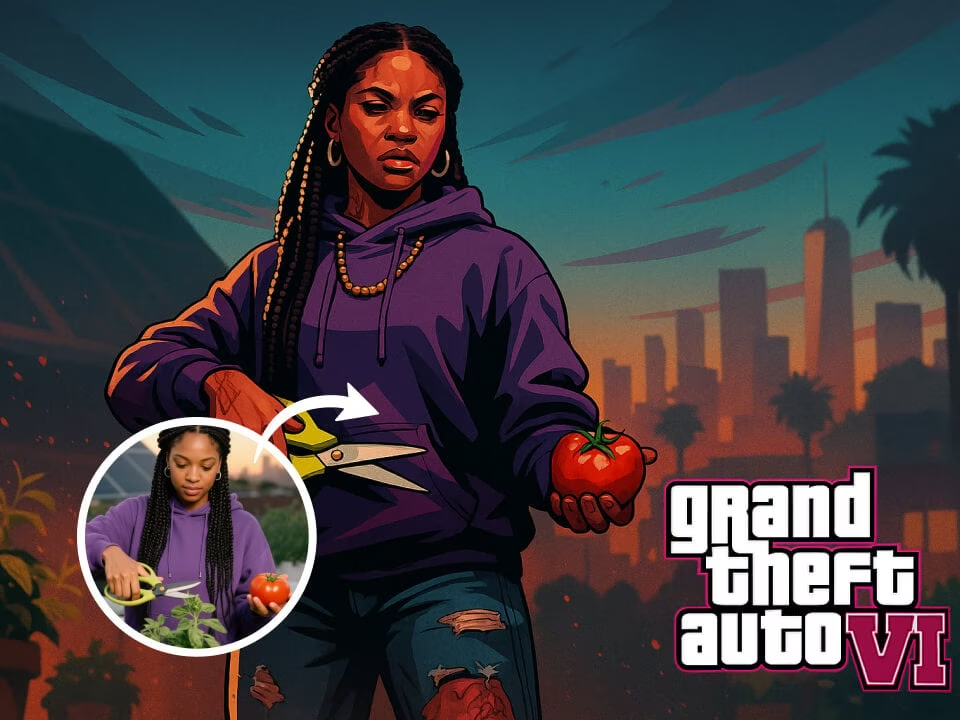
GTA-style character portrait generated with AI GTA filter
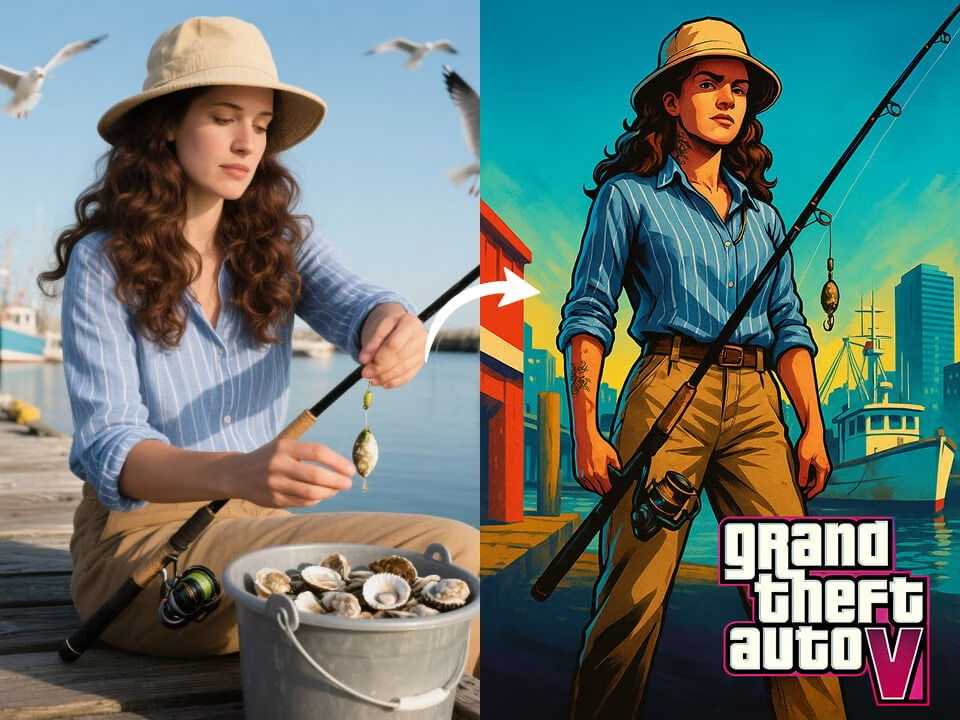
GTA-style character portrait generated with AI GTA filter
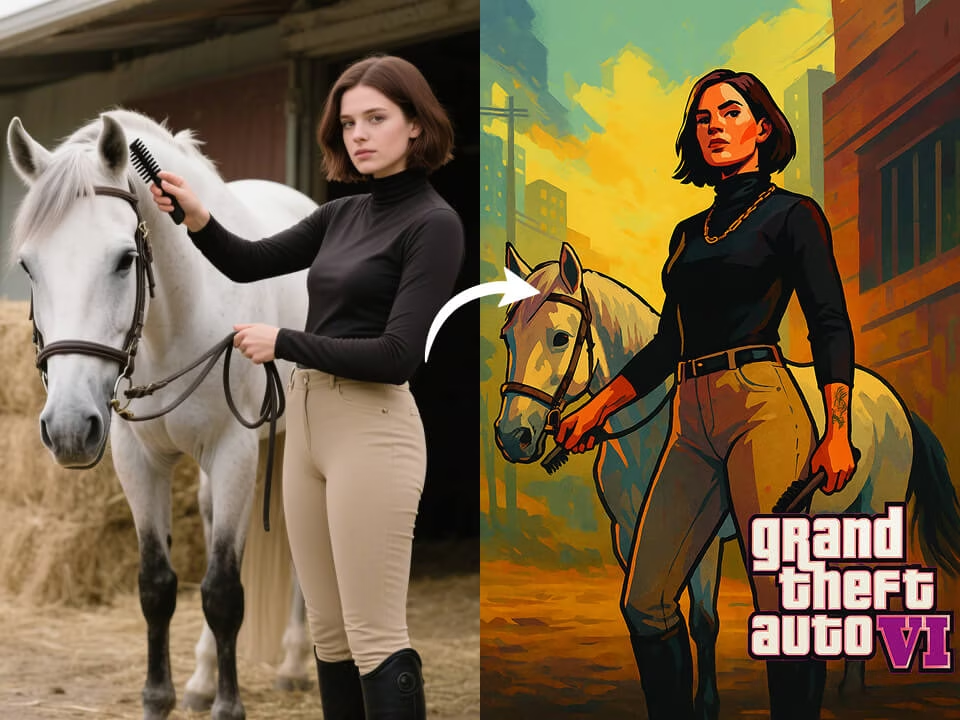
GTA-style character portrait generated with AI GTA filter
Tools for creating sharp GTA-style character portraits from photos.
Use the AI GTA filter with free daily credits. No credit card required.
Generate GTA-style character portrait outputs with clean detail and a polished finish.
Get a finished preview in seconds without a long setup.
Upload a photo and guide the result with a simple prompt.
Download generated images without watermarks for personal or commercial projects.
Uploaded photos are processed securely and handled with privacy in mind.
Upload a portrait, let AI apply the GTA-inspired look, then download your character art.
Choose a clear portrait or character image from your device.
FreeGPTImg uses AI to create a GTA-style character portrait while preserving the important parts of the photo.
Save the high-resolution result and use it for profiles, posts, concepts, or campaigns.
Common questions about making GTA-style portraits with AI.
Create a GTA-style character portrait on FreeGPTImg in seconds. Start free and download a polished result without a watermark.