


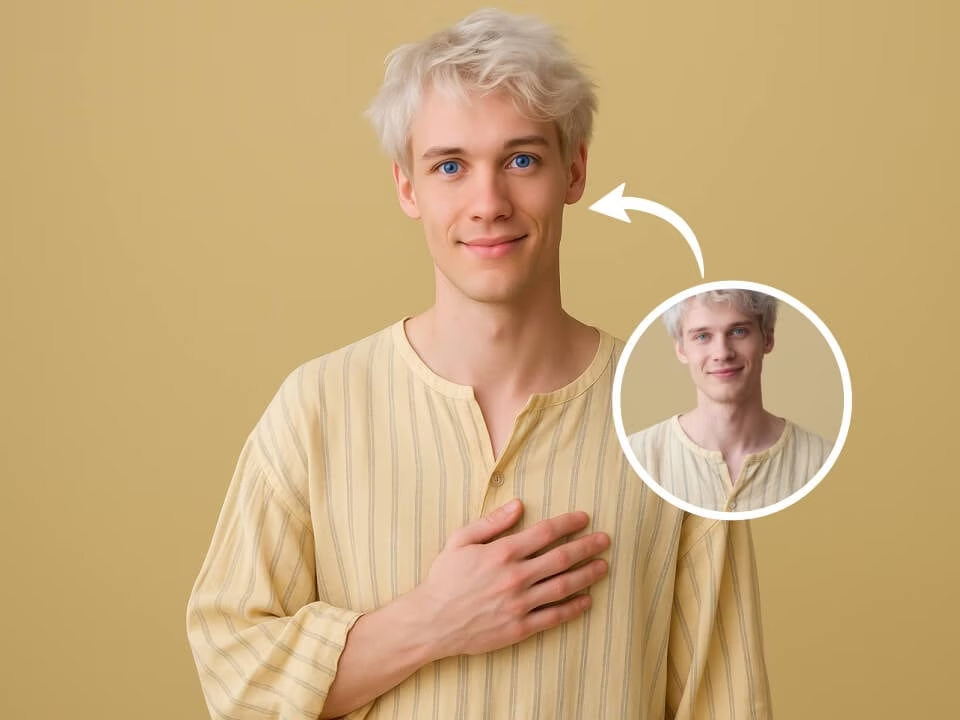
Example 1: AI Blue Eye Filter
Realistic blue eye preview that changes iris color while preserving face, expression, lighting, and background.
Upload a portrait and preview natural blue eyes without changing the rest of your face. The AI keeps facial features, expression, lighting, clothing, and background consistent while updating iris color with realistic depth and catchlights.

Strict identity preservation rule: The generated image MUST keep the original person's face shape, facial features, expression, pose, clothing, lighting, and background exactly as in the uploaded photo. Do NOT change identity or modify anything except eye color. Change only the irises to vivid natural blue with realistic texture, depth, catchlights, and shadows. Preserve skin tone, hair, makeup, clothing, camera angle, and background. Photorealistic portrait eye color preview.
Portrait eye-color try-on results
Realistic blue eye preview that changes iris color while preserving face, expression, lighting, and background.
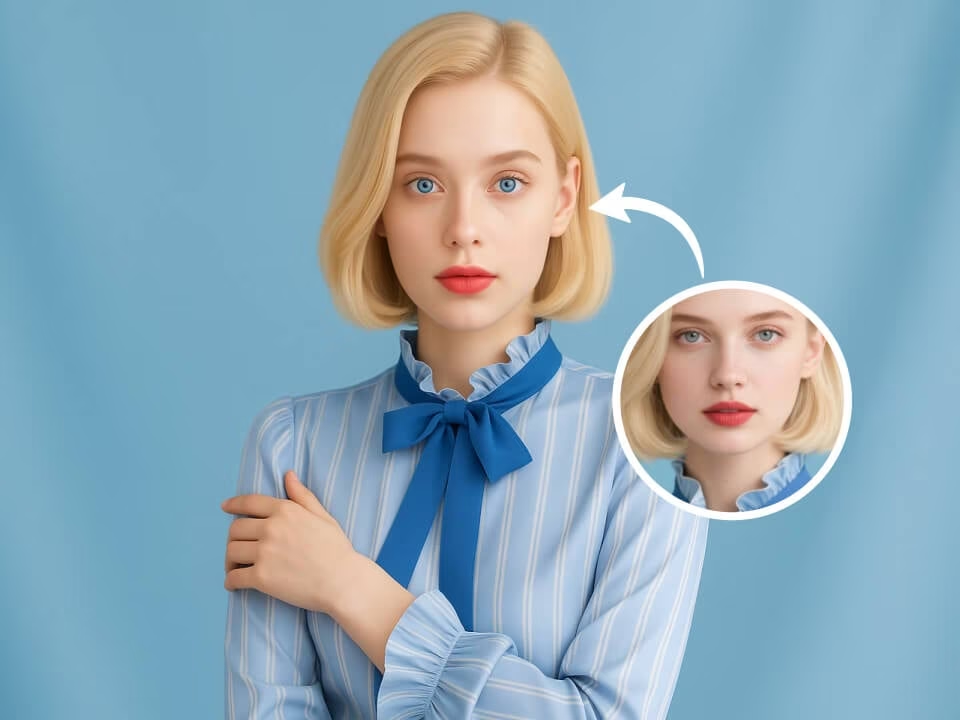
Realistic blue eye preview that changes iris color while preserving face, expression, lighting, and background.
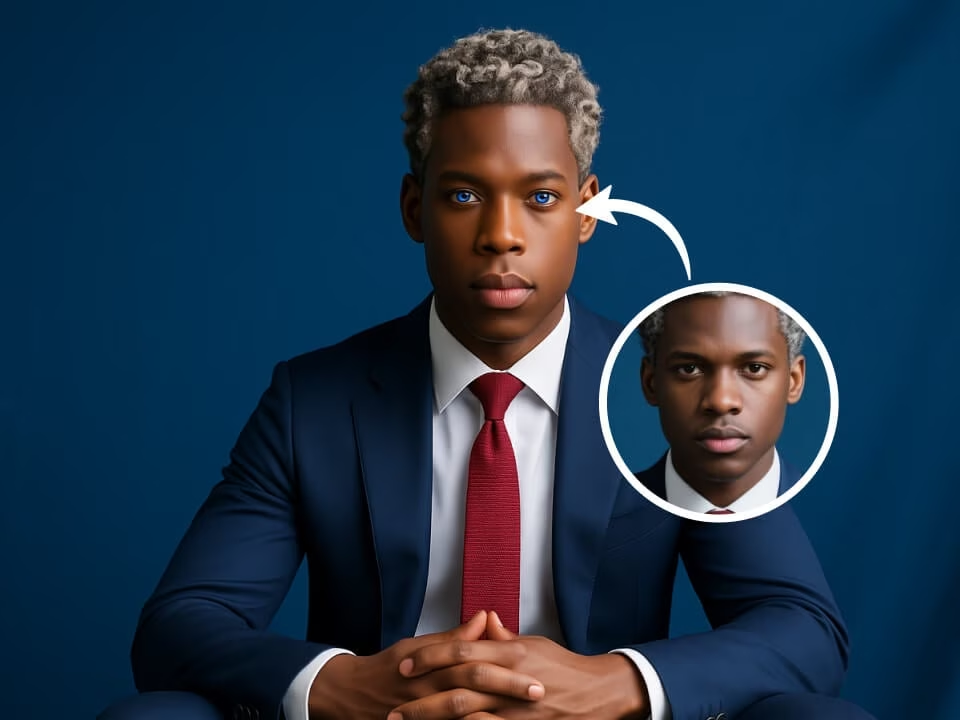
Realistic blue eye preview that changes iris color while preserving face, expression, lighting, and background.
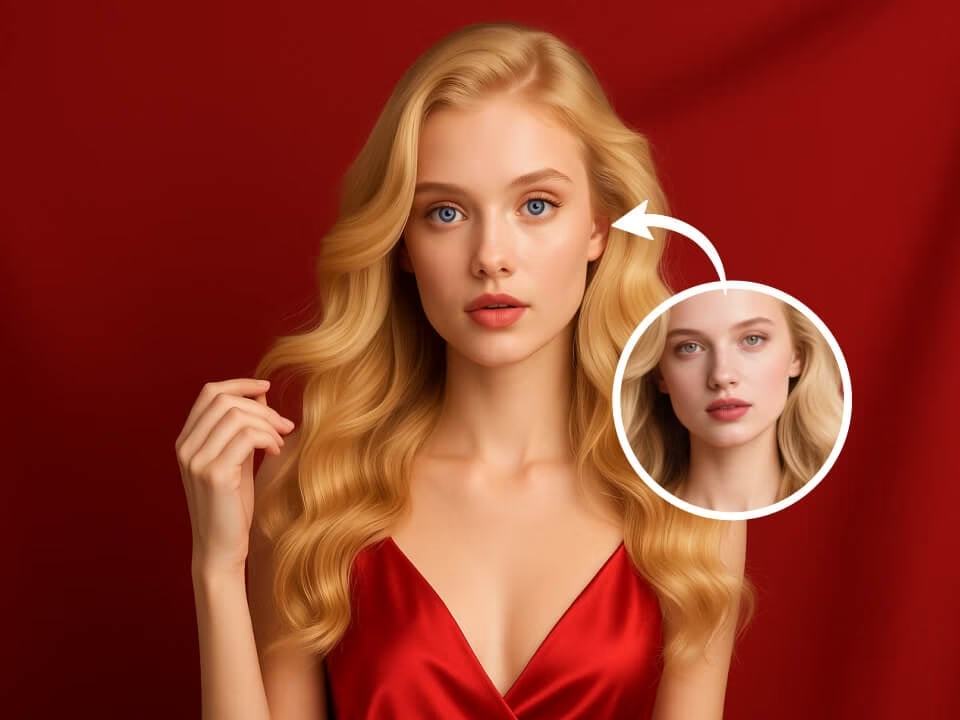
Realistic blue eye preview that changes iris color while preserving face, expression, lighting, and background.
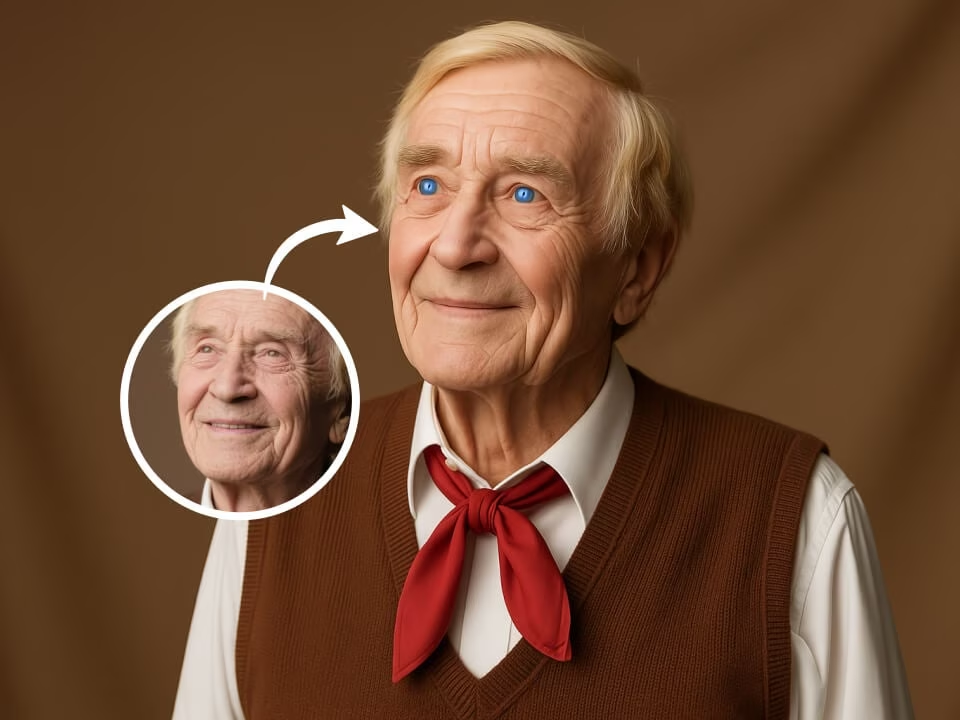
Realistic blue eye preview that changes iris color while preserving face, expression, lighting, and background.
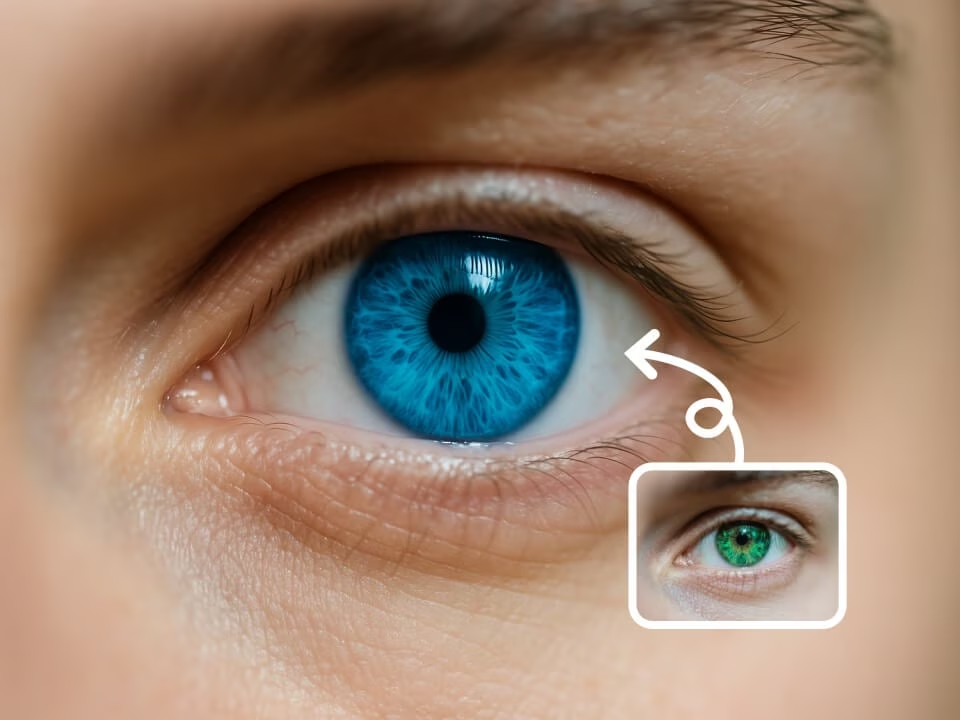
Realistic blue eye preview that changes iris color while preserving face, expression, lighting, and background.
A fast portrait try-on tool for realistic blue eye previews, profile updates, style planning, and social photos.
Preview blue eyes with 20 free daily credits before paying, with no credit card required to start.
Generate natural blue irises with matching catchlights, texture, shadows, and facial lighting.
Keep identity, expression, skin tone, hair, clothing, pose, and background stable while only changing eye color.
Create a blue eye preview in seconds for profile photos, style planning, cosplay tests, or social posts.
Upload a JPG, PNG, or WebP portrait, run the filter, compare results, and refine the prompt if needed.
Download polished results without watermarks for personal edits, creator content, or visual experiments.
Use this template when you need AI Blue Eye Filter with 20 Free Credits, ai blue eye filter AI template, ai blue eye filter prompt. Each example combines a visual style, a prompt pattern, and a practical output goal.

Upload or describe the source image, then generate a polished first version for AI Blue Eye Filter with 20 Free Credits without starting from a blank canvas.
Adjust the subject, mood, background, text space, and composition so the result works for ai blue eye filter AI template.
Keep the best prompt structure and swap the subject, product, or persona to create more assets for ai blue eye filter prompt.
Create a natural blue eye preview from a portrait in three steps.
Choose a front-facing or slightly angled photo where both eyes are visible and well lit.
The AI changes iris color to realistic blue while preserving facial features, expression, lighting, and background.
Generate variations, choose the most natural result, and download the finished portrait.
Answers about free credits, realism, best photos, privacy, and usage rights.
Upload a portrait and preview realistic blue eyes with 20 free daily credits.