


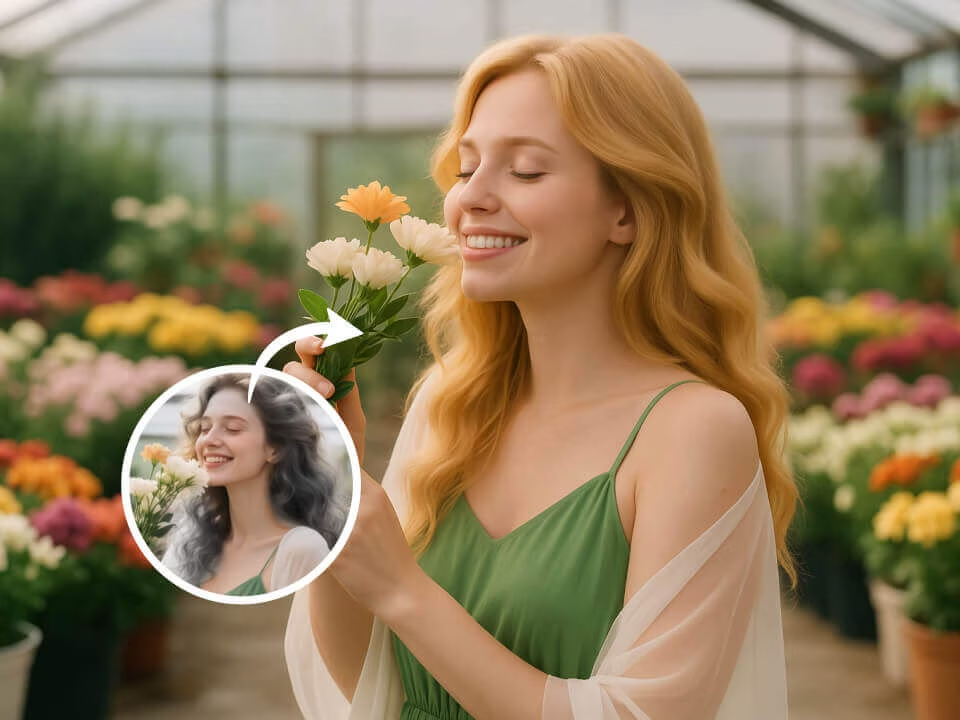
blonde hair preview 1
A blonde hair preview created from an uploaded portrait.
Upload a portrait and try blonde hair with AI. FreeGPTImg keeps the rest of your face, pose, lighting, and background consistent for a natural blonde hair preview.

Strict identity preservation rule: The generated image MUST keep the original person's face shape, facial features, expression, pose, clothing, lighting, and background exactly as in the uploaded photo. Do NOT change the person's identity, alter their expression, or modify anything other than the specifically requested appearance change. Maintain perfect character consistency in all untouched aspects. Transform the person in the uploaded photo to have beautiful blonde hair. Preserve all facial features and expression. Change hair color to natural-looking blonde with realistic highlights, lowlights, and dimension. Maintain the original hairstyle structure and texture. Keep original pose, clothing, lighting, and background. Photorealistic hair color transformation.
Before and After Results
A blonde hair preview created from an uploaded portrait.
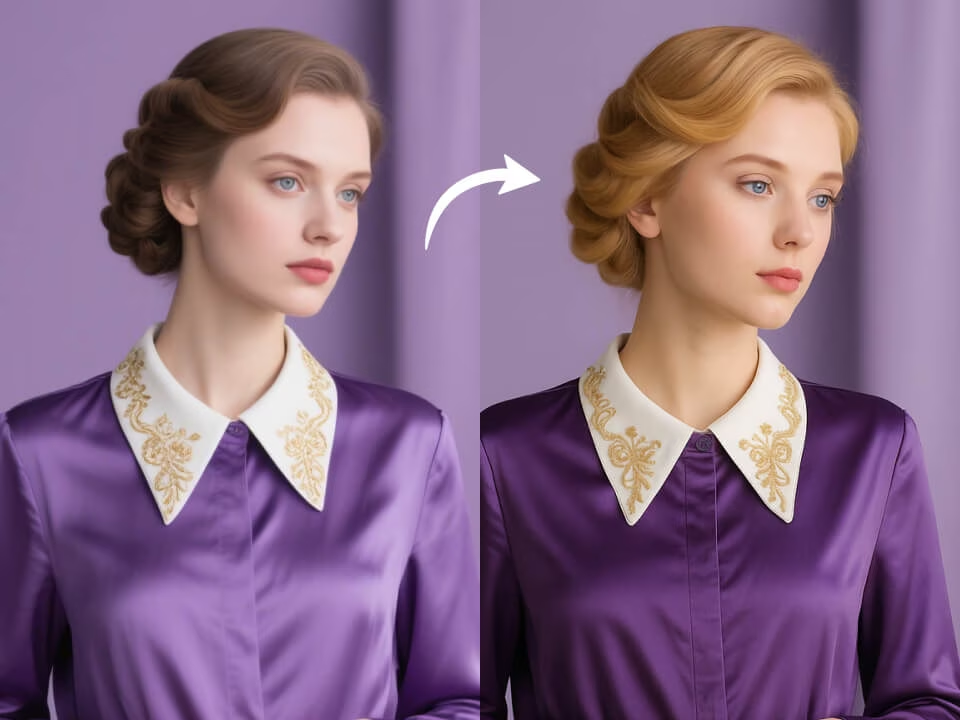
A blonde hair preview created from an uploaded portrait.
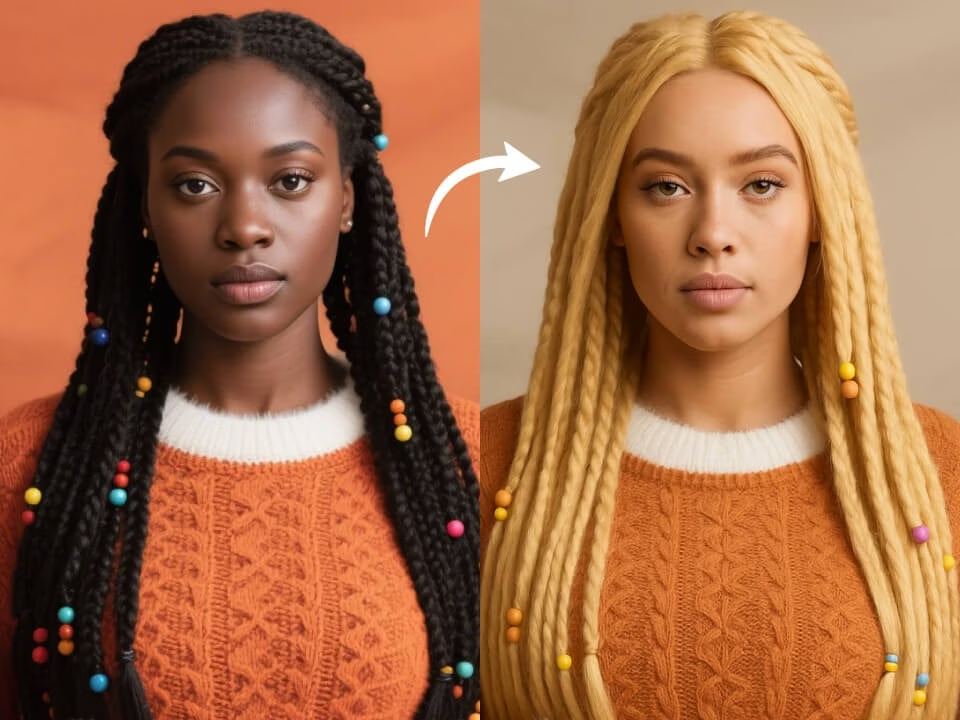
A blonde hair preview created from an uploaded portrait.
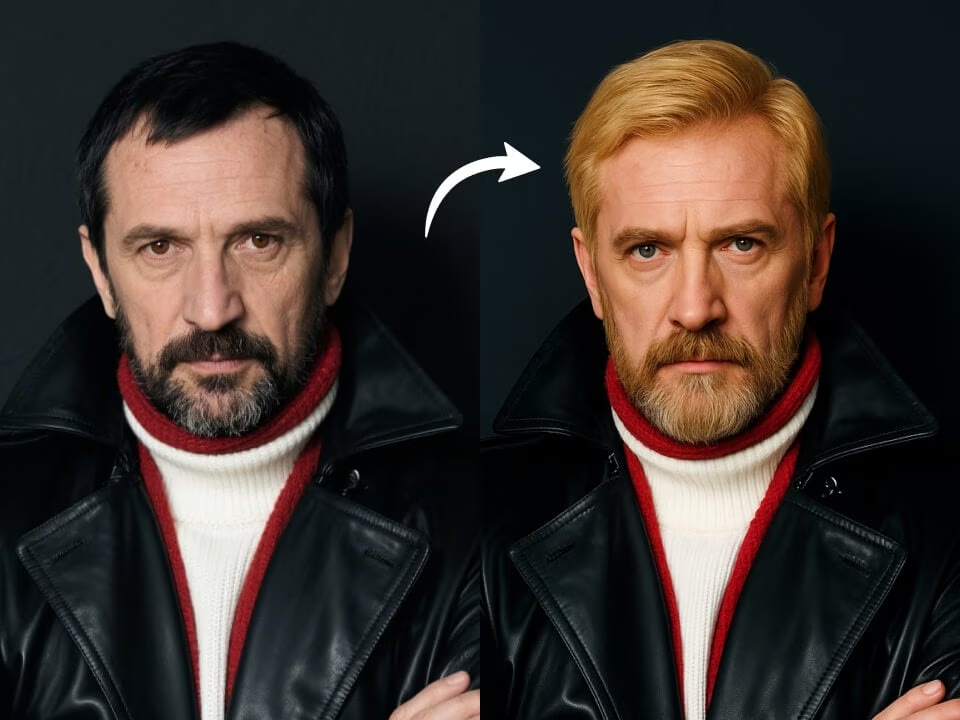
A blonde hair preview created from an uploaded portrait.
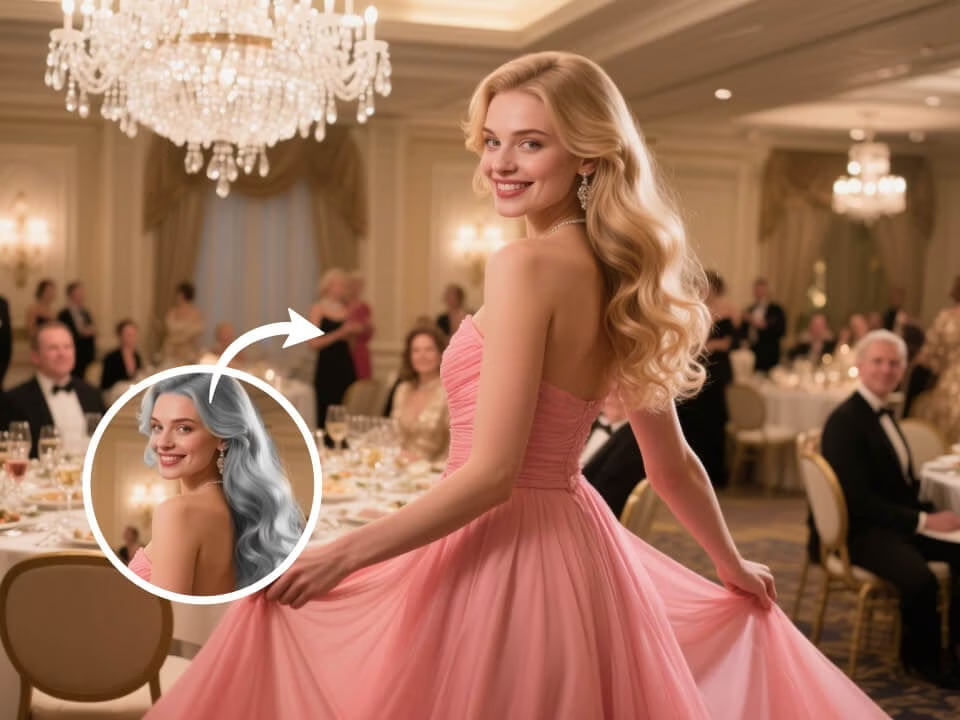
A blonde hair preview created from an uploaded portrait.
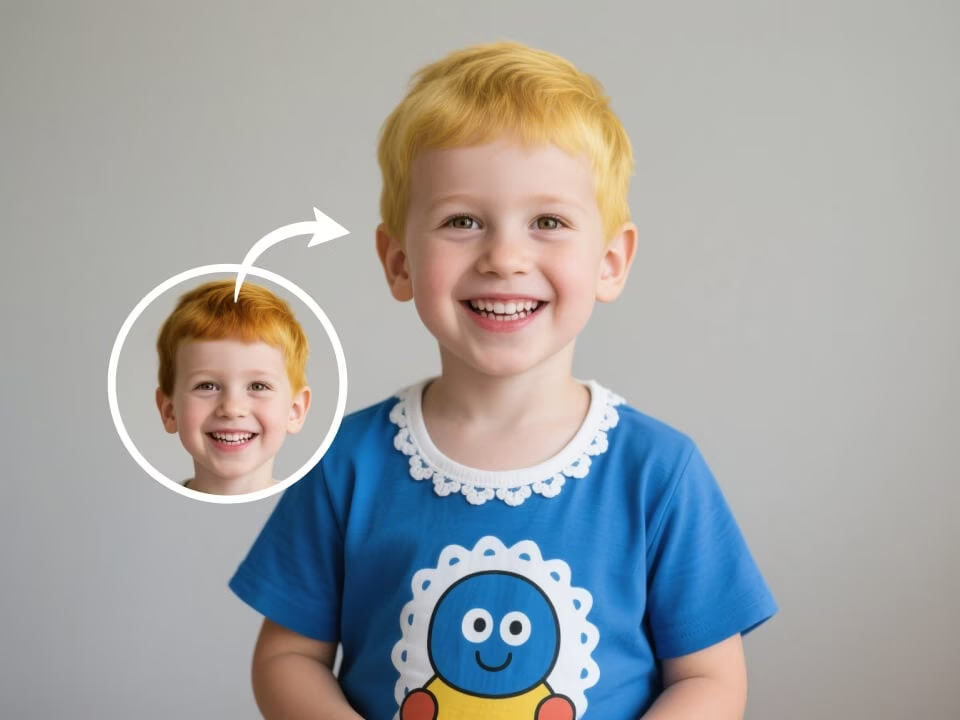
A blonde hair preview created from an uploaded portrait.
Tools focused on realistic hair color previews, identity preservation, and quick downloads.
Try the blonde hair filter with daily credits before committing to a new look.
Generate natural blonde hair with texture, lighting, and facial proportions that match the original photo.
Create a preview in seconds for profile photos, style planning, or social posts.
Upload a portrait, choose your look, and let the AI handle the edit.
Download high-resolution results without watermarks.
Your uploaded photos are processed securely and handled with privacy in mind.
Create a focused blonde hair preview in three steps.
Choose a clear JPG, PNG, or WebP portrait from your device.
The AI changes only the hair color while preserving identity, expression, and background.
Save the finished image and compare the look before making a real change.
Answers about creating a realistic blonde hair preview.
Upload a portrait and create a realistic blonde hair preview in seconds.