


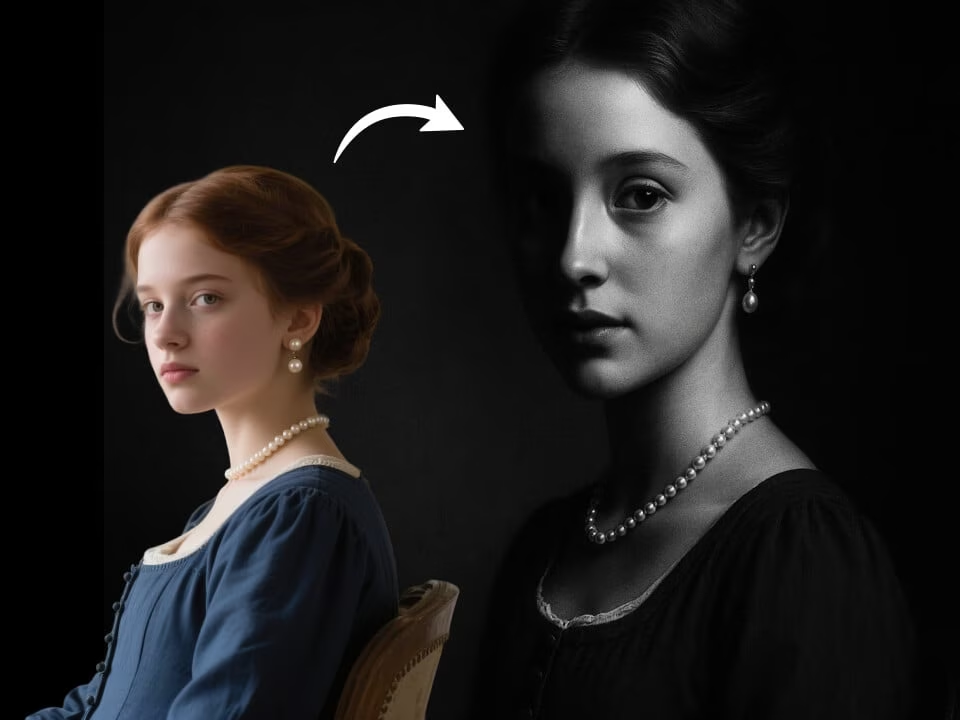
black and white portrait 1
A black and white portrait created from an uploaded portrait.
Upload a portrait and create a black and white portrait with AI. FreeGPTImg keeps the rest of your face, pose, lighting, and background consistent for a natural black and white portrait.

Strict identity preservation rule: The generated image MUST keep the original person's face shape, facial features, expression, hairstyle, pose, body proportions, and clothing exactly as in the uploaded photo. Do NOT change the person's identity, alter their expression, modify their pose, or add/remove clothing. Only apply the requested artistic style transformation while maintaining perfect character consistency. Transform the uploaded photo into a timeless black and white portrait. Preserve the subject's likeness and expression perfectly. Apply classic monochrome photography with rich tonal range, deep blacks, bright highlights, subtle film grain, dramatic contrast, timeless Hollywood portrait lighting, elegant composition, artistic grayscale rendering.
Before and After Results
A black and white portrait created from an uploaded portrait.
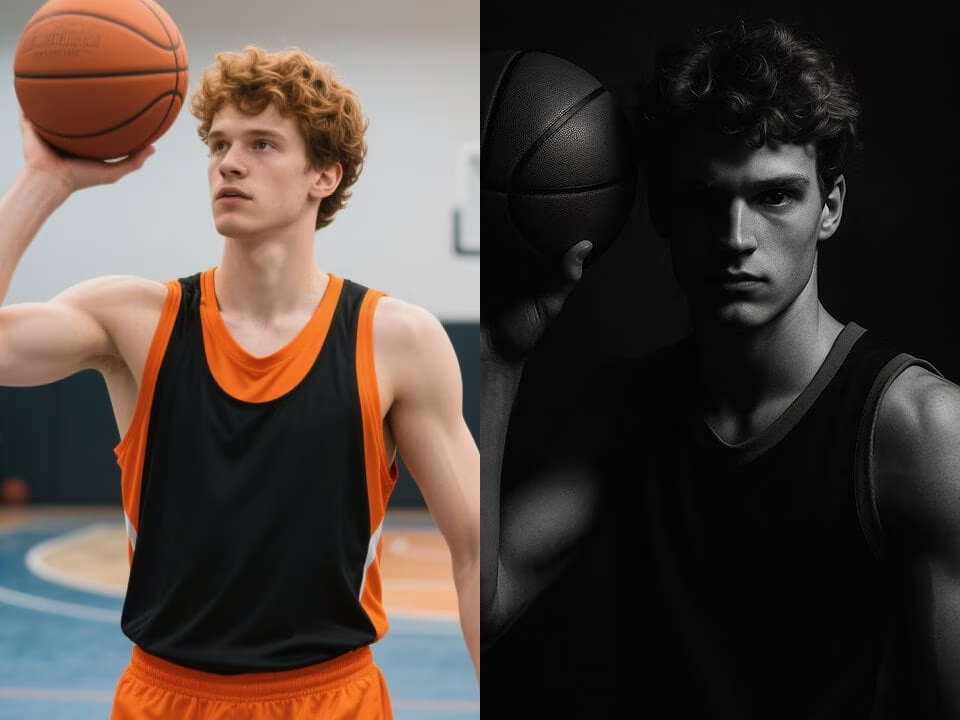
A black and white portrait created from an uploaded portrait.
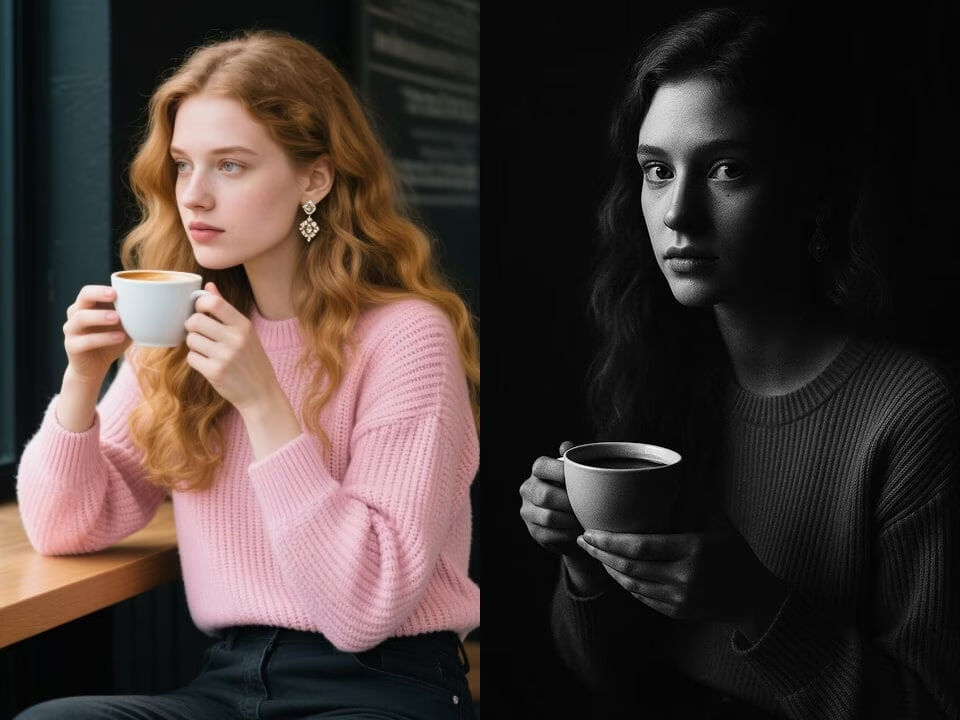
A black and white portrait created from an uploaded portrait.
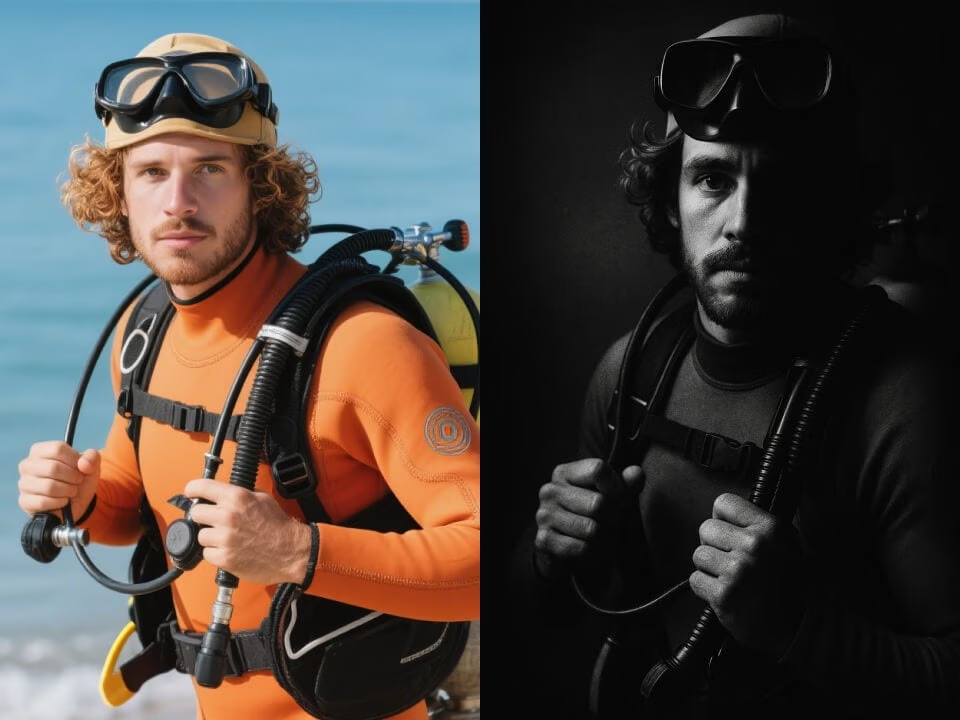
A black and white portrait created from an uploaded portrait.
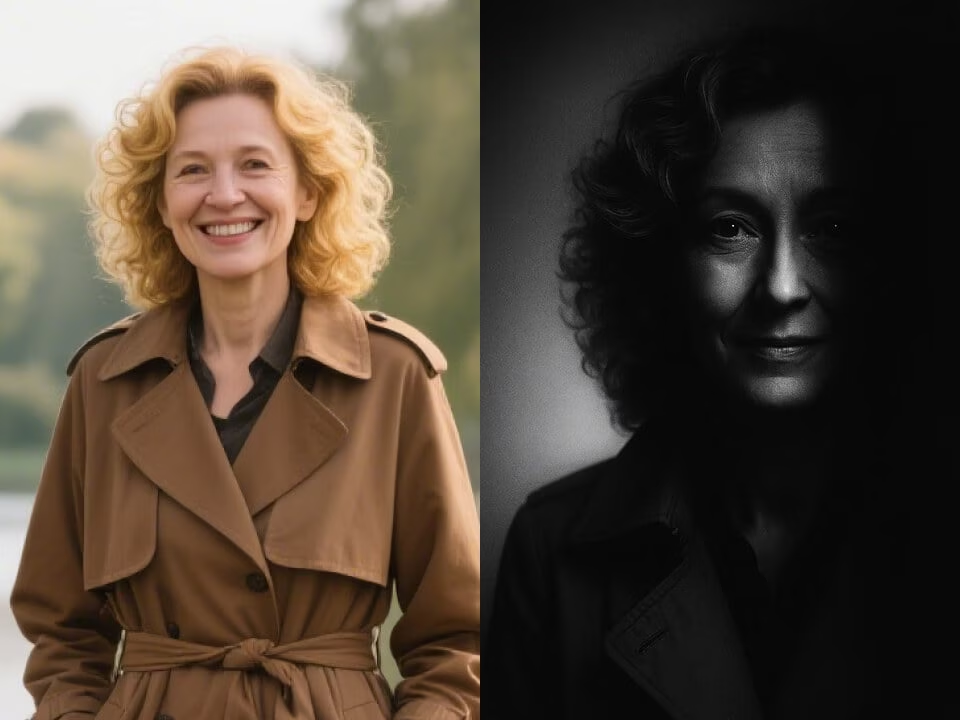
A black and white portrait created from an uploaded portrait.
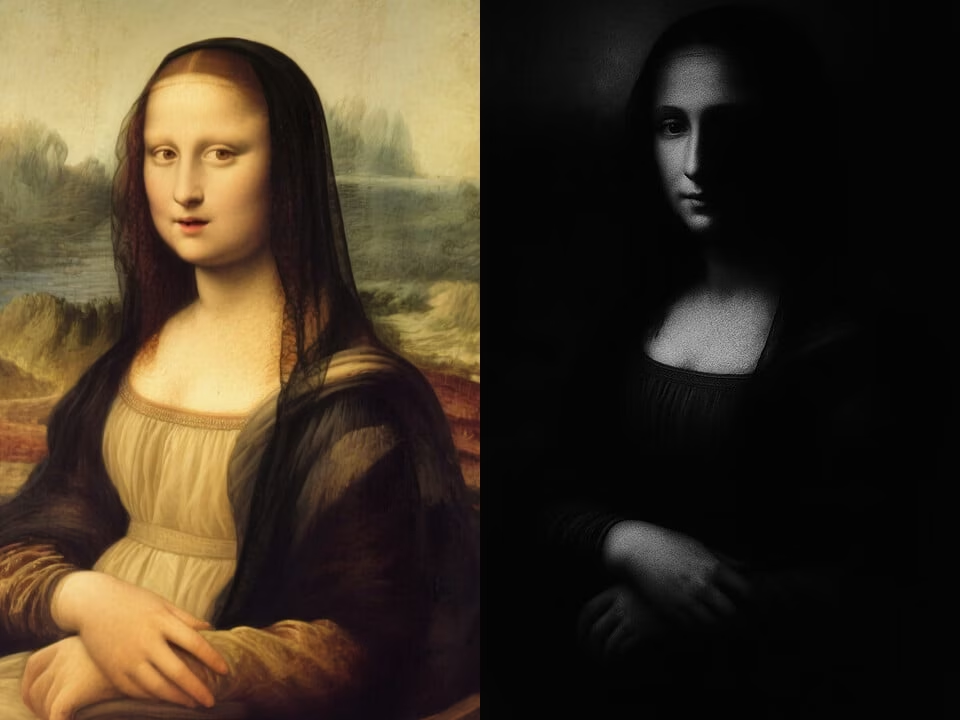
A black and white portrait created from an uploaded portrait.
Tools focused on realistic monochrome portrait previews, identity preservation, and quick downloads.
Try the black and white portrait generator with daily credits before committing to a new look.
Generate a timeless black and white portrait with texture, lighting, and facial proportions that match the original photo.
Create a preview in seconds for profile photos, style planning, or social posts.
Upload a portrait, choose your look, and let the AI handle the edit.
Download high-resolution results without watermarks.
Your uploaded photos are processed securely and handled with privacy in mind.
Create a focused black and white portrait in three steps.
Choose a clear JPG, PNG, or WebP portrait from your device.
The AI changes only the monochrome portrait while preserving identity, expression, and background.
Save the finished image and compare the look before making a real change.
Answers about creating a realistic black and white portrait.
Upload a portrait and create a realistic black and white portrait in seconds.