


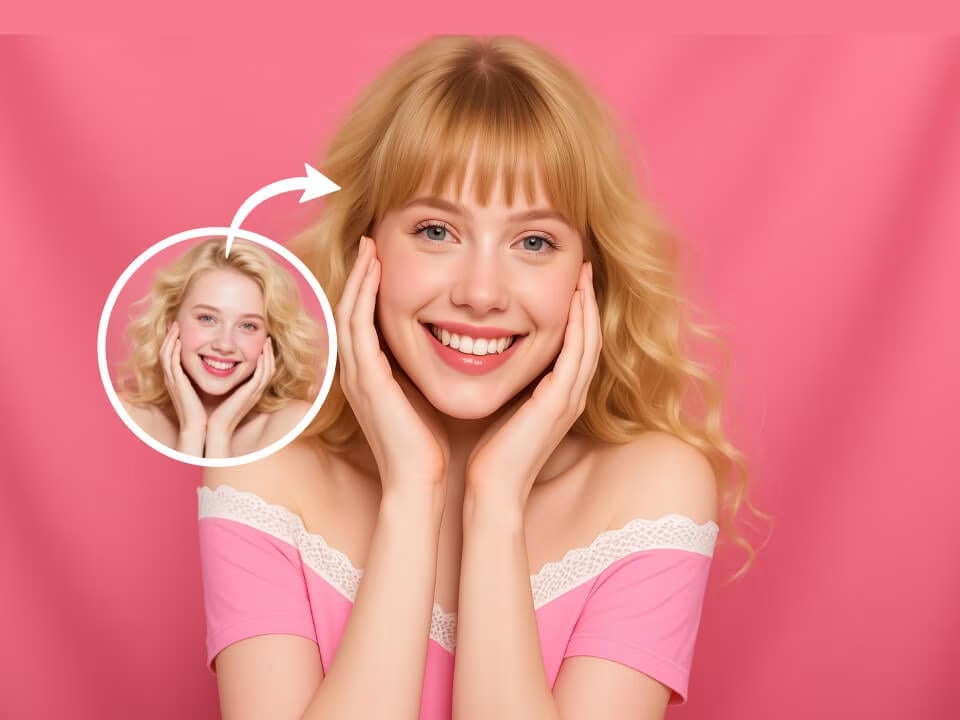
Example 1
AI bangs filter hairstyle example 1
Preview bangs on your own portrait with realistic fringe placement, natural hair texture, and face-framing shape.

Strict identity preservation rule: The generated image MUST keep the original person's face shape, facial features, expression, pose, clothing, lighting, and background exactly as in the uploaded photo. Do NOT change the person's identity, alter their expression, or modify anything other than the specifically requested appearance change. Maintain perfect character consistency in all untouched aspects. Transform the person in the uploaded photo to give them stylish bangs/fringe hairstyle. Preserve the subject's facial features and expression. Add realistic bangs covering the forehead with natural hair texture, soft strands, appropriate hair color matching the original. Maintain original pose, clothing, lighting, and background. Photorealistic hair rendering.
Gallery
AI bangs filter hairstyle example 1
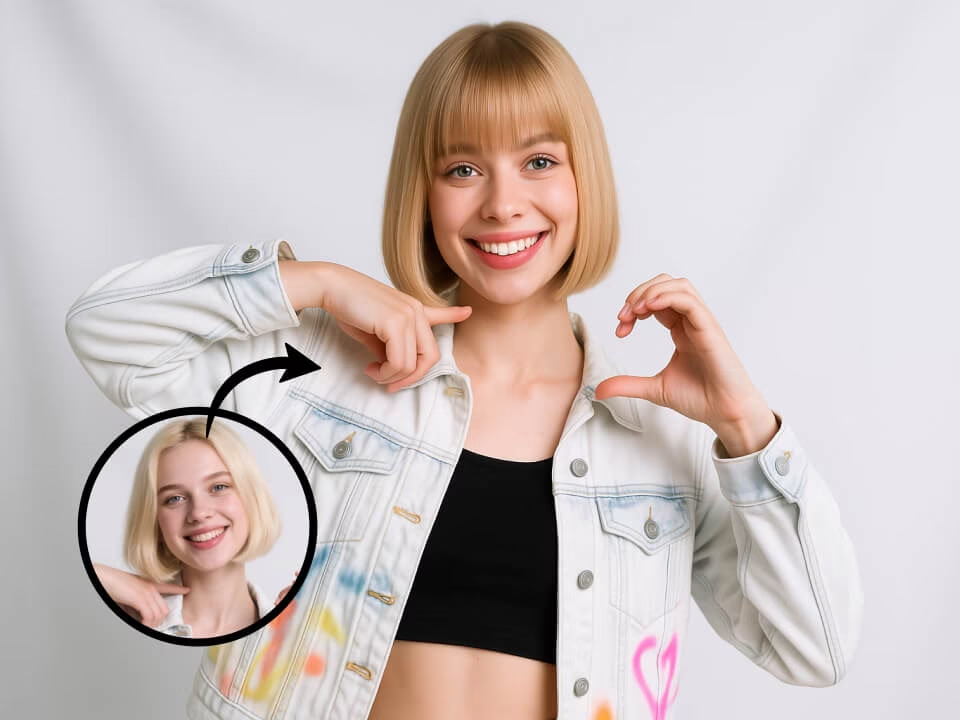
AI bangs filter hairstyle example 2
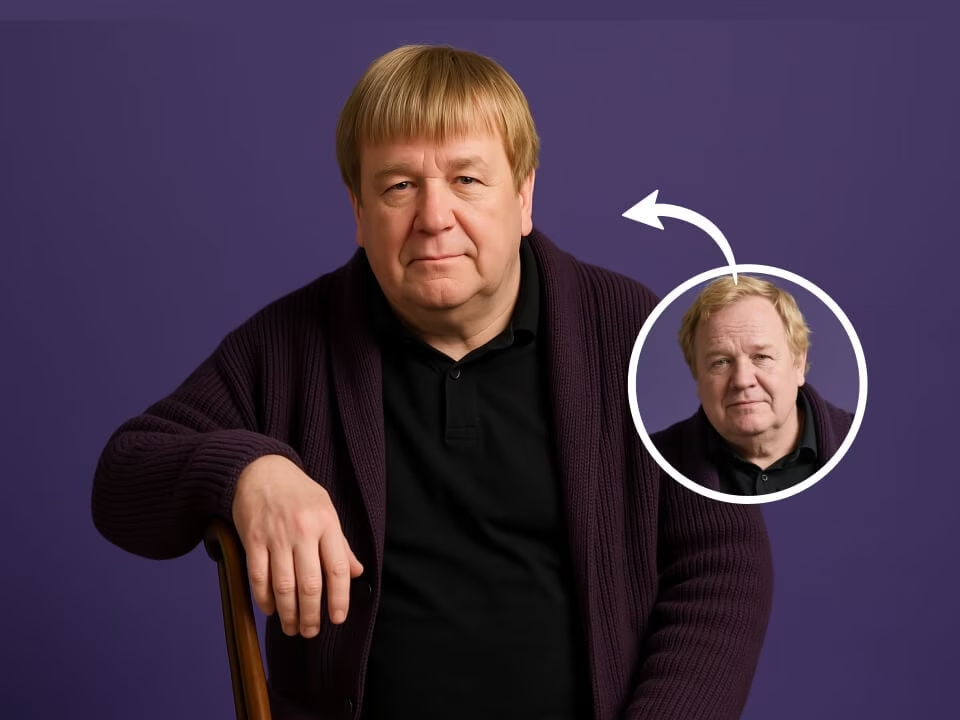
AI bangs filter hairstyle example 3
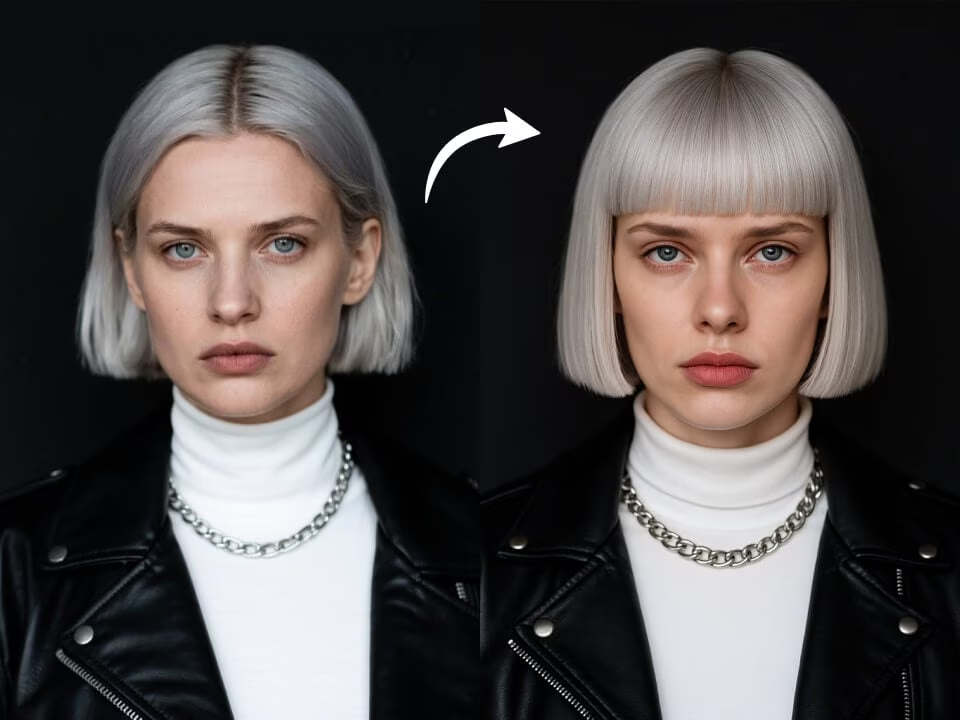
AI bangs filter hairstyle example 4
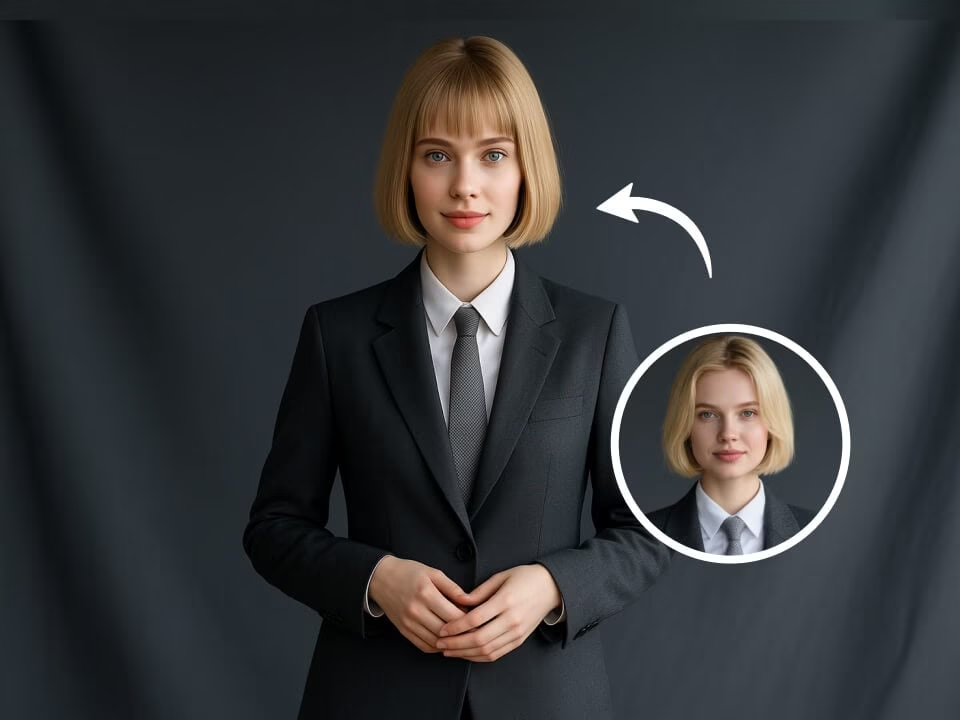
AI bangs filter hairstyle example 5
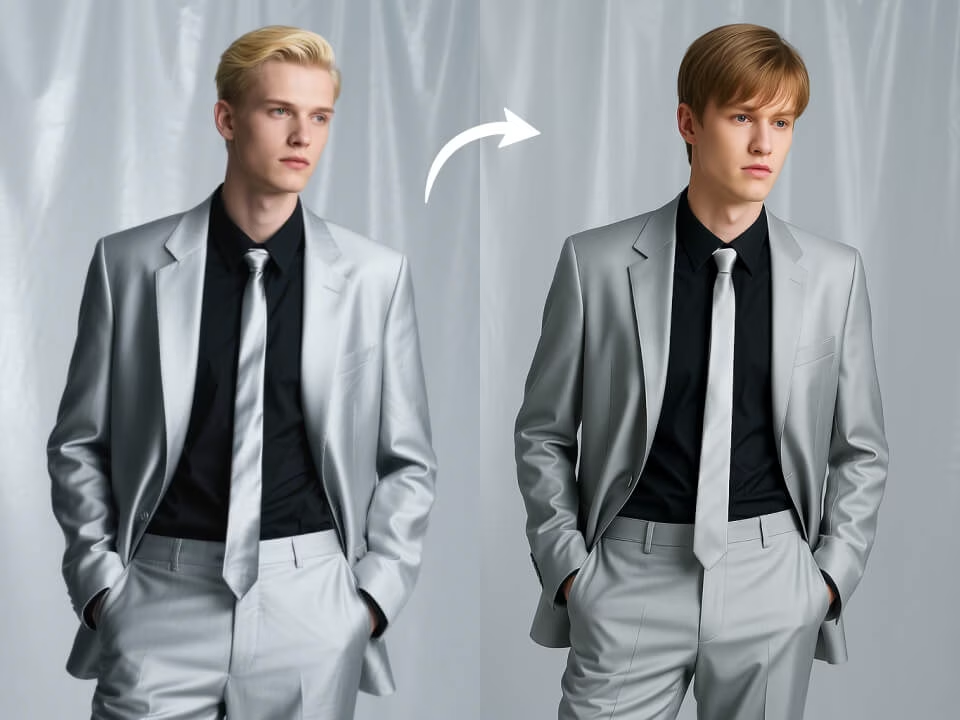
AI bangs filter hairstyle example 6
Focused tools for creating bangs hairstyle previews from your photos.
Try the AI Bangs Filter with daily free credits and no credit card required.
Generate bangs hairstyle previews with composition, lighting, and details tuned for this specific look.
Create a polished result in seconds without waiting through a long editing process.
Upload a JPG, PNG, or WebP image, choose the look, and let the AI handle the edit.
Download clean, high-resolution images without watermarks for personal or commercial projects.
Uploaded photos are processed securely and deleted after generation to protect your privacy.
Create bangs hairstyle previews in three quick steps.
Choose a clear portrait or image from your device. JPG, PNG, and WebP are supported.
The AI creates bangs hairstyle previews while keeping the important subject details intact.
Preview the finished result, download it in high resolution, and share it anywhere.
Answers about creating bangs hairstyle previews with FreeGPTImg.
Create bangs hairstyle previews with FreeGPTImg in seconds. Upload a photo and start with free daily credits.