


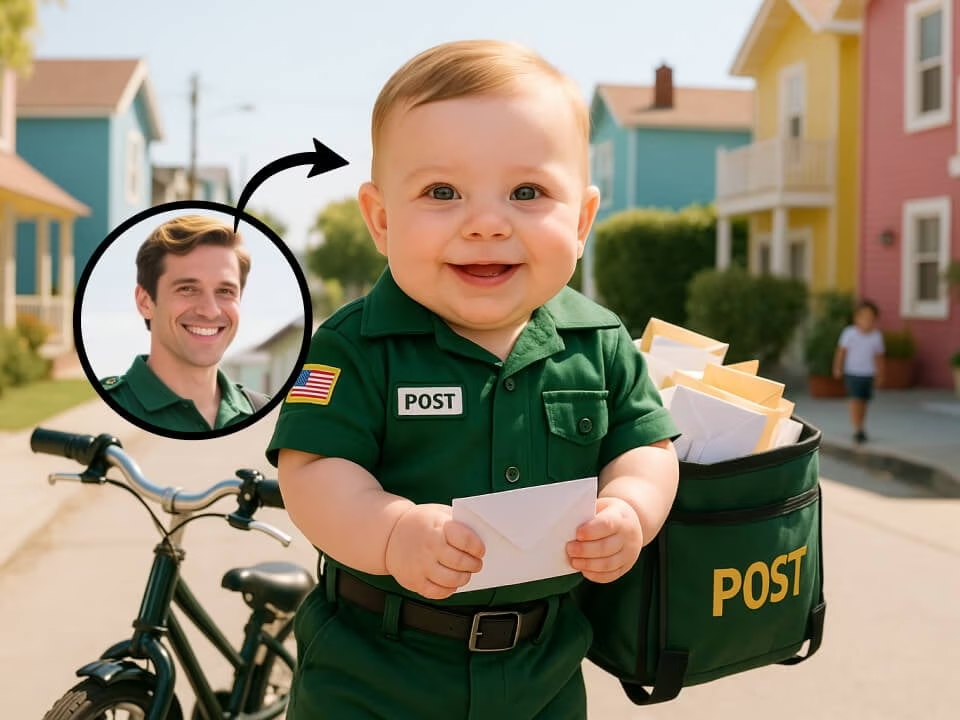
Example 1
AI baby filter portrait example 1
Create a playful baby version of your portrait with soft cheeks, youthful proportions, and recognizable facial features.

Strict identity preservation rule: The generated image MUST keep the original person's core identity markers — face shape, eye color, hair color, and distinctive facial features — exactly as in the uploaded photo. Do NOT change the person's identity into someone else. Only apply the requested specific modification (age/expression) while ensuring the person remains immediately recognizable. Transform the adult person in the uploaded photo into an adorable baby or toddler version. Preserve recognizable facial features, eye color, and hair color. Render with chubby cheeks, big innocent eyes, tiny button nose, soft smooth skin, baby proportions, cute expression, wearing baby clothes, warm soft lighting, nursery-like background.
Gallery
AI baby filter portrait example 1
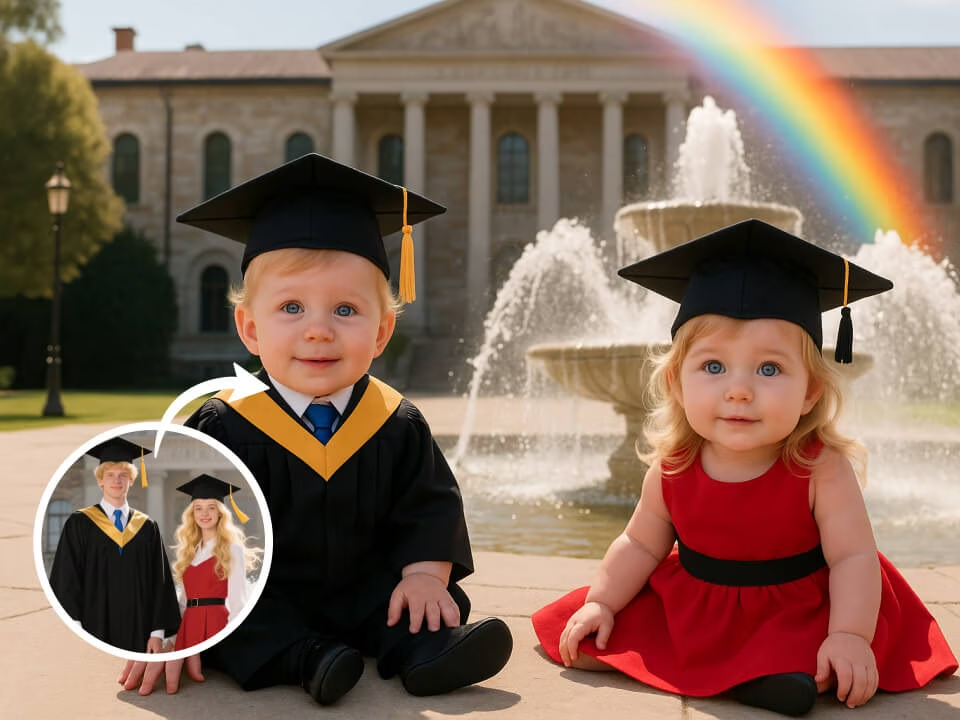
AI baby filter portrait example 2
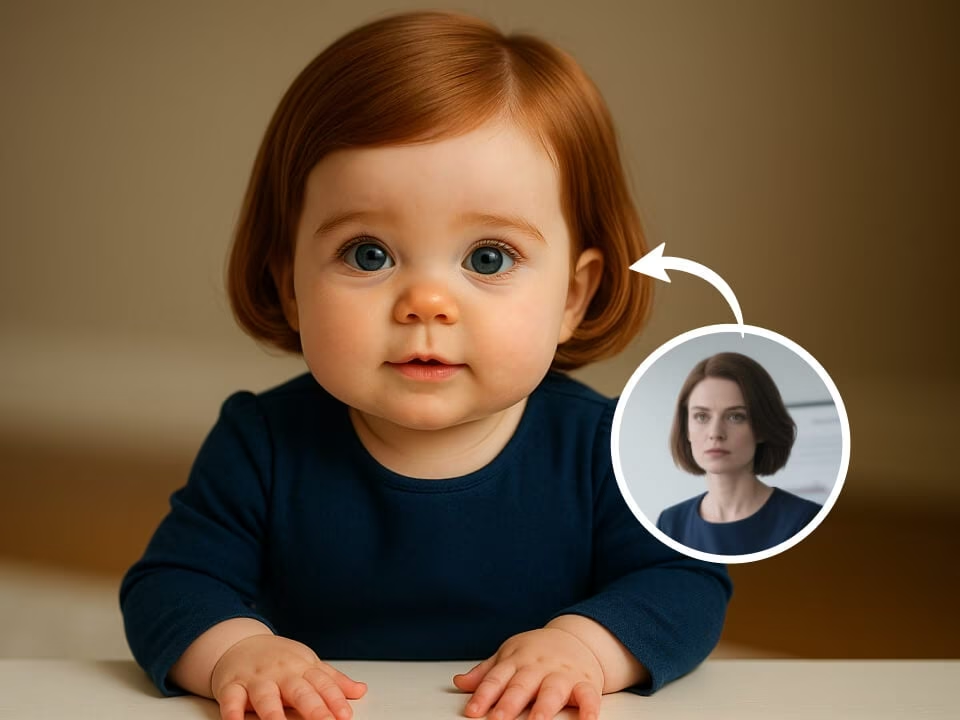
AI baby filter portrait example 3
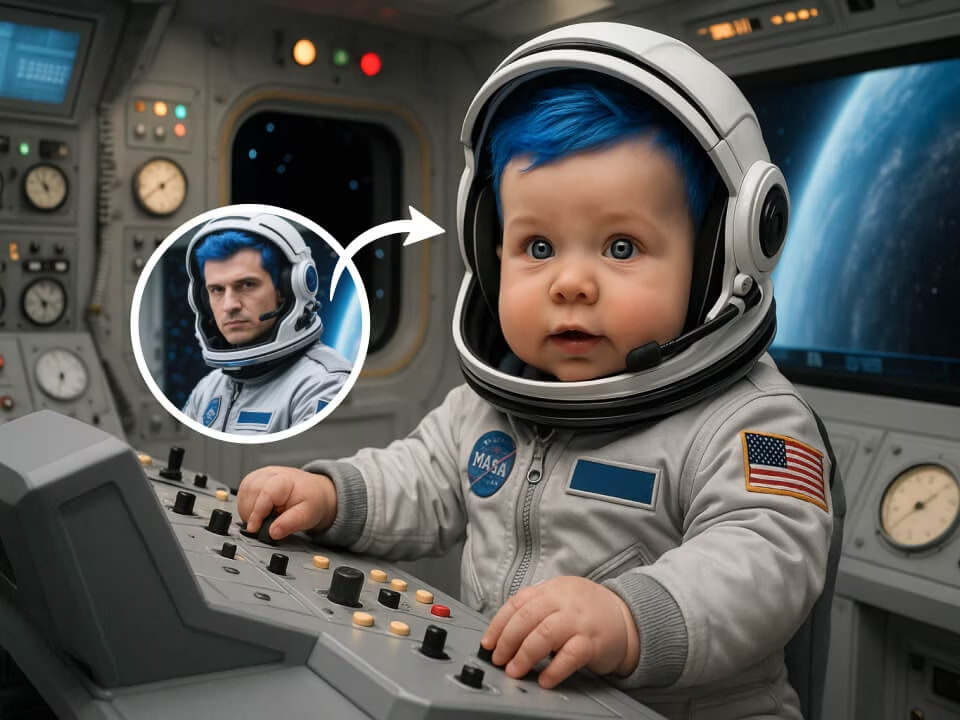
AI baby filter portrait example 4
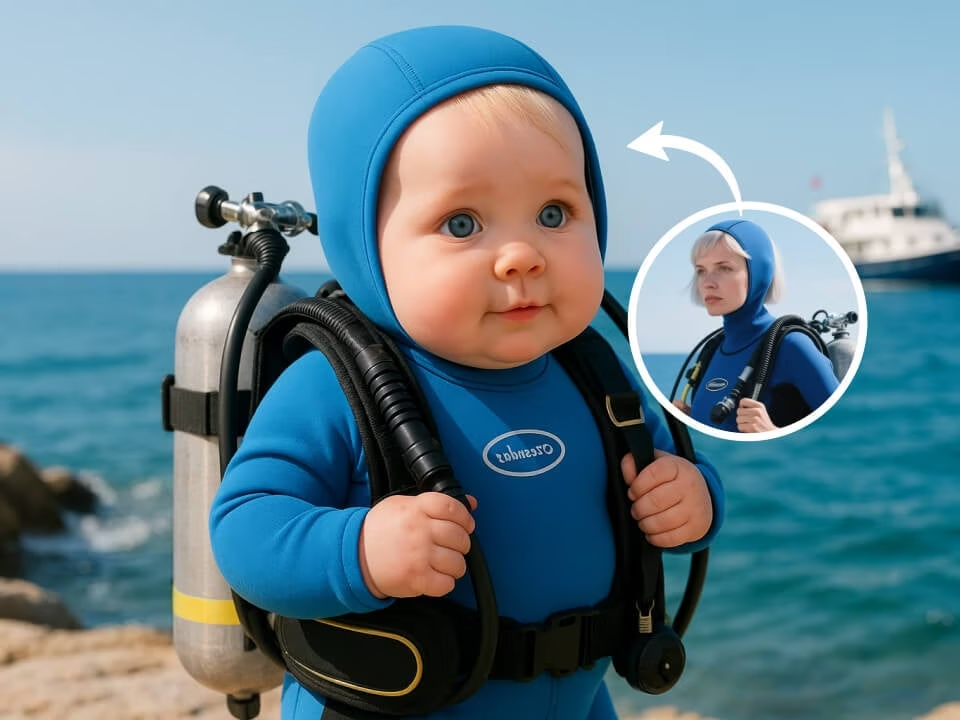
AI baby filter portrait example 5
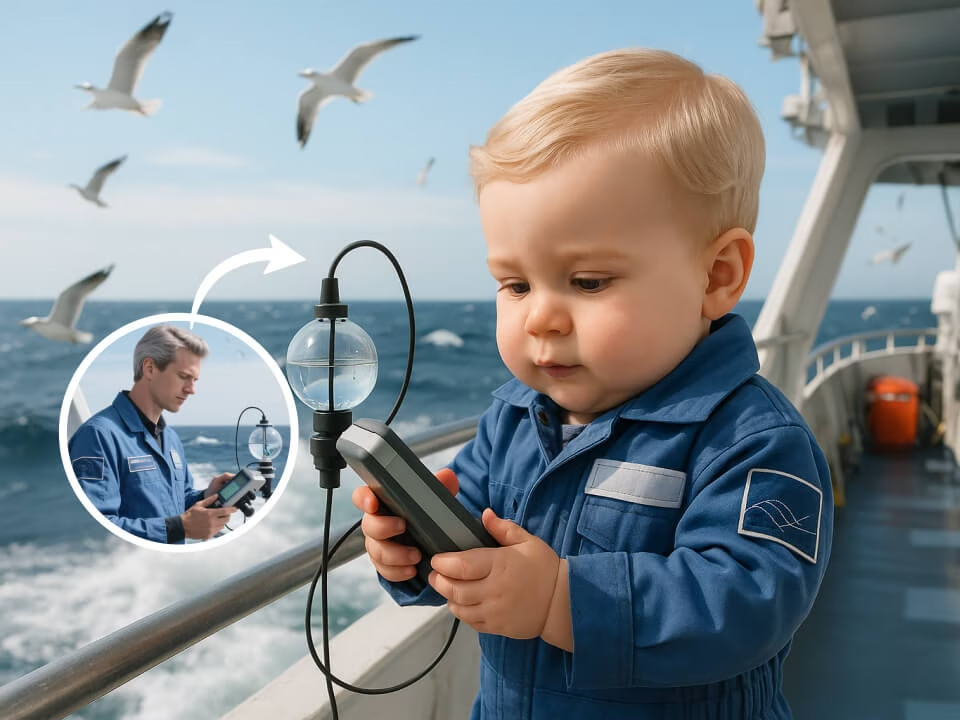
AI baby filter portrait example 6
Focused tools for creating baby-face portraits from your photos.
Try the AI Baby Filter with daily free credits and no credit card required.
Generate baby-face portraits with composition, lighting, and details tuned for this specific look.
Create a polished result in seconds without waiting through a long editing process.
Upload a JPG, PNG, or WebP image, choose the look, and let the AI handle the edit.
Download clean, high-resolution images without watermarks for personal or commercial projects.
Uploaded photos are processed securely and deleted after generation to protect your privacy.
Create baby-face portraits in three quick steps.
Choose a clear portrait or image from your device. JPG, PNG, and WebP are supported.
The AI creates baby-face portraits while keeping the important subject details intact.
Preview the finished result, download it in high resolution, and share it anywhere.
Answers about creating baby-face portraits with FreeGPTImg.
Create baby-face portraits with FreeGPTImg in seconds. Upload a photo and start with free daily credits.