


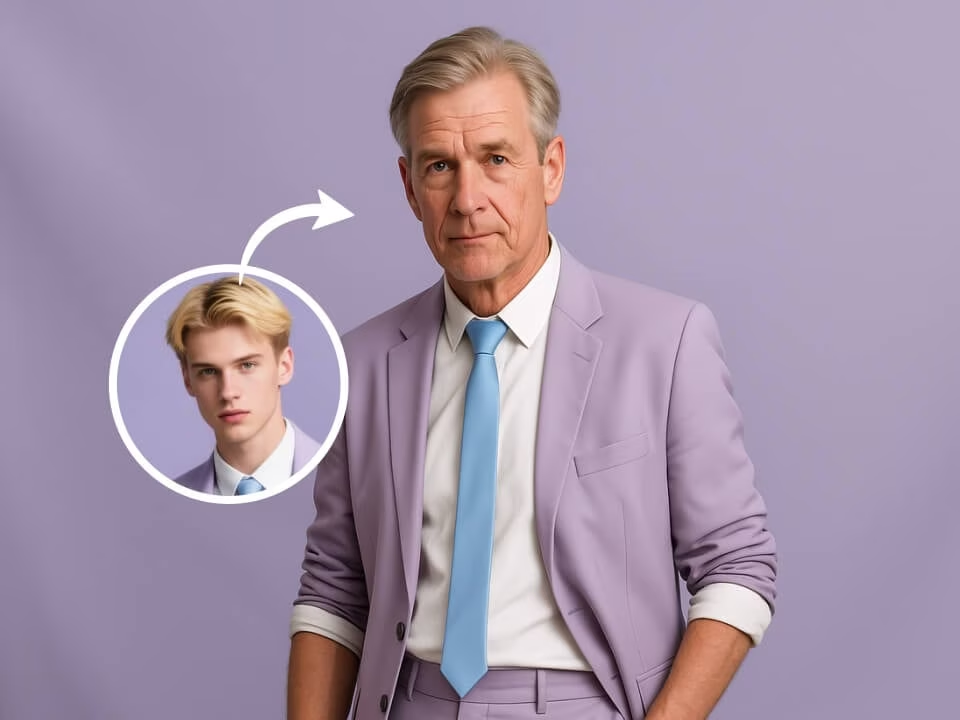
Example 1
AI Aging Filter sample result with a natural older-version portrait
Use the AI Aging Filter to create realistic aged portraits from your photo. FreeGPTImg focuses the AI on a natural older-version portrait, so the final image matches the look people search for instead of a generic photo filter.

Strict identity preservation rule: The generated image MUST keep the original person's core identity markers — face shape, eye color, hair color, and distinctive facial features — exactly as in the uploaded photo. Do NOT change the person's identity into someone else. Only apply the requested specific modification (age/expression) while ensuring the person remains immediately recognizable. Transform the person in the uploaded photo to show them naturally aged by 30-40 years. Preserve the subject's core facial structure and identity. Add realistic aging details: wrinkles, gray or white hair, slightly sagging skin, age spots, softer jawline, wise expressive eyes. Maintain the original pose, clothing, and background. Photorealistic, respectful, warm lighting.
Gallery
AI Aging Filter sample result with a natural older-version portrait
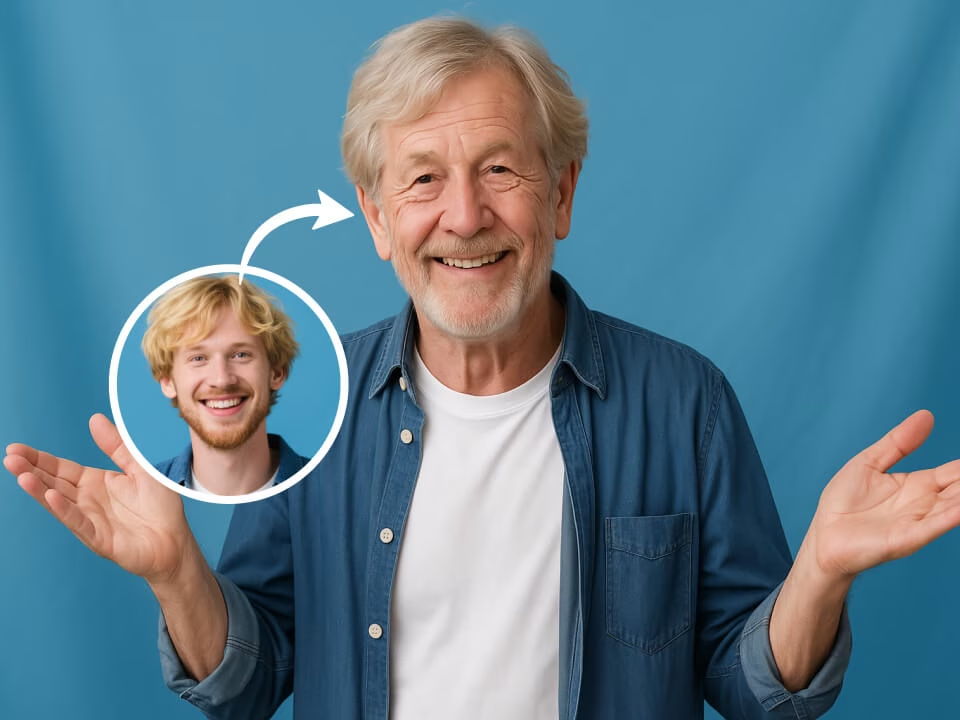
AI Aging Filter sample result with a natural older-version portrait
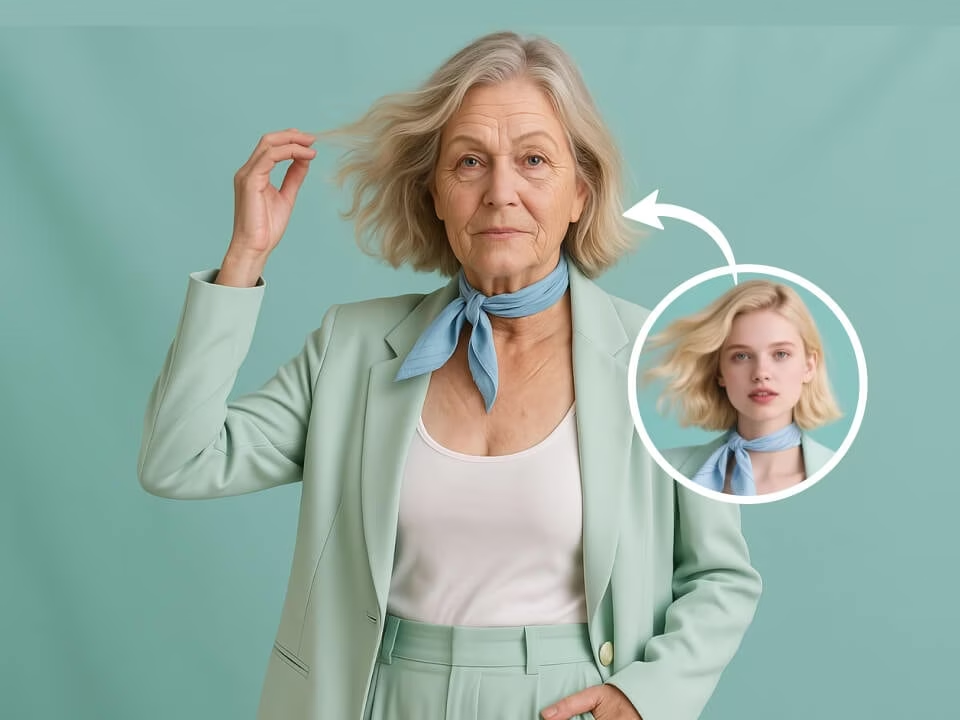
AI Aging Filter sample result with a natural older-version portrait
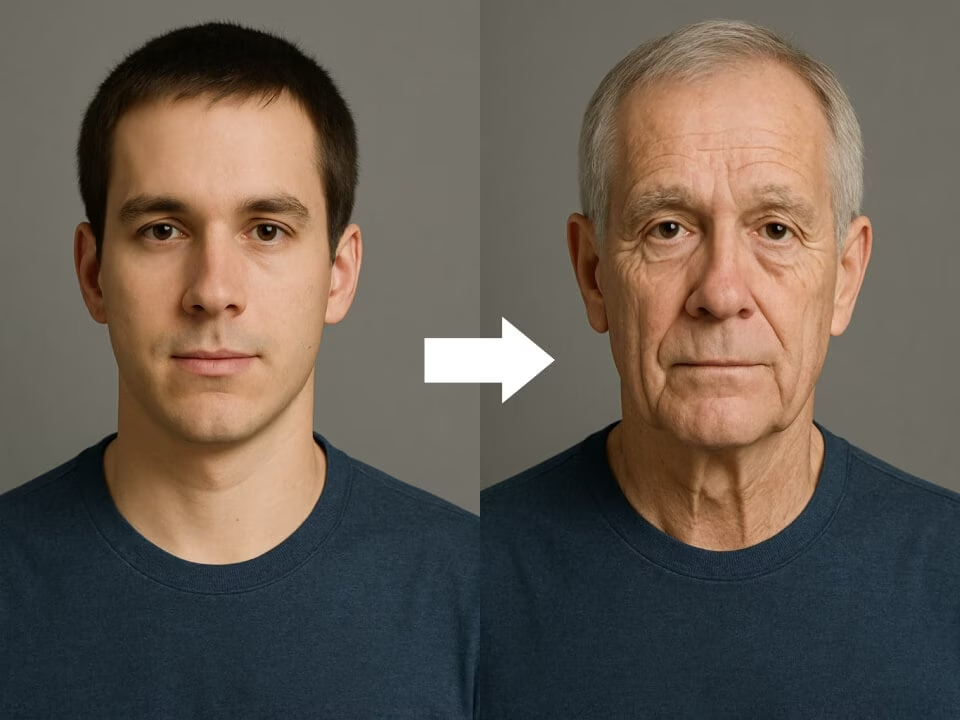
AI Aging Filter sample result with a natural older-version portrait
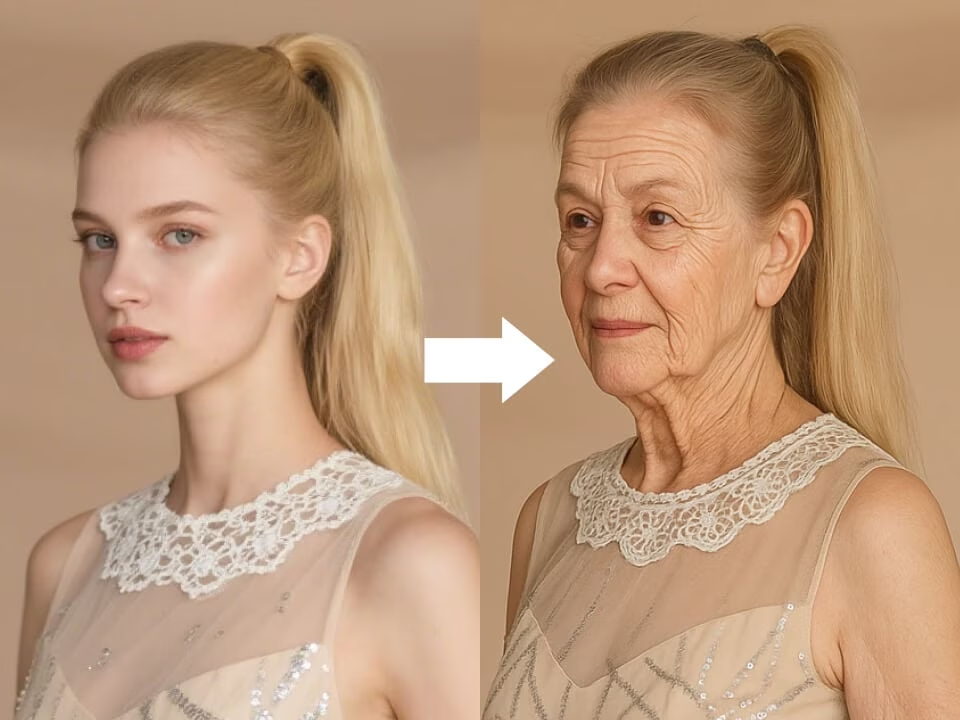
AI Aging Filter sample result with a natural older-version portrait
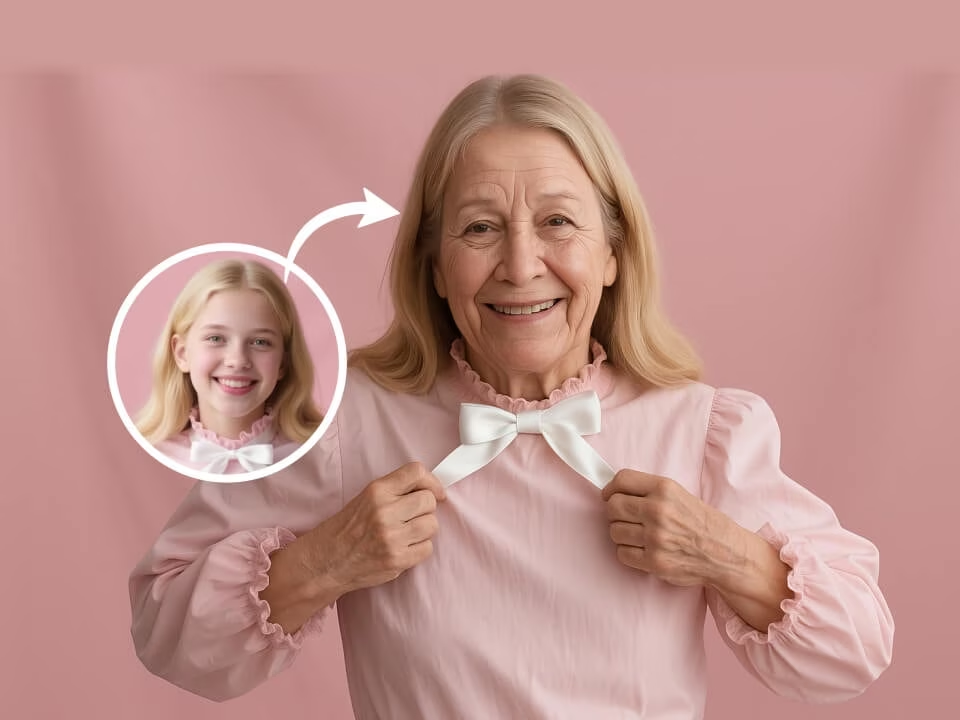
AI Aging Filter sample result with a natural older-version portrait
Built for creating realistic aged portraits, not generic AI edits.
Use the AI Aging Filter with daily free credits. No credit card is required to start.
Generate realistic aged portraits with clean details, balanced lighting, and polished composition.
Preview a finished aged portrait in seconds without waiting through a long queue.
Upload a photo, add a short prompt if needed, and let the AI build a natural older-version portrait.
Download your generated image without watermarks for posts, mockups, listings, or personal projects.
Your uploads are processed securely and handled with privacy in mind.
Create aged portrait in three focused steps.
Choose a JPG, PNG, or WebP image that clearly shows the subject you want to restyle.
The AI applies the AI Aging Filter style and refines the scene, textures, and details.
Save the high-resolution result and use it for social posts, profile images, or creative projects.
Answers about creating realistic aged portraits on FreeGPTImg.
Start with a photo and generate aged portrait tailored to the AI Aging Filter style.