


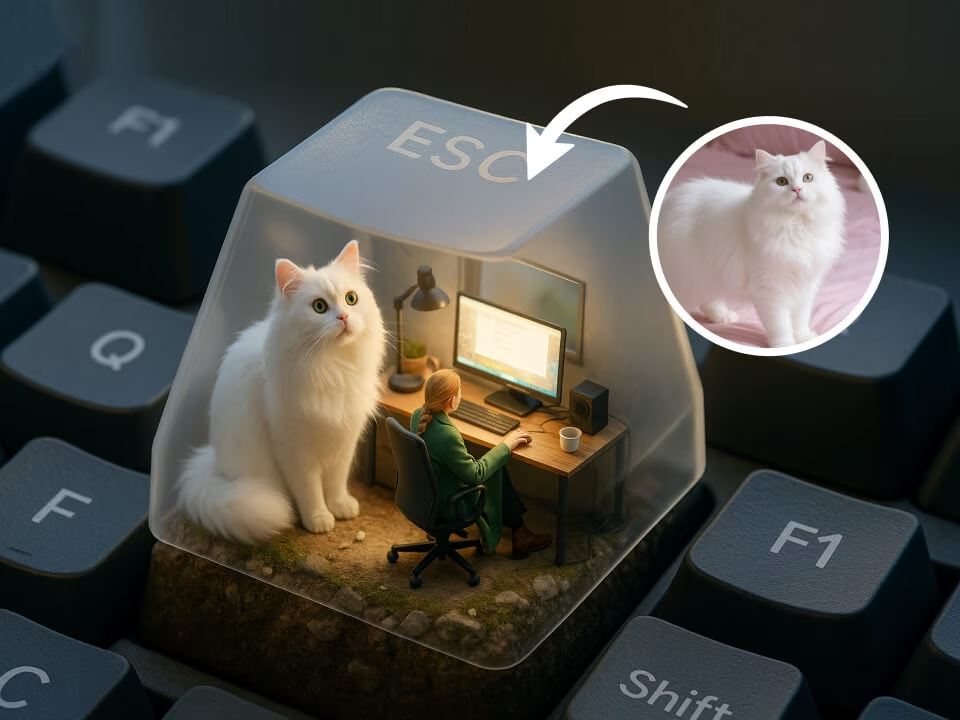
Example 1
AI 3D ESC Keycap Generator generated a miniature scene inside an ESC keycap
Upload a photo and turn it into a miniature scene inside an ESC keycap. The AI 3D ESC Keycap Generator focuses on one clear result: a polished 3D image with recognizable subject details, studio lighting, and clean composition.

Strict identity preservation rule: The generated image MUST keep the original person's recognizable facial features, expression, hairstyle, and pose exactly as in the uploaded photo. Do NOT change the person's identity or alter their core appearance. Only transform the material/texture into the requested object style while maintaining perfect character consistency. Transform the subject in the uploaded photo into a custom 3D ESC keycap design. The person or character should be sculpted into a tiny detailed figurine sitting on or integrated with a keyboard keycap. Render in glossy resin 3D style, realistic key proportions, soft product photography lighting, clean white or gradient background.
Gallery
AI 3D ESC Keycap Generator generated a miniature scene inside an ESC keycap
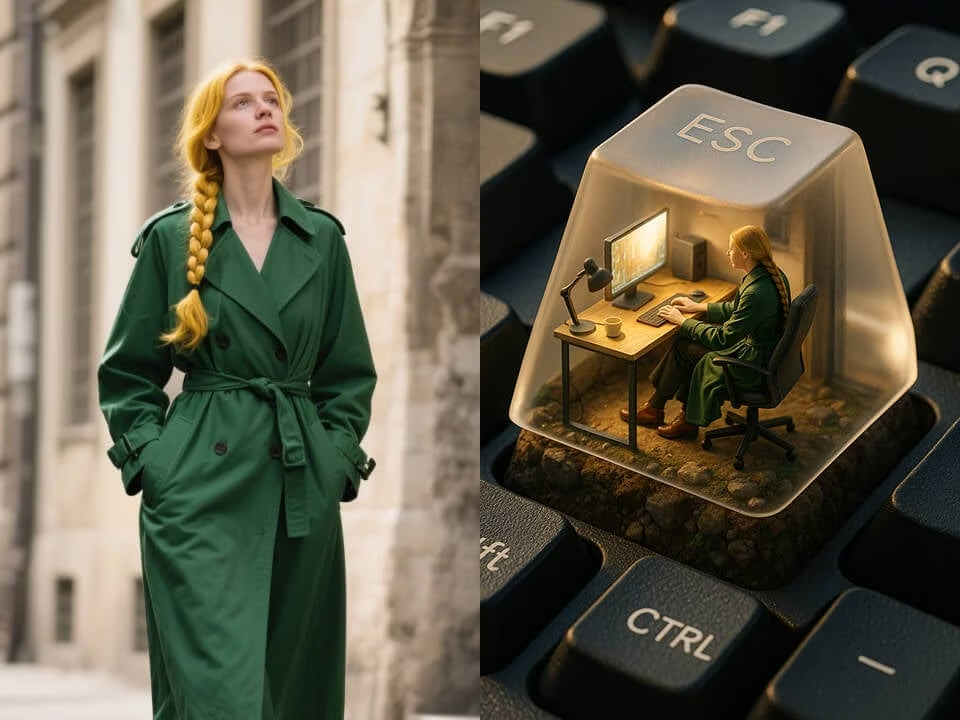
AI 3D ESC Keycap Generator generated a miniature scene inside an ESC keycap
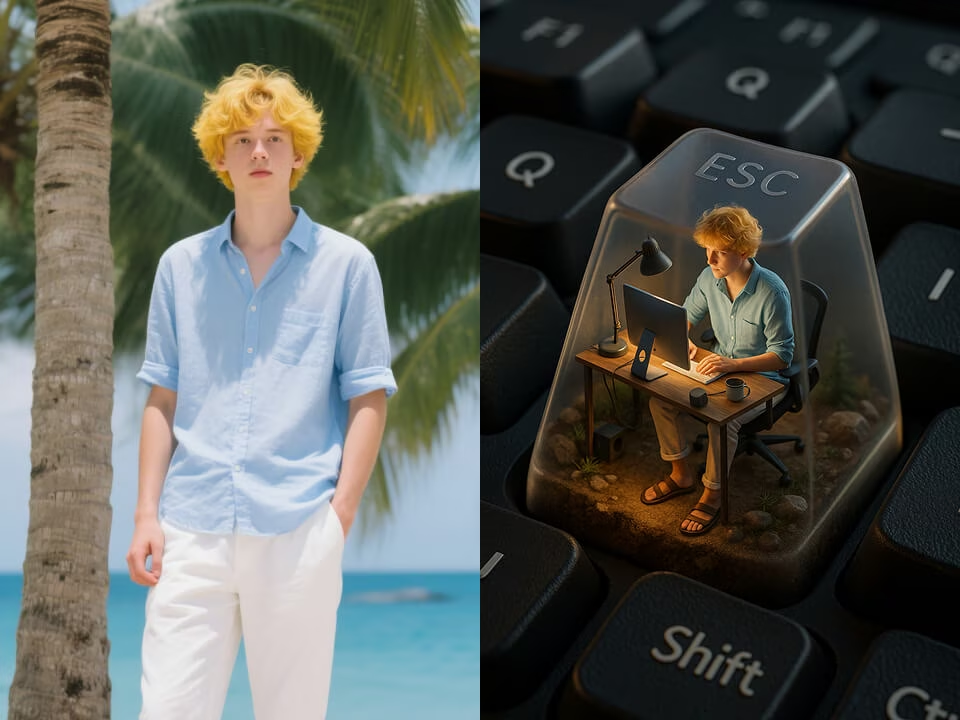
AI 3D ESC Keycap Generator generated a miniature scene inside an ESC keycap
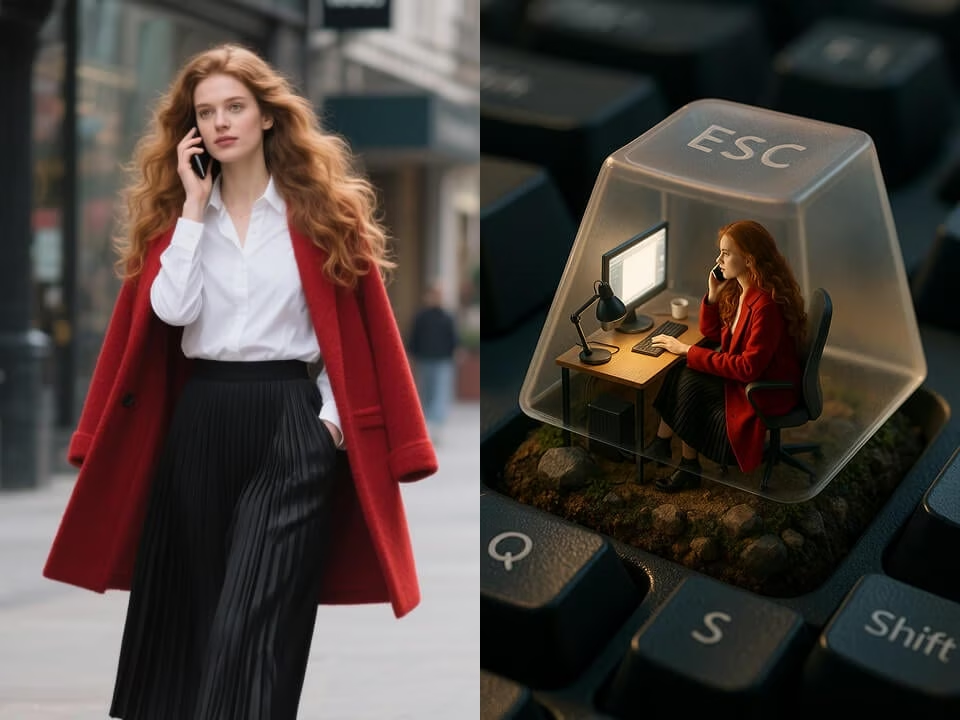
AI 3D ESC Keycap Generator generated a miniature scene inside an ESC keycap
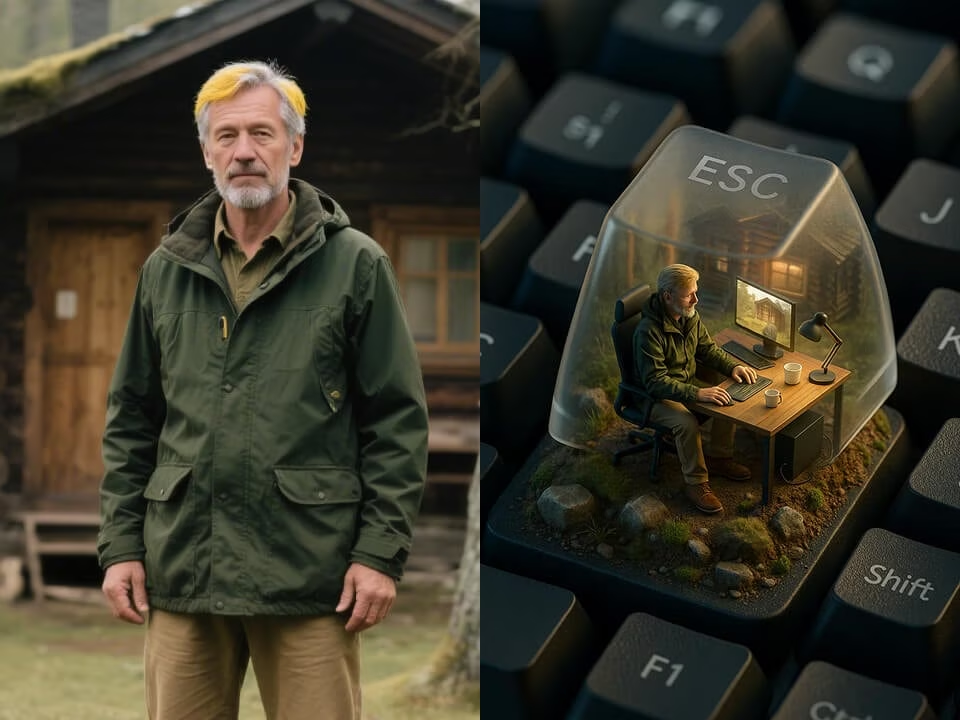
AI 3D ESC Keycap Generator generated a miniature scene inside an ESC keycap
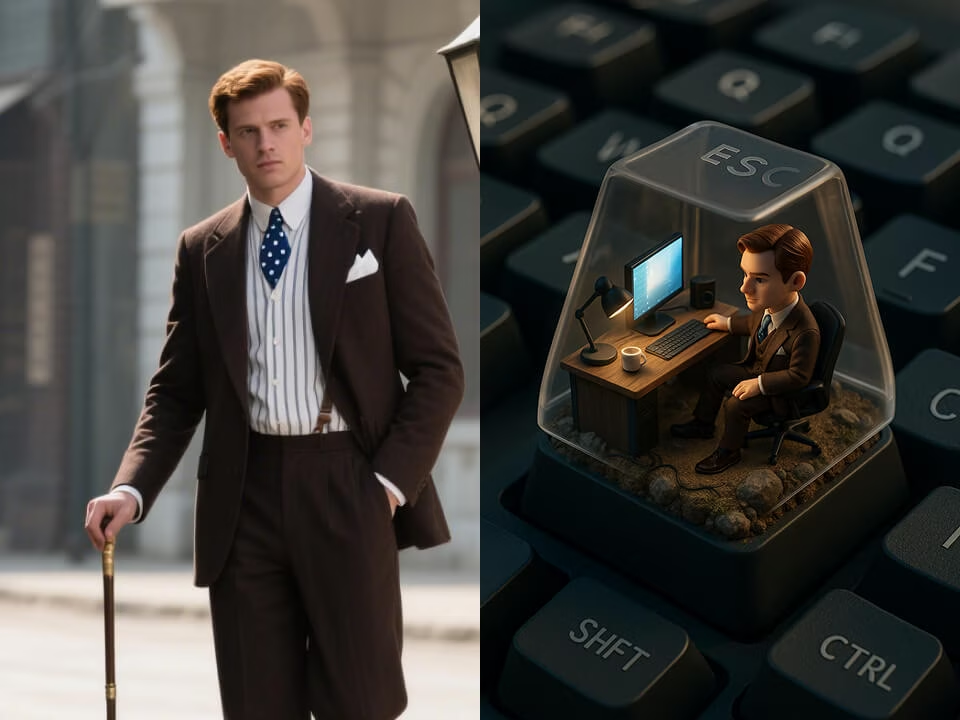
AI 3D ESC Keycap Generator generated a miniature scene inside an ESC keycap
Tools for turning one photo into a miniature scene inside an ESC keycap.
Create a miniature scene inside an ESC keycap with free daily credits. No credit card required.
Preserve the subject while adding polished 3D form, texture, lighting, and miniature-scale detail.
Generate miniature scene inside an ESC keycap in seconds for posts, product mockups, avatars, or concept art.
Upload a JPG, PNG, or WebP photo and let the AI apply the AI 3D ESC Keycap Generator style automatically.
Download clean, high-resolution images without watermarks for personal or commercial projects.
Uploads are processed securely and removed after generation to protect your images.
Create a miniature scene inside an ESC keycap from a photo in three quick steps.
Choose a portrait, product shot, room, street view, or object photo in JPG, PNG, or WebP format.
The AI rebuilds the image as a miniature scene inside an ESC keycap while keeping the main subject recognizable.
Save the finished high-resolution image and use it in social posts, thumbnails, mockups, or creative campaigns.
Common questions about creating images with the AI 3D ESC Keycap Generator.
Upload a photo and generate a miniature scene inside an ESC keycap on FreeGPTImg. Start free with no credit card required.